Instrument Functions
R&S
®
NRP2
127User Manual 1173.9157.02 ─ 03
Select Trace
Switches between the traces available for pulse analysis (available only for waveforms
representing absolute power of a wideband power sensor (R&S NRP-Z8x series)).
4.5.6.2 Pulse diagram settings
► Set the parameters of pulse analysis in the "Config Pulse..." dialog box opened via
the Window→Graph→"Display"→"Pulse" control panel ("Trace&Statistics" sensor
mode).
The R&S NRP2 indicates the total number of the activated parameters in the header of
the dialog box. You can activate up to 6 items out of 15 for display.
As a prerequisite of pulse analysis, the parameters selected for display must be included
in the analysis window. If for example the duty cycle of a pulsed signal is to be determined,
at least one cycle of the waveform must be within the borders of the selected gate or must
be part of the visible portion of the trace (if pulse analysis extends over the whole trace).
If the analysis window contains several cycles, evaluation always applies to the first cycle.
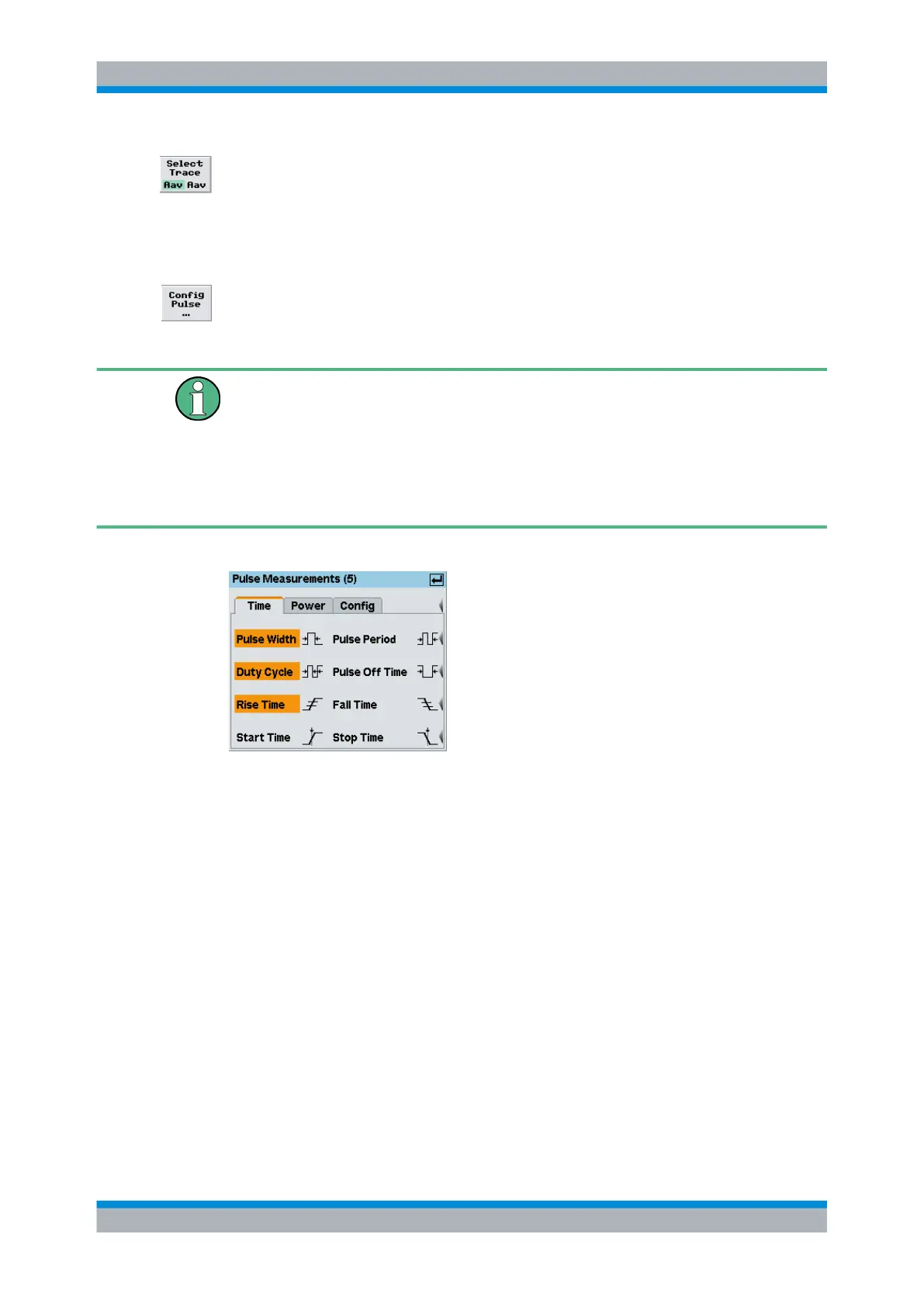
Pulse Measurements / Time
Fig. 4-56: Pulse Measurements / Time tab dialog box
The pulse time parameters to be displayed in the info panel are selected on the "Time"
tab.
"Pulse Width"
Indication of pulse duration.
"Pulse Period"
Indication of the time the pulse signal needs to complete one cycle.
"Duty Cycle"
Indication of the duty cycle of the measured power.
"Pulse Off
Time"
Indication of the gap between two pulses.
"Rise / Fall
Time"
Indication of the times the signal requires to change from the power off
to power on state.
"Start / Stop
Time"
Indication of the start / stop point of the first power pulse within the
analysis window, i.e. the time when the signal passes through the
medial reference power level with rising or falling edge, referenced to
the delayed trigger event.
Displaying traces



 To Next Page