Instrument Functions
R&S
®
NRP2
157User Manual 1173.9157.02 ─ 03
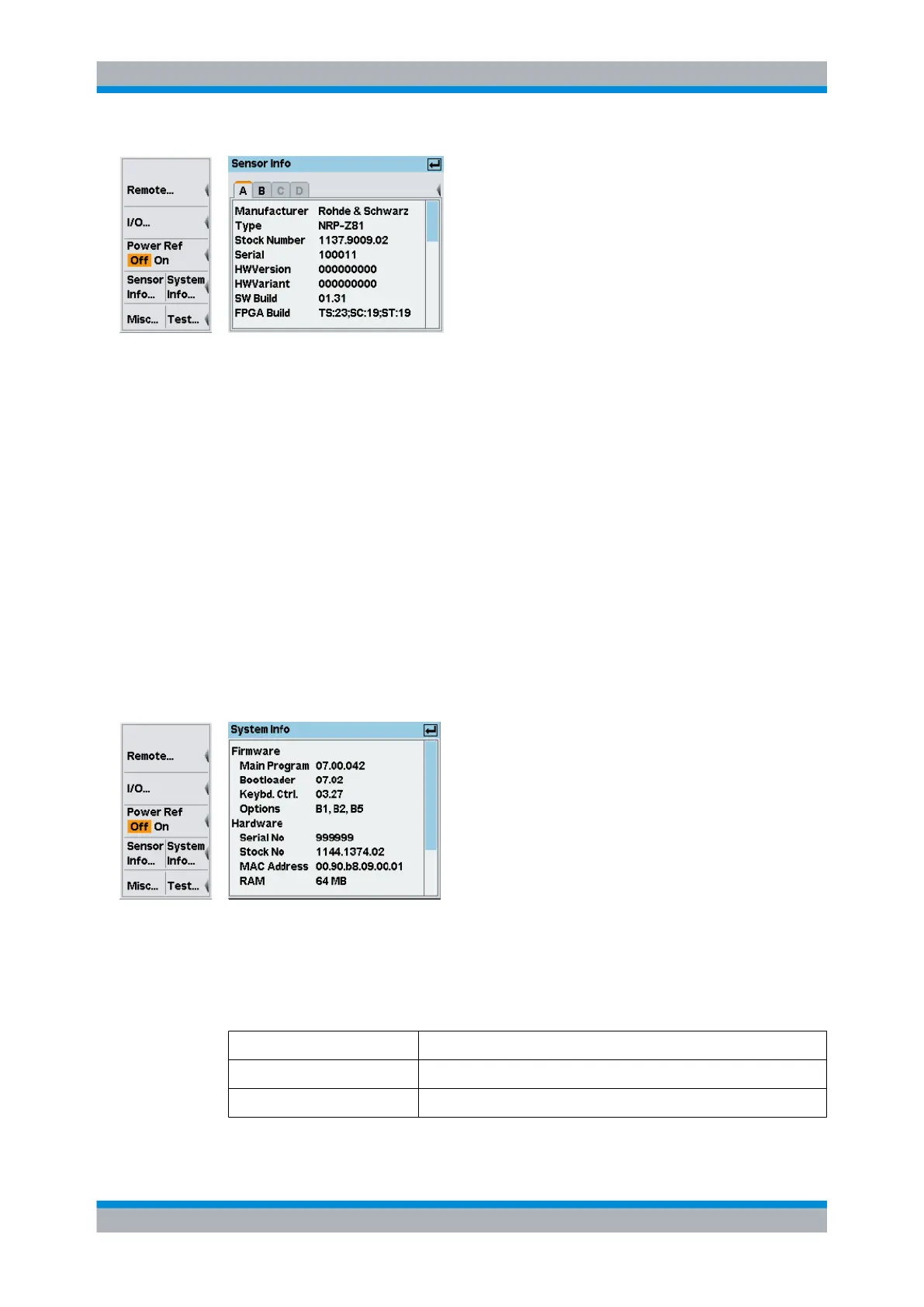
Fig. 4-89: Sensor info dialog
A | B | C | D
Tabs for selecting the sensor.
Note: In remote-control commands, select the sensor with the suffix in command
SENSe<[1]..4>:..., i.e. choose suffix 1 for channel A, channel 2 for B, and so on.
(Sensor info)
The sensor info dialog shows the information on the selected sensor.
SCPI command:
SYSTem:SENSor<[1]..4>:INFO? on page 322
4.7.4.2
Information on the R&S NRP2
► Select "System Info..." in the "System" menu.
Fig. 4-90: System info dialog
(System info)
The system info dialog displays information concerning hardware and firmware of your
R&S NRP2.
Firmware
Main program Firmware version
Bootloader Version of the bootloader.
System settings



 To Next Page