Putting into Operation
R&S
®
NRP2
13User Manual 1173.9157.02 ─ 03
The function of the key is determined according to context – in other words, the
ENTER or MENU function is always selected automatically for the operator by the instru-
ment.
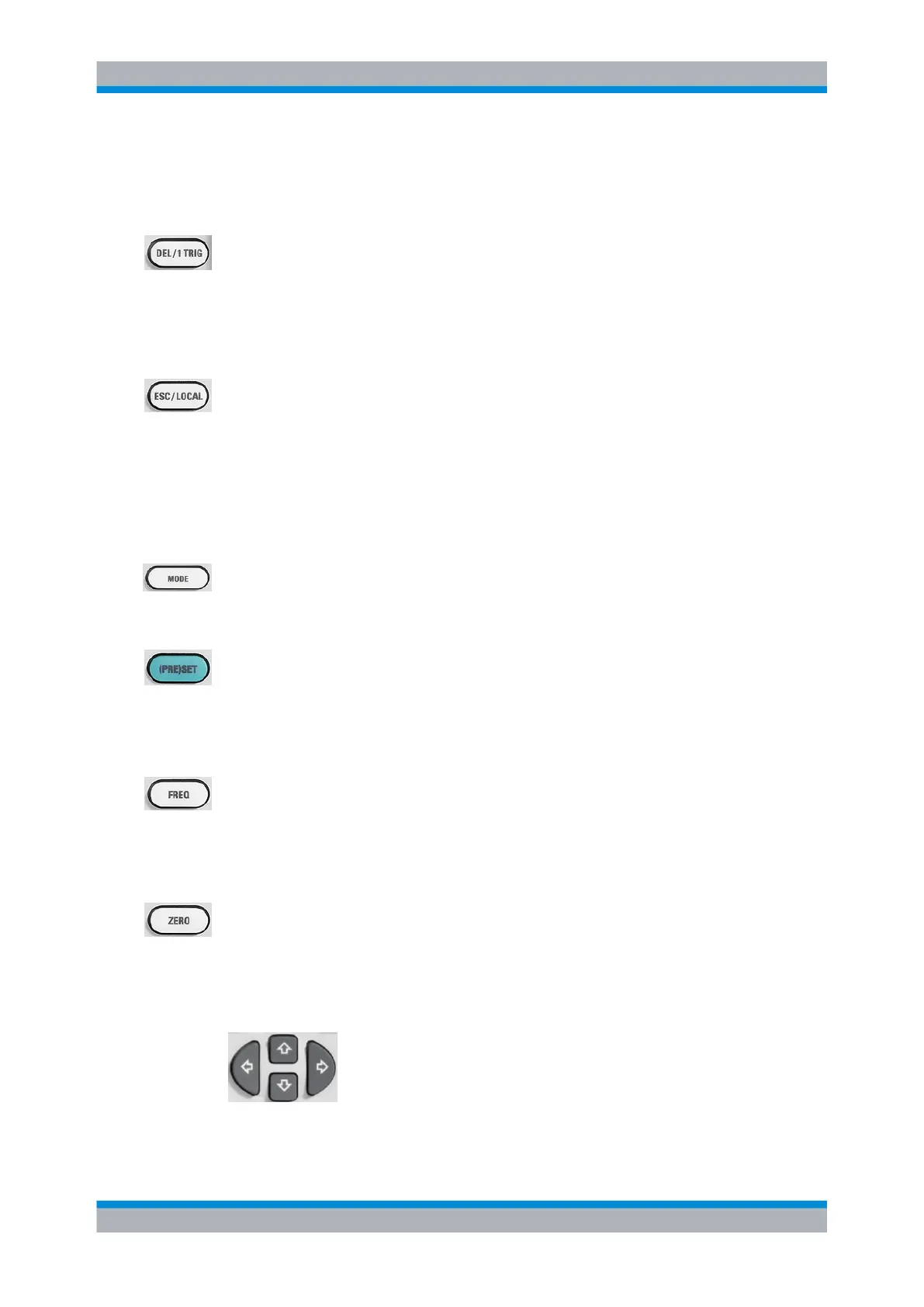
DEL / 1 TRIG
●
the DEL key is used to delete numbers or text in a field so that a completely new entry
can be made.
●
as the 1 TRIG key, it enables and triggers single-shot measurements in the trace
mode.
The function of the key is selected automatically according to context.
ESC / LOCAL
●
this key is used as an ESC key to escape from the entry mode in text boxes and drop-
down lists. It is also used to close dialog boxes and menus without losing any entries
that have been made, see chapter 3.2, "Screen layout", on page 49.
● as the LOCAL key, it is used to switch the R&S NRP2 from remote control mode (all
controls disabled) to manual mode.
The key is automatically assigned its function according to context - in other words, there
is no manual assignment by the operator.
MODE
MODE opens the "Mode" dialog box to select and configure the measurement mode.
See also chapter 4.2.1.1, "Mode dialog box", on page 64.
(PRE)SET
The (PRE)SET hardkey sets the R&S NRP2 to its default setting. Default settings are
sensor specific.
The function can also be started with the "Preset" softkey in the file menu, see chap-
ter 4.6.1, "Default setting", on page 139.
FREQ
FREQ sets the carrier frequency of the applied signal to obtain the specific measurement
uncertainty.
Find more information on the frequency dialog box in the operating manual, chapter 4.1.2,
"Frequency hardkey", on page 62.
ZERO
This function starts the autozero function, see also chapter 4.1.3, "Zero hardkey",
on page 63.
1.5.2.3 Cursor keys
Front panel tour



 To Next Page