Instrument Functions
R&S
®
NRP2
80User Manual 1173.9157.02 ─ 03
acquisitions have been evaluated. The oldest result is taken out of the averaging filter
and a new average value is calculated.
The averaging number can be selected automatically or it can be manually set to a fixed
value. As a starting point, automatic filtering should always be used. If the automatically
selected filter setting proves to be not adequate, the averaging number can be
in(de)creased manually.
Two autofilter operating modes are provided:
●
"Normal"
The "Normal" mode finds a balance between measurement time and display noise.
As an additional parameter, display resolution can be used to adjust the filter setting.
With increasing resolution, i.e. an increasing number of digits in the measurement
results, the averaging number also increases.
●
"Fixed Noise"
In the "Fixed Noise" mode, the averaging number is selected so that the sensors
intrinsic noise (2 standard deviations) does not exceed the specified "Noise Con-
tent". To avoid very long settling times when the power is low, the averaging number
can be limited with the "Max Settling Time" parameter. If the display noise then
exceeds the set noise content, the symbol "S/N" is displayed.
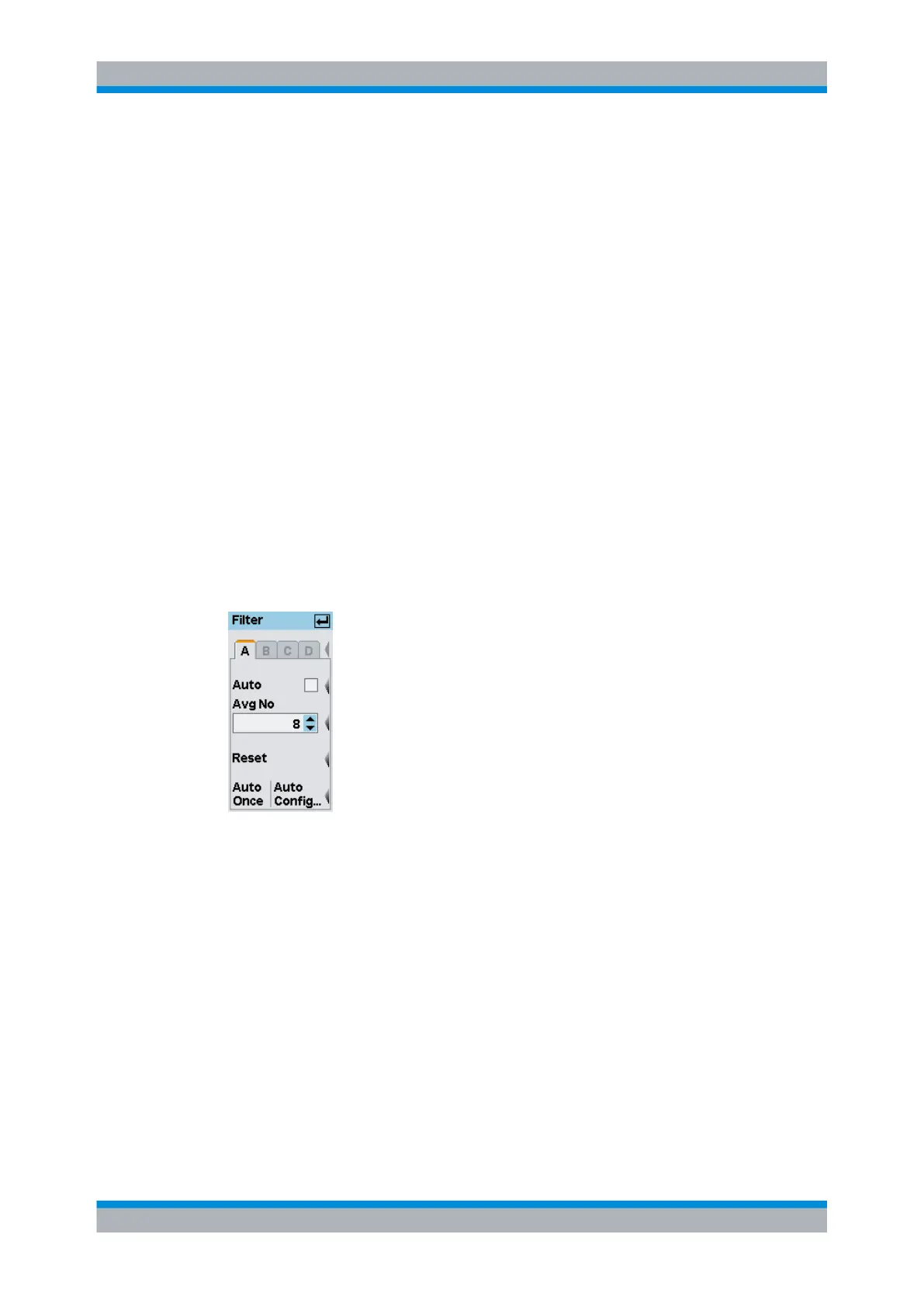
4.2.3.1 Filter dialog box
Fig. 4-16: Filter dialog box
A | B | C | D
Tabs for selecting the sensor.
Note: In remote-control commands, select the sensor with the suffix in command
SENSe<[1]..4>:..., i.e. choose suffix 1 for channel A, channel 2 for B, and so on.
Auto
Toggles between automatic and manual filter setting.
SCPI command:
[SENSe<[1]..4>]:AVERage:COUNt:AUTO on page 262
Avg No
Sets the averaging number manually.
Data acquisition and parameters



 To Next Page