Managing Temporarily Saved Files
1. Click [Temporarily Saved File Management (for Administrator)] on the top page of the
Web page.
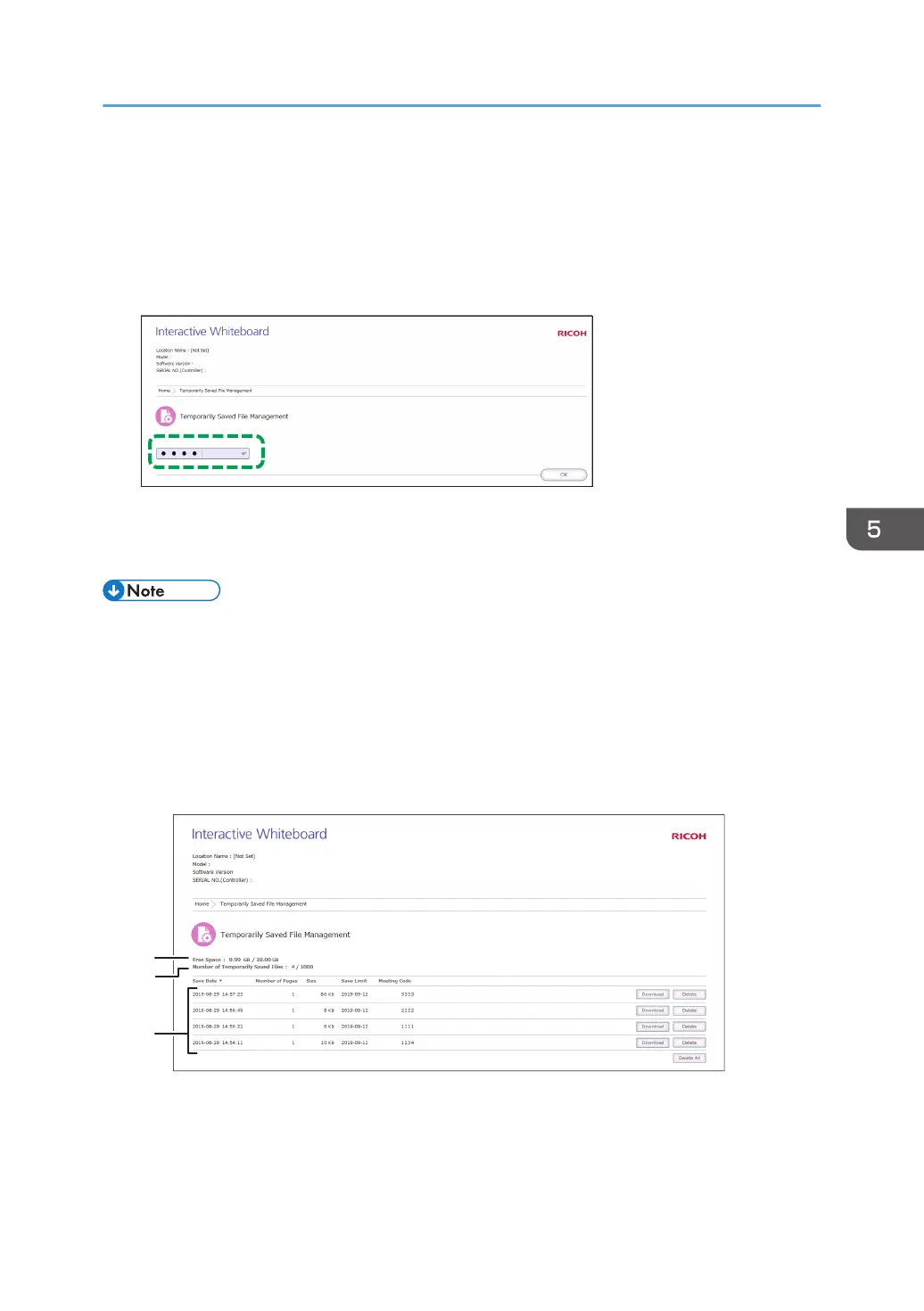
2. In the password input field, enter the administrator password.
3. Click [OK].
The Temporarily Saved File Management screen appears. Delete or download the necessary files.
• Temporarily saved files with no meeting code specified can be managed only on the Temporary
Saved File Management screen.
• Automatic temporary saving is a supplemental feature, and a temporarily stored file may be lost
when a forced termination of the machine occurs. To save pages, enter a meeting code for the
pages and temporarily save them to the machine, or save them in a shared folder or to a USB flash
memory device. For details, see page 63 "Saving Pages".
Viewing the Temporarily Saved File Management screen
1. Free Space
Indicates the amount of free space and the maximum storage capacity of the space for temporarily
saved files.
Managing Temporarily Saved Files
125



 To Next Page