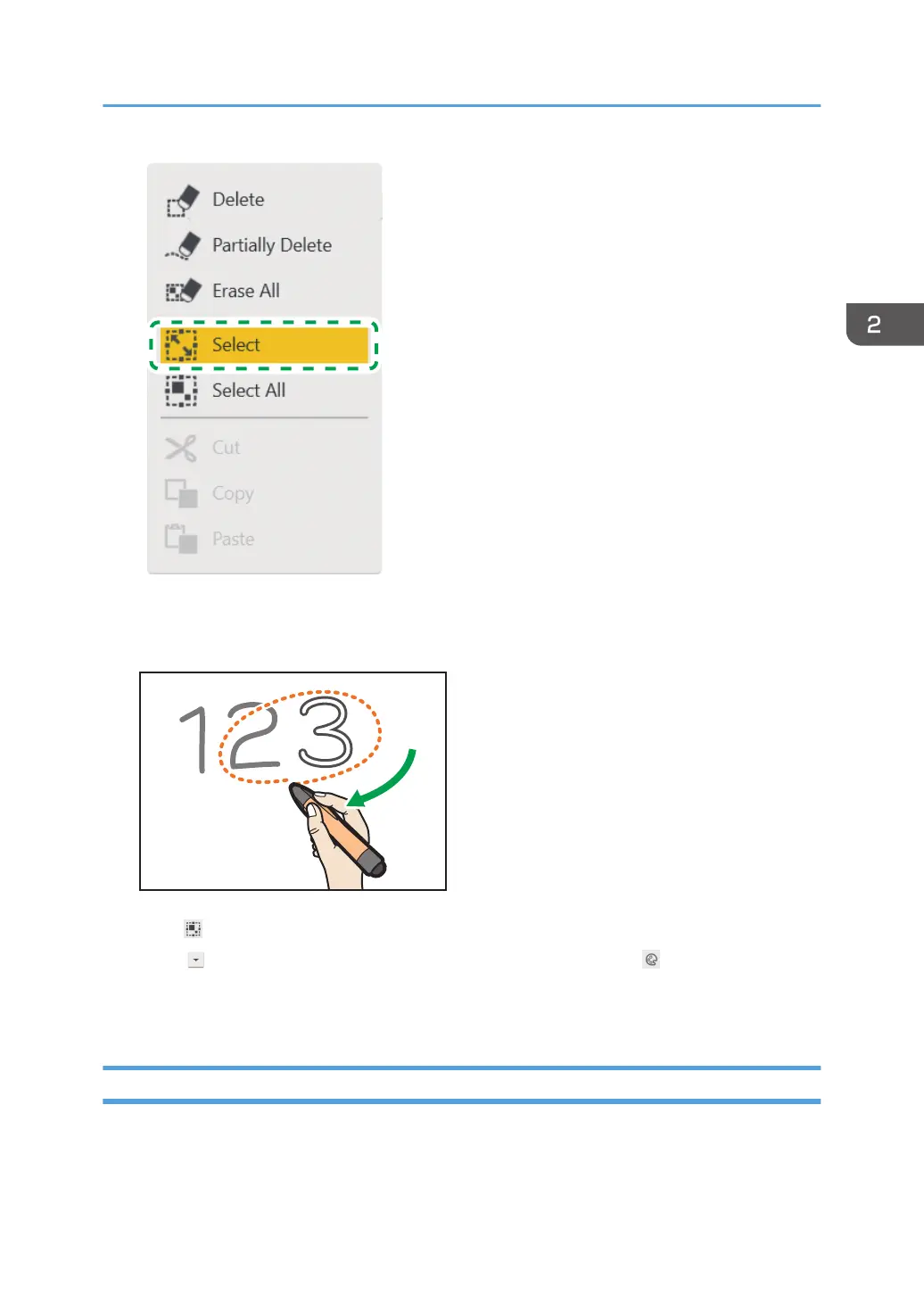
2. Enclose a stroke with the pen nib to select the stroke you want to change colors.
You can select a single stroke by touching it.
Touch [Select All] to select all strokes on the page.
3. Touch , the Pull-Down icon, in the selected area, and then touch , the Change Color
icon.
4. Select the color you want to use.
Changing the Display Magnification/Moving the Display Area
There are two methods for changing the display magnification of a displayed page or moving the
display area of an enlarged page. The first is to use your fingers, and the second is to use the pen.
Basic Operations
51



 To Next Page