• A bootable device has not been detected.
• Reboot and Select proper Boot device or Insert Boot Media in selected Boot device and press a
key_
• CMOS Battery Low
• CMOS Checksum Bad
• Memory Size Decreased
• No Boot Device Available
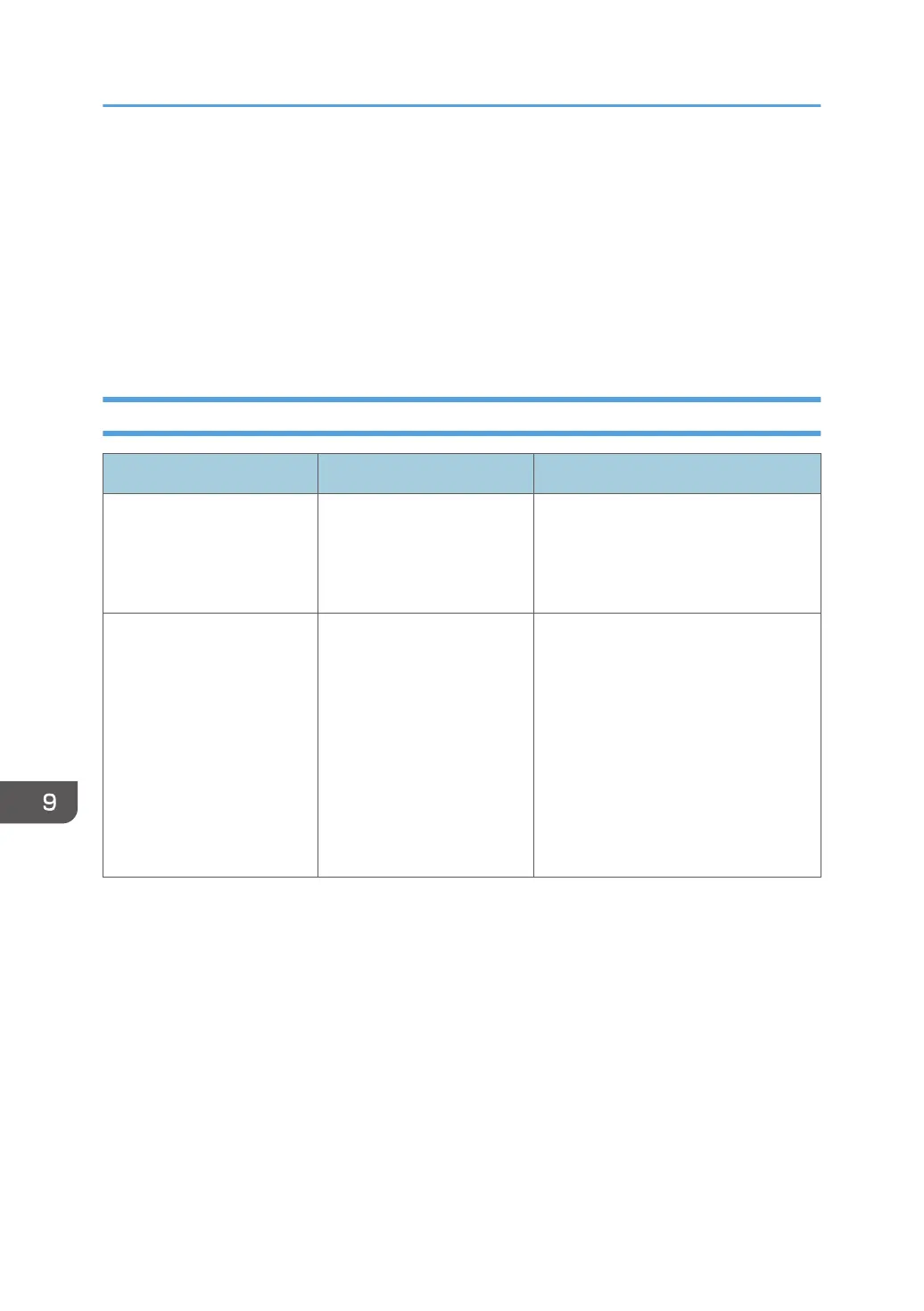
Error Messages Related to Drawing/Editing/Erasing Strokes
Message Causes Solutions
The number of handwritten
entries exceeds the limit
Page XX and after will be
imported as images.
The number of stroke entries
exceeds the limit.
• Delete unnecessary pages
containing strokes.
• Delete unnecessary strokes.
Cannot perform the
operation
Reduce the total number of
entries by deleting
handwritten entries/texts/
lines/graphics/pages.
You have reached the
maximum number of strokes,
fair copy entry text, figures,
and stamps that can be
drawn in total on a single
page.
The total number of strokes,
fair copy entry text, figures,
and stamps on all pages has
reached 90,000.
Delete unnecessary strokes, fair copy
entry text, figures, and stamps, and
then try again.
9. Troubleshooting
246



 To Next Page