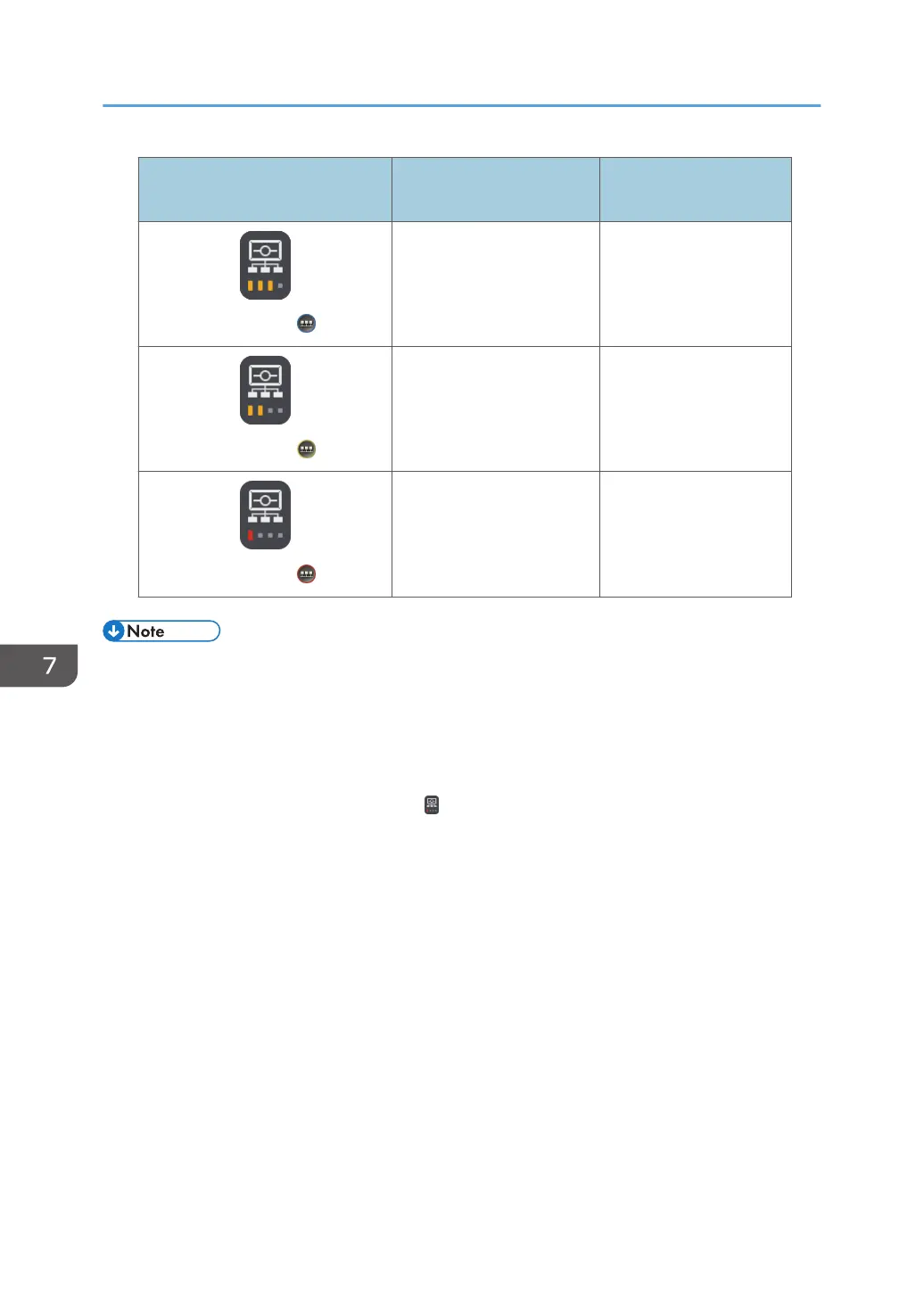
Normal mode icon/Compatible
mode icon
Communication status Communication speed
Antenna 3/
Good 512 kbps–1.5 Mbps
Antenna 2/
Low 200 kbps–512 kbps
Antenna 1/
Very Low 200 kbps or less
• On the host whiteboard, the icon indicates the participating whiteboard with the worst
communication status.
• As the number of whiteboard locations or the amount of data to be transferred increases, screen
updates may take longer and the response time for user operations may increase.
• As communications improve, screen updates and response time for user operations become faster.
• If there are no participating whiteboards, , the Antenna 1 icon, is displayed on the host
whiteboard.
• If you are using Remote Viewer to view shared screens, an icon which indicates the machine is in
compatible mode is displayed.
7. Using a Remote Whiteboard to Share the Screen
156



 To Next Page