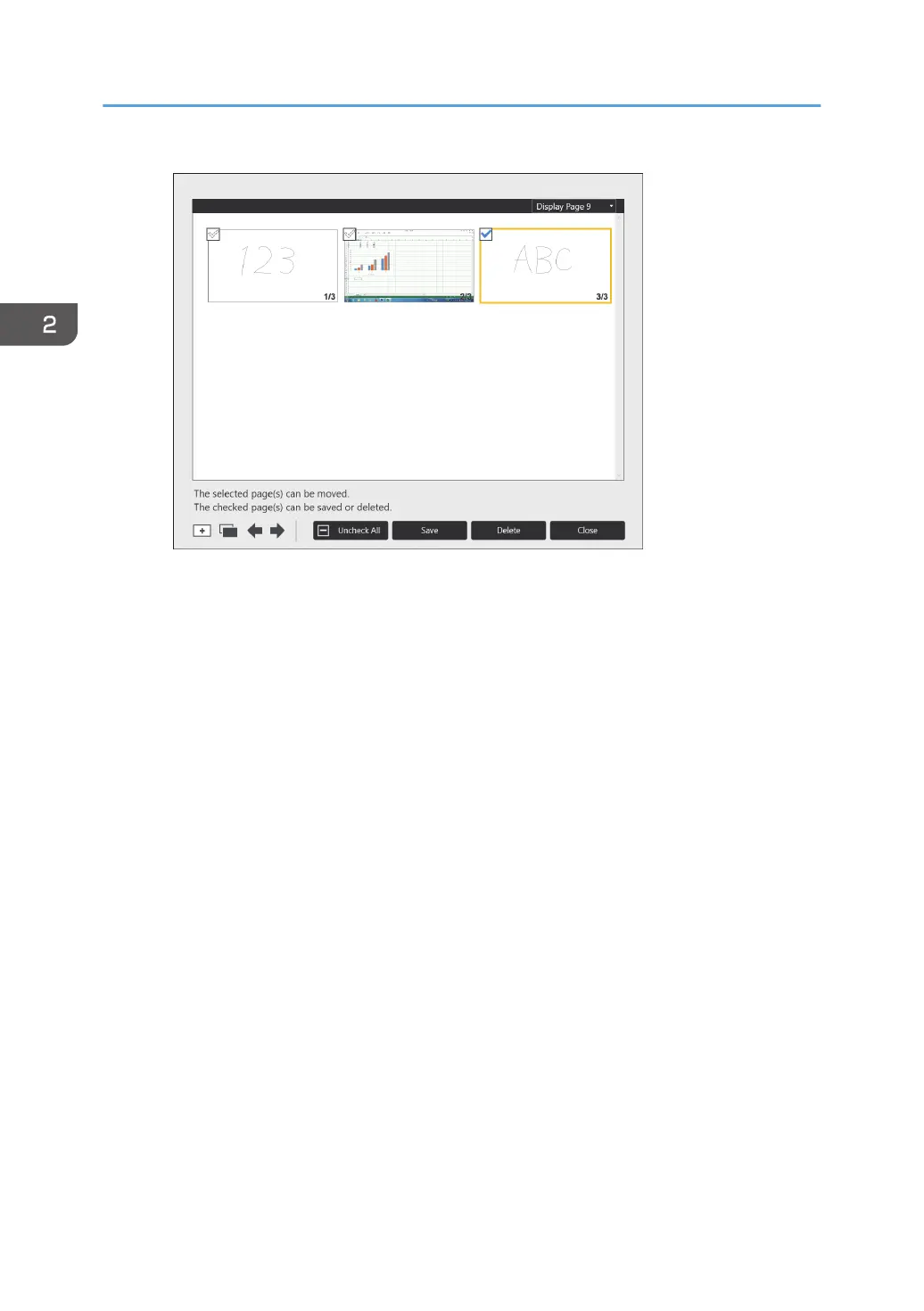
2. Touch [Delete].
3. Touch [Delete] in the message that appears.
The selected page is deleted.
Saving a page
1. On the page list screen, touch the checkbox on the thumbnail of the page that you
want to save.
The checkbox of the selected page is selected.
If you want to save all the pages, touch [Check All].
If you touch [Uncheck All], all the checkboxes are cleared.
2. Touch [Save].
3. Specify the location to which you want to save a page, and then click [Save].
For details about saving pages, see page 63 "Saving Pages".
2. Using a Whiteboard
62



 To Next Page