3
Document Overview
This manual gives you a quick review about the front and rear panel of MSO8000
series, the user interface, and the basic operation method.
TIP
For the latest version of this manual, download it from the official website of RIGOL (
http://
www.rigol.com
).
Publication Number
UGA26105-1110
Format Conventions in this Manual:
1. Key
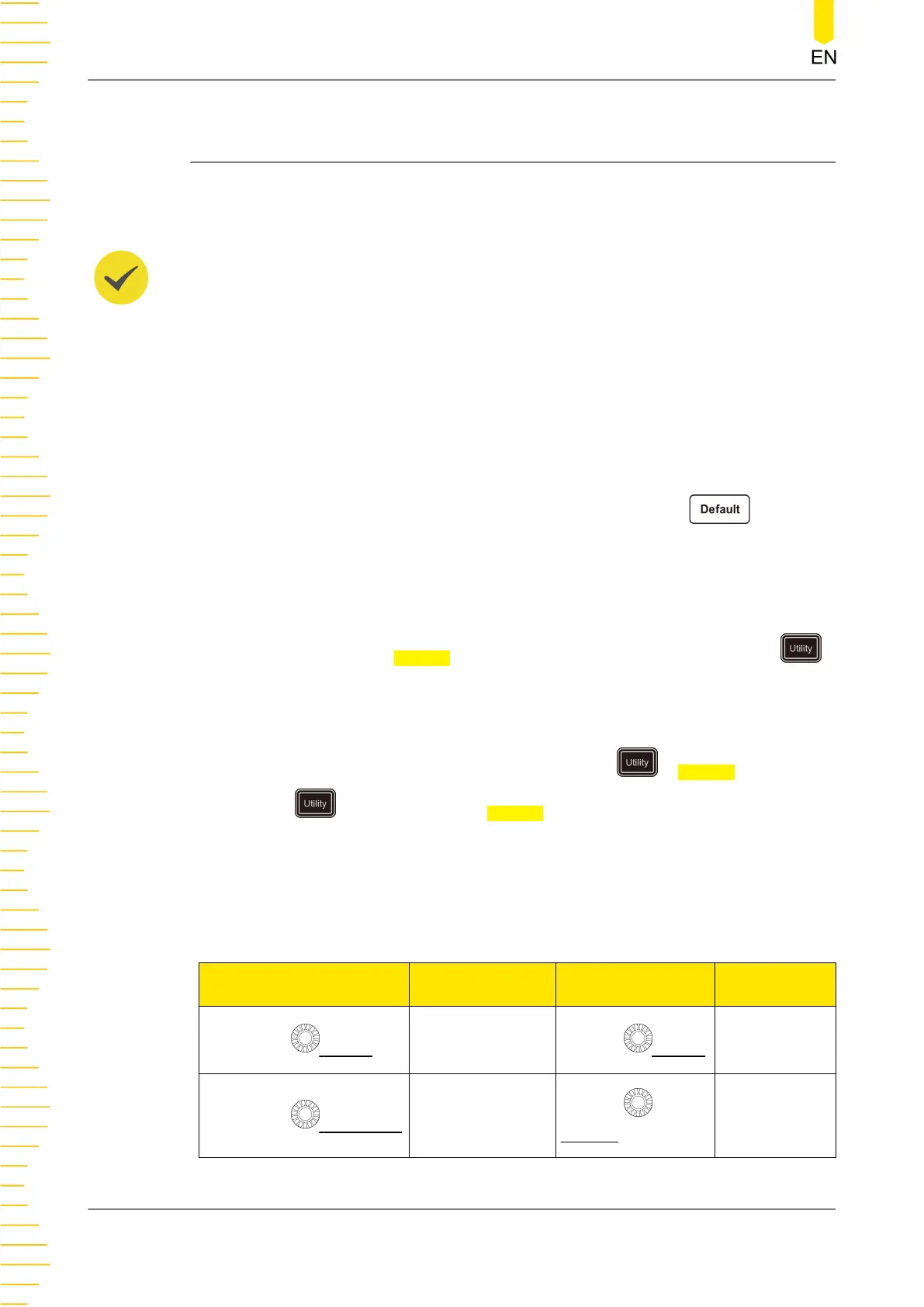
The front panel key is denoted by menu key icon. For example,
indicates
the "Default" key.
2. Menu
The menu items are denoted by the format of "Menu Word (Bold) + Character
Shading". For example,
System denotes the "System" menu item under the
menu.
3. Operation Procedures:
">" denotes the next step of operation. For example,
> System denotes that
first press , and then press the System key.
4. Connector
The connectors on the front or rear panel are usually denoted by the format of
"Connector Name (Bold) + Square Brackets (Bold)". For example, [TRIG OUT].
5. Knob
Label
Knob Label Knob
Horizontal SCALE
Horizontal Scale
Knob
Vertical SCALE
Vertical Scale
Knob
Horizontal POSITION
Horizontal
Position Knob
Vertical
OFFSET
Vertical Offset
Knob
Document Overview
10
Copyright ©RIGOL TECHNOLOGIES CO., LTD. All rights reserved.



 To Next Page