Figure 4.18 Drag Gesture
4.8.4 Rectangle Drawing
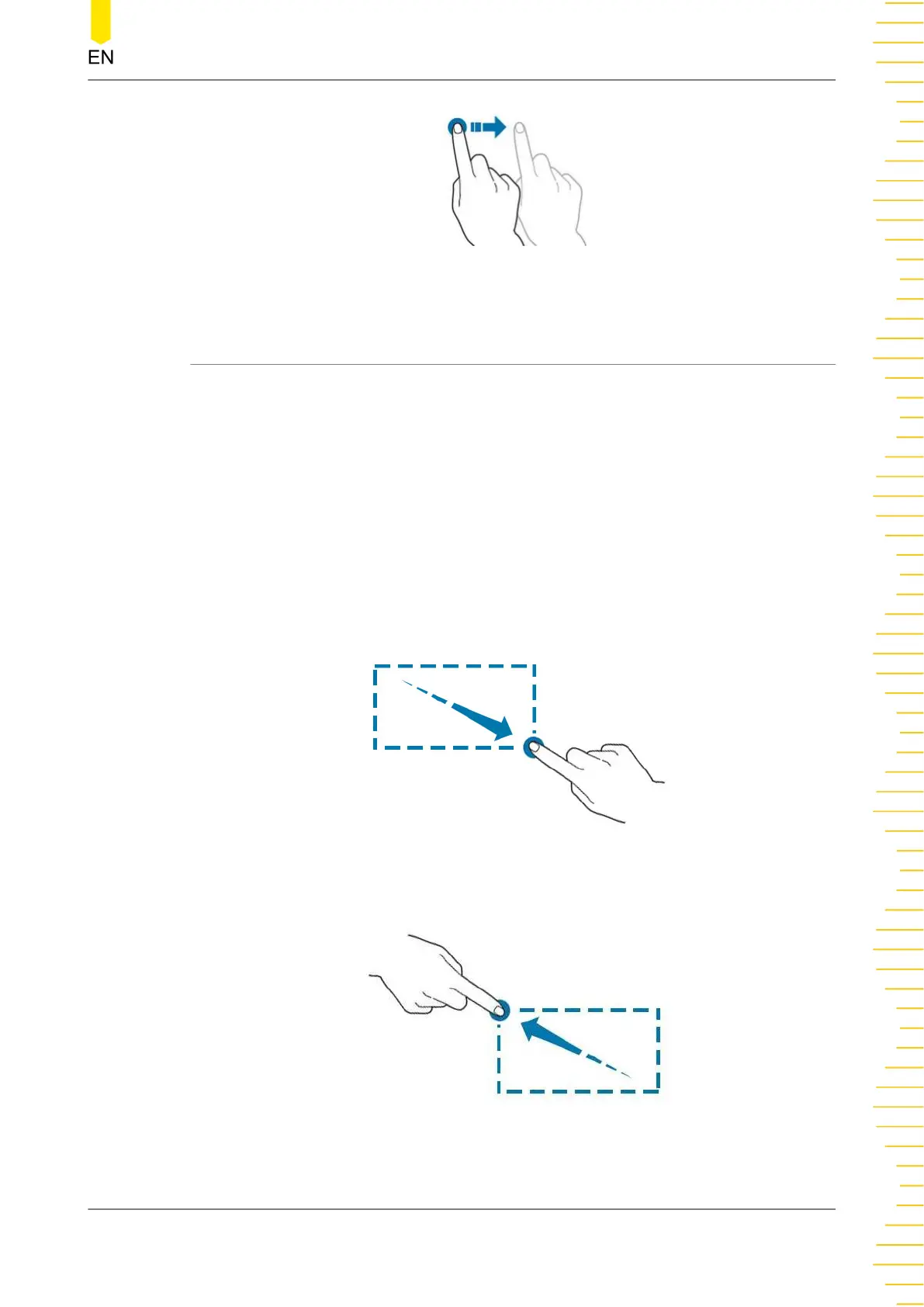
Enable the function navigation, and then tap the "Draw rect" icon to switch to the
rectangle drawing mode. Drag a finger from upper left to lower right across the
screen to draw a rectangle on the screen, as shown in
Figure 4.19
. Move your finger
away from the screen, and then a menu is displayed on the screen. At this time, you
can tap to select "Trigger zone A", "Trigger zone B", "Histogram", "Horizontal zoom
in", "Vertical zoom in", or "Waveform zoom in". Drag a finger from lower right to
upper left across the screen to draw a rectangle on the screen, as shown in
Figure
4.20
. Move your finger away from the screen, and then a menu is displayed on the
screen. At this time, you can tap to select "Trigger zone A", "Trigger zone B",
"Histogram", "Horizontal zoom out", "Vertical zoom out", or "Waveform zoom out".
Figure 4.19 Rectangle Drawing Gesture(a)
Figure 4.20 Rectangle Drawing Gesture(b)
Quick Start
Copyright ©RIGOL TECHNOLOGIES CO., LTD. All rights reserved.
39



 To Next Page