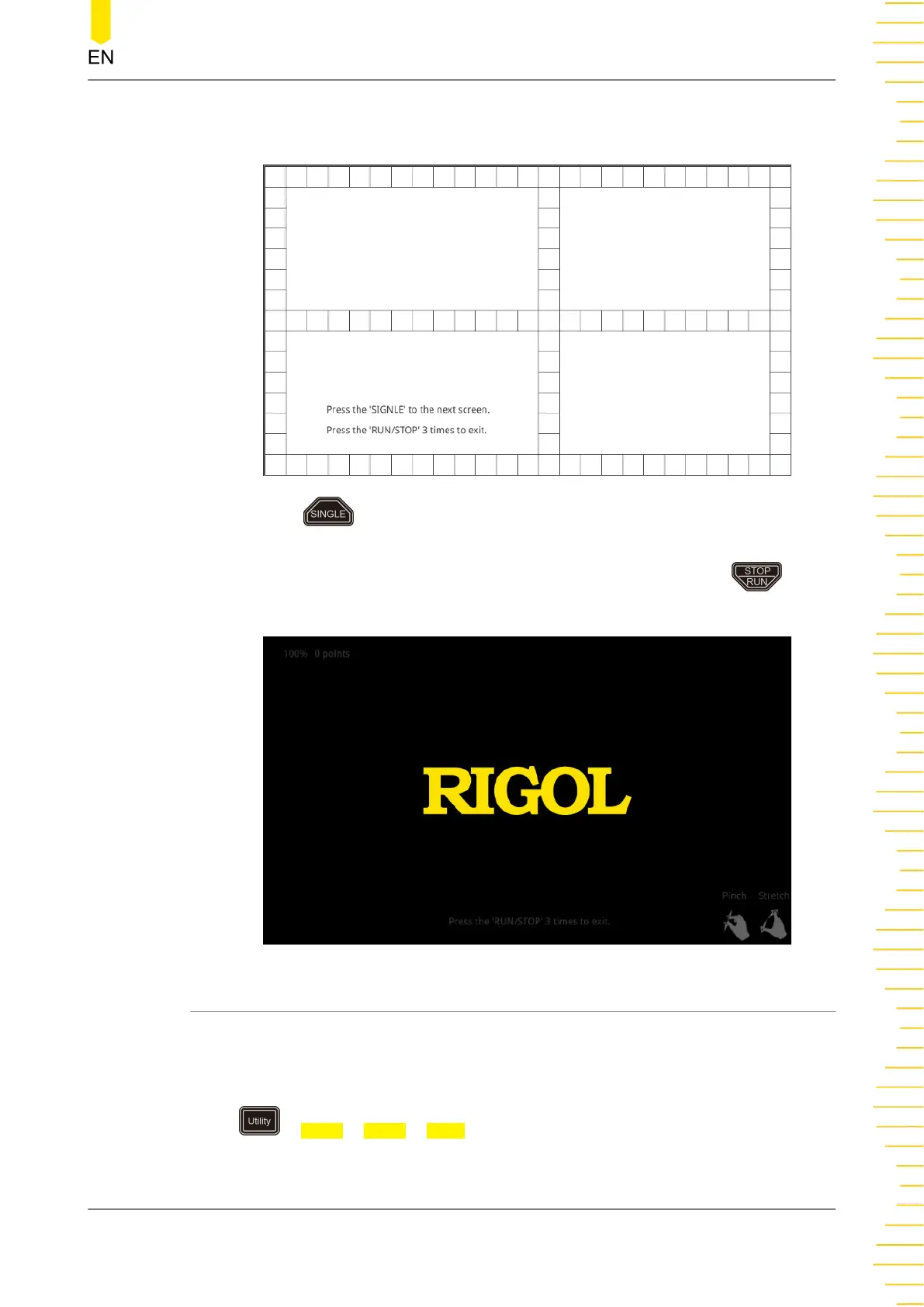
filled with green background, it indicates that the touch function of this area is
normal.
Then press to switch to the next touch screen test interface, as shown in the
figure below. At this time, you can pinch or stretch the icons on RIGOL to zoom out
or zoom in icons to check whether the gestures work normally. Press for
three consecutive times to exit the touch test interface.
23.2.17 System Time
The system time is displayed at the lower-right side of the screen in "hh:mm
(hour:minute)" format. When you save the waveform, the output file will contain the
time information.
Press > More > More > Time to open the time setting menu.
1. Set the System Time
System Utility Function Setting
Copyright ©RIGOL TECHNOLOGIES CO., LTD. All rights reserved.
375



 To Next Page