Signal Type:
Press More > Signal Type to select the desired signal type.
• CAN_H: indicates the actual CAN_H bus signal.
• CAN_L: indicates the actual CAN_L bus signal.
• TX/RX: indicates the Transmit signal and Receive signal from the CAN bus
transceiver.
• DIFF: indicates the CAN differential bus signals connected to an analog channel
by using a differential probe. Connect the differential probe's positive lead to the
CAN_H bus signal and connect the negative lead to the CAN_L bus signal.
Baud Rate:
Press
More > Baud to set the baud rate. Three methods are available for setting the
baud rate:
• Press Baud, then set the user-defined baud rate with the displayed numeric
keypad.
• Press Baud, then rotate the multifunction knob to select the preset baud rate
from the available options. The available baud rates include 10 kb/s, 20 kb/s,
33.3 kb/s, 50 kb/s, 62.5 kb/s, 83.3 kb/s, and etc.
• Press Baud, then rotate the multifunction knob to adjust the baud rate at a
small step. The step size is different for adjusting different baud rates.
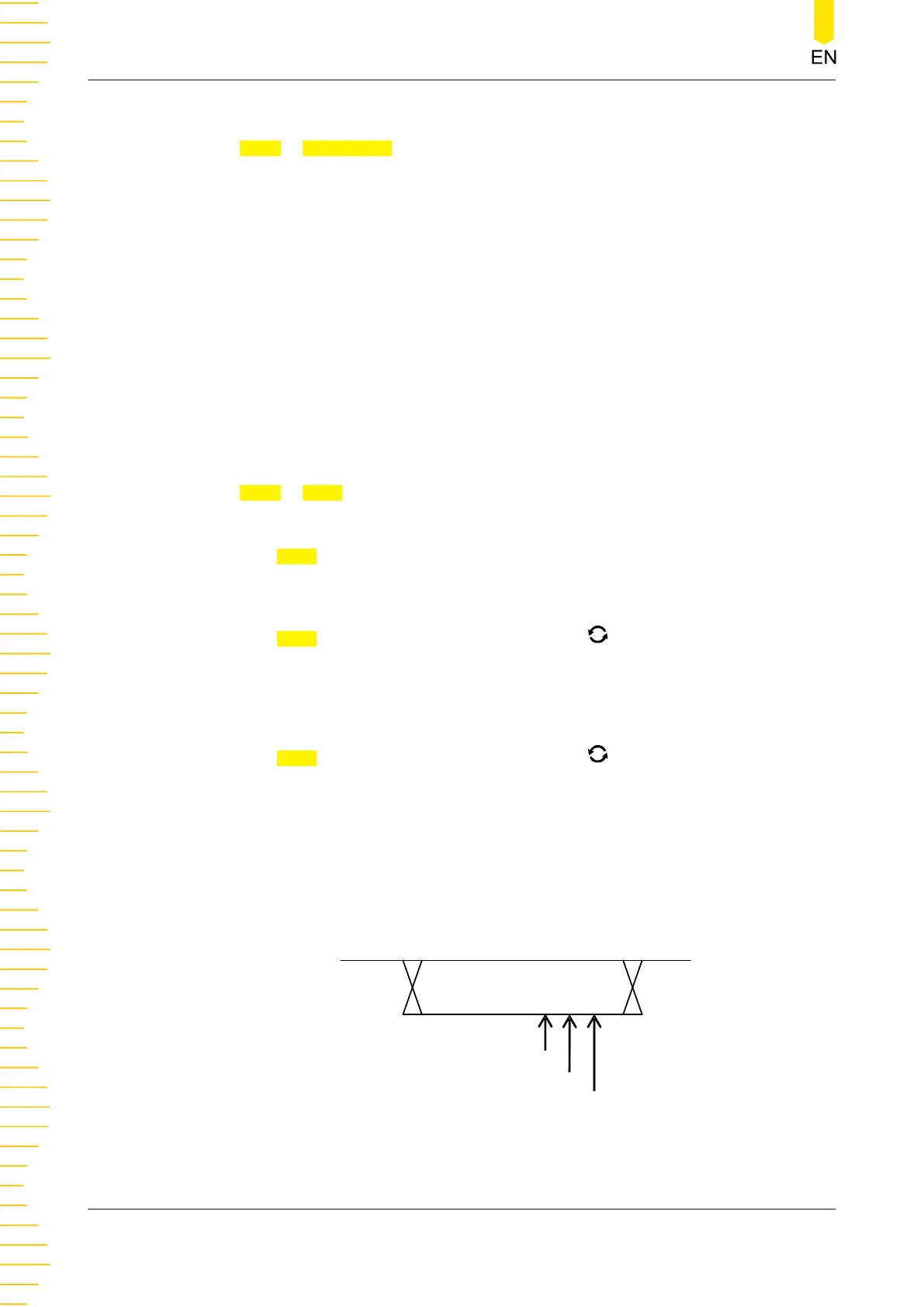
Sample Position
Sample position is a point within a bit’s time. The oscilloscope samples the bit level
at this point. The sample position is represented by the proportion of "the time from
the start of the bit to the sample position" to the "bit time", as shown in the figure
below.
One Bit
60%
70%
80%
Figure 8.19 Sample Position
To Trigger the Oscilloscope
120
Copyright ©RIGOL TECHNOLOGIES CO., LTD. All rights reserved.



 To Next Page