4.6.7 RUN/STOP
Press this key to set the operating state of the oscilloscope to
"RUN" or "STOP". In the "RUN" state, the key is illuminated in
yellow. In the "STOP" state, the key is illuminated in red.
4.6.8 Single
Press this key to set the trigger mode to "Single".
4.6.9 Multifunction knob
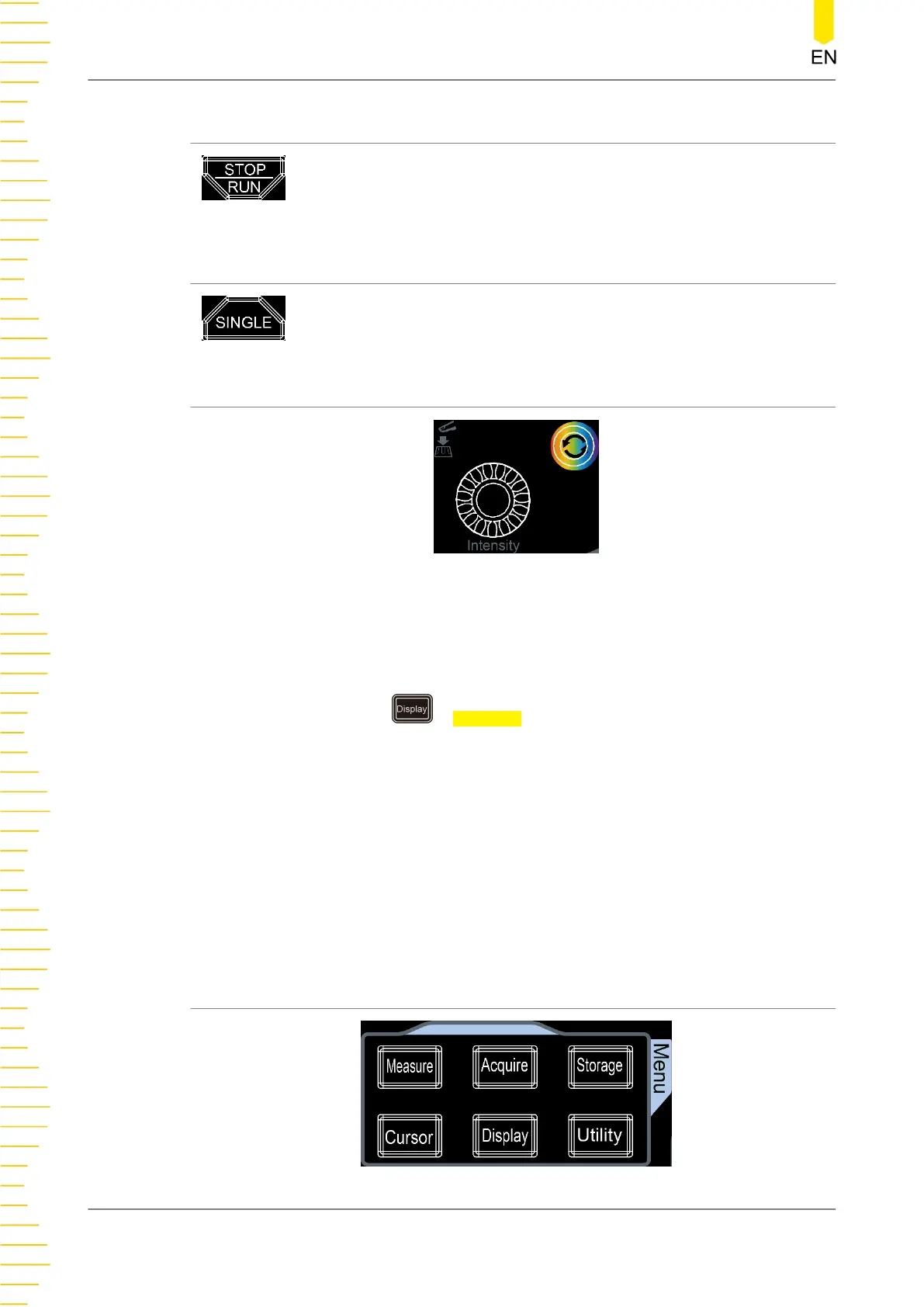
• Non-menu Operation:
In non-menu-operation mode, rotate this knob to adjust the brightness of
waveform display. The settable screen brightness ranges from 1% to 100%. Turn
it clockwise to increase the brightness, and turn it counterclockwise to decrease
the brightness. Press
> Intensity to adjust the waveform brightness. You
can also use the knob to adjust it.
• Menu Operation:
When you operate on the menu, the backlight of the knob is illuminated. For the
menu item that has multiple parameters under it, when you press the menu
softkey, rotate the knob to select the parameter item, then press down the knob
to select the item (sometimes, the specified parameter item can be selected by
rotating the knob). The knob can also be used to modify parameters, input
filenames, etc.
4.6.10 Function Menu
Quick Start
30
Copyright ©RIGOL TECHNOLOGIES CO., LTD. All rights reserved.



 To Next Page