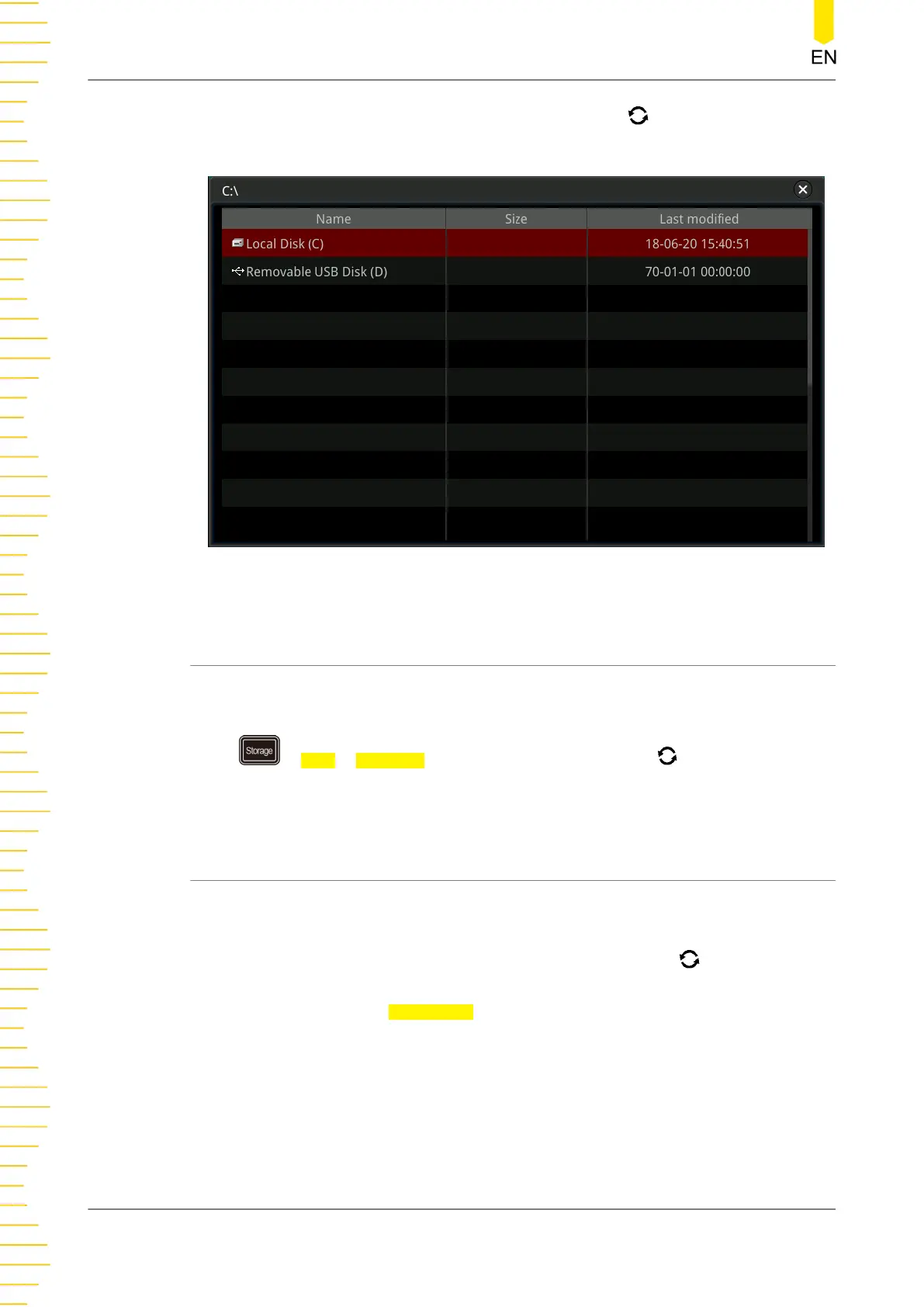
selected is displayed in red shading. Press down the knob to open the selected
disk. You can also enable the touch screen to select the disk.
Figure 22.1 Disk Management Interface
22.6.1 To Select the File Type
Except the image storage, waveform storage, and setup storage, the oscilloscope can
also display files for advanced applications,
Press > Disk > File Type, rotate the multifunction knob to select the desired
file type. The default is "*.*". Under the current path, only the file whose suffix of its
file name matches that of the file type selected will be displayed in the current path.
22.6.2 To Create a Folder
Before using the external storage device, make sure that a USB storage device (FAT32
format, flash memory) is connected correctly.
In the disk management interface, rotate the multifunction knob or enable the
touch screen to select the storage location. By default, the internal memory "Local
Disk(C)" is selected. Press
NewFolder to enter the interface, as shown in
Figure 22.2
.
Store and Load
332
Copyright ©RIGOL TECHNOLOGIES CO., LTD. All rights reserved.



 To Next Page