20.5 To Set the Grid Brightness
Press Brightness, then rotate the multifunction knob at a small step value or the
pop-up numeric keypad to set the grid brightness. The default is 20%, and the range
available is from 1% to 100%.
20.6 Show Scale
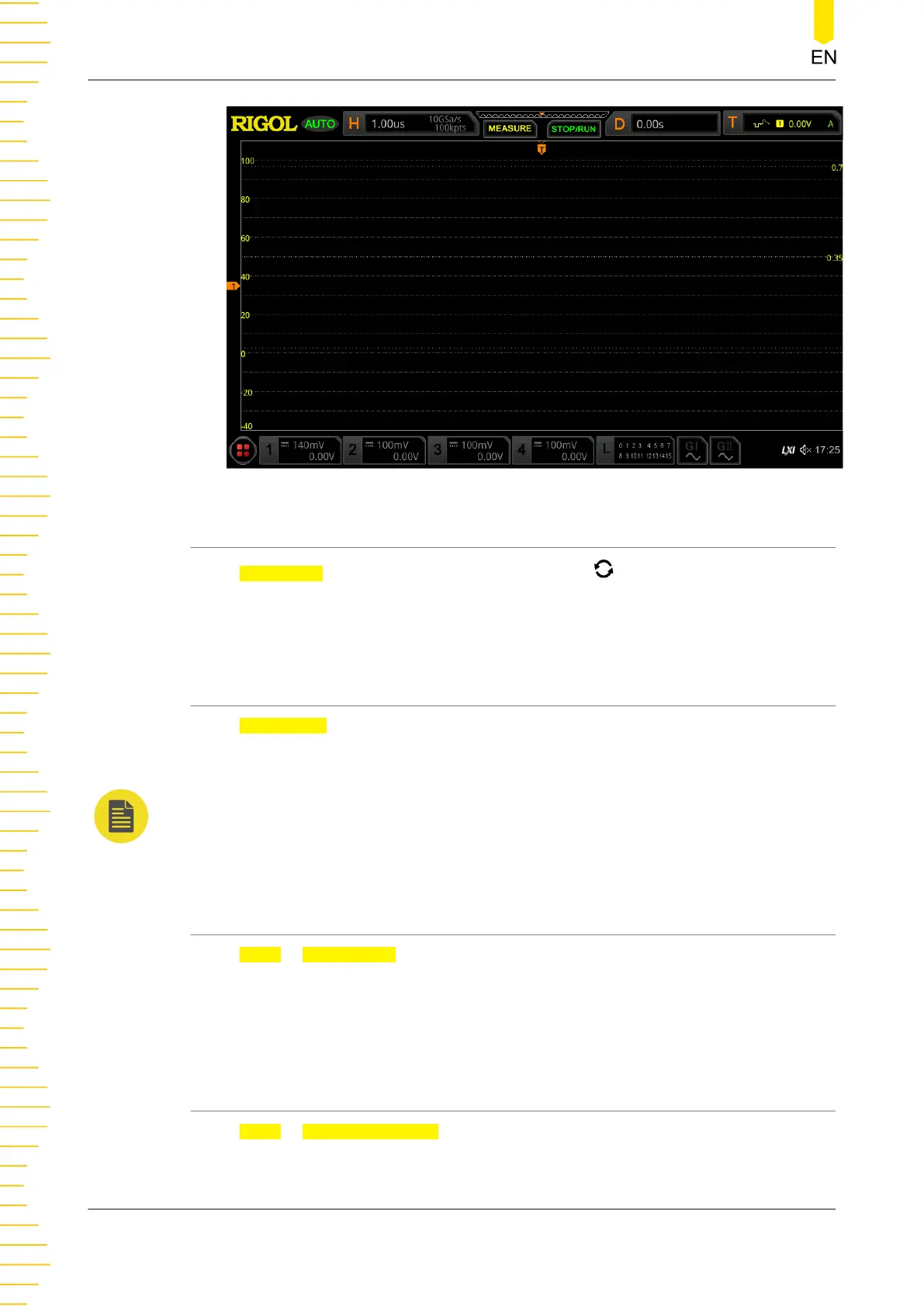
Press Show Scale continuously to enable or disable the scale display on the screen.
By default, it is OFF.
NOTE
When the digital channel is enabled, the scale in the vertical direction is hidden automatically.
20.7 Color Grade
Press More > Color Grade to enable or disable the color grade display of the
waveforms on the screen. By default, it is OFF. When enabled, different colors are
displayed on the screen to indicate the times of data acquisition or acquisition
probability.
20.8 Waveform Freeze
Press More > Waveform Freeze to enable or disable waveform freeze function.
When enabled, the oscilloscope displays the waveform after multiple sampling and
Display Control
298
Copyright ©RIGOL TECHNOLOGIES CO., LTD. All rights reserved.



 To Next Page