EasyManua.ls Logo

Riso 9150 - User Manual

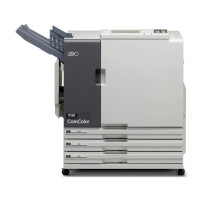
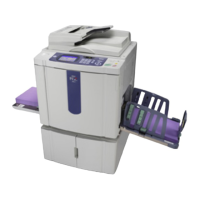
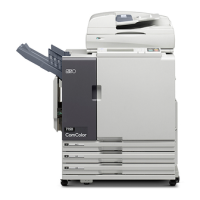
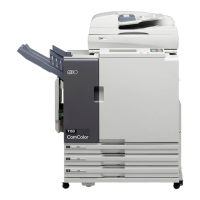
Riso 9150
201 pages
Print Icon
To Next Page IconTo Next Page
Loading...
This guide describes total operation features and specifications.
052-36061-800
Applicable Printer models
9150/9150R/9110/9110R
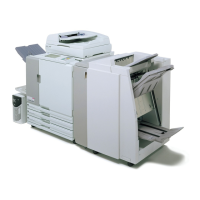
7150/7150R/7110/7110R
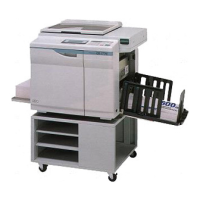
3150/3150R/3110/3110R
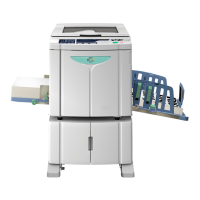
2150

Table of Contents

Other manuals for Riso 9150

Questions and Answers

  • P
    Patricia MendozaAug 10, 2025
    What to do if paper has jammed in Riso Finishers?
    • G
      George SteeleAug 11, 2025
      If paper has jammed inside the Riso Finishers printer or Mail maker, or if there's no paper feed or multiple sheets fed, press the button indicating the location of the paper jam. Follow the procedure displayed on the touch panel to remove the jammed paper.
  • A
    Andre UnderwoodAug 21, 2025
    What to do if Riso Finishers Mail maker has an error?
    • R
      Robert GoldenAug 21, 2025
      If the Riso Finishers Mail maker has an error, first, press the [Reset] key on the operation panel. If the system doesn't recover, press the [Sub power] key to turn the power off and then on again.
  • K
    Kelly McguireAug 30, 2025
    How to fix Mail maker error on Riso Finishers?
    • W
      wangkimberlyAug 30, 2025
      To address an error with the Riso Finishers Mail maker, try turning the power off and on again using the [Sub power] key on the operation panel.

Riso 9150 Specifications

General IconGeneral
BrandRiso
Model9150
CategoryPrinter
LanguageEnglish

Related product manuals