5-6
5 RISO Console
ComColor Series User’s Guide 09
3
Enter the new password again for
confirmation.
4
Click [OK].
The message "Settings have been sent." appears.
• To cancel the settings, click [Cancel].
• If an error message appears, enter the
password again.
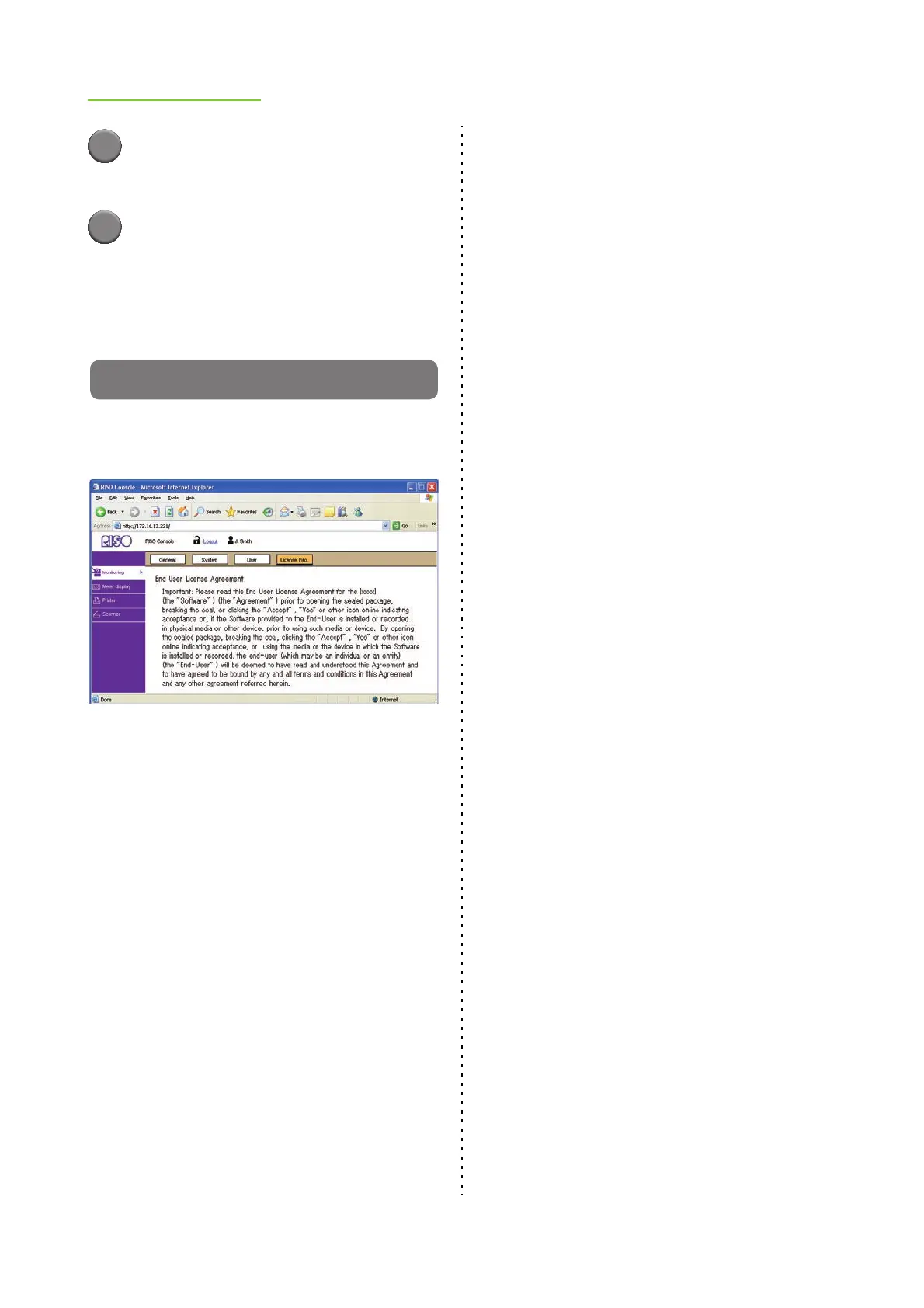
[License Info.] Screen
The [License Info.] screen displays information
about the license of the system in the machine.













 To Next Page