1-7
1
ComColor Series User’s Guide 09
Basic Settings
This section describes how to configure the basic settings of the printer driver, such as for color mode, duplex
printing, and paper type.
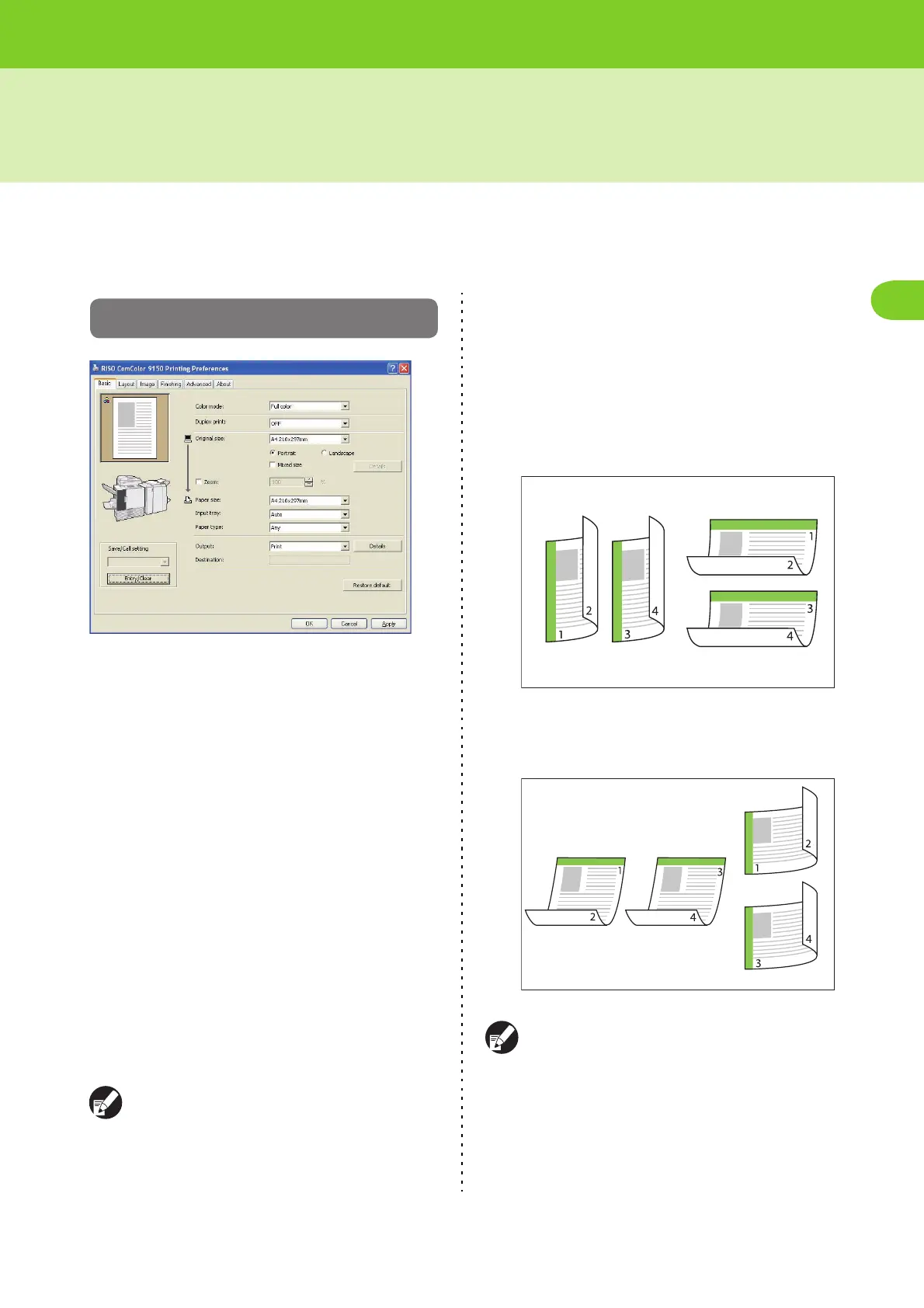
[Basic] Tab
● Color mode
Select color or monochrome printing.
[Auto]
Determine the color of the original automatically and
prints in full color (cyan, magenta, yellow, and black)
or black.
[Full color]
Print in four colors (cyan, magenta, yellow, and
black).
[Black]
Print in one color (black) regardless of the color of the
original.
[Cyan]
Print in one color (cyan) regardless of the color of the
original.
[Magenta]
Print in one color (magenta) regardless of the color of
the original.
● [Auto] and [Full color] are not displayed when
the administrator has restricted color printing.
● [Cyan] is not available for ComColor 2150.
Also, [Red] is displayed instead of [Magenta];
[Dual-color] instead of [Full color].
● Duplex print
Specify simplex or duplex printing.
[OFF]
Simplex printing is performed.
[Long edge]
Duplex printing is performed with the long edge as
the binding position.
.
[Short edge]
Duplex printing is performed with the short edge as
the binding position.
.
When you perform duplex printing for mixed-size
originals, specify the binding orientation on the
[Details] screen in [Mixed size original].













 To Next Page