5-5
[Monitoring] Menu
5
ComColor Series User’s Guide 09
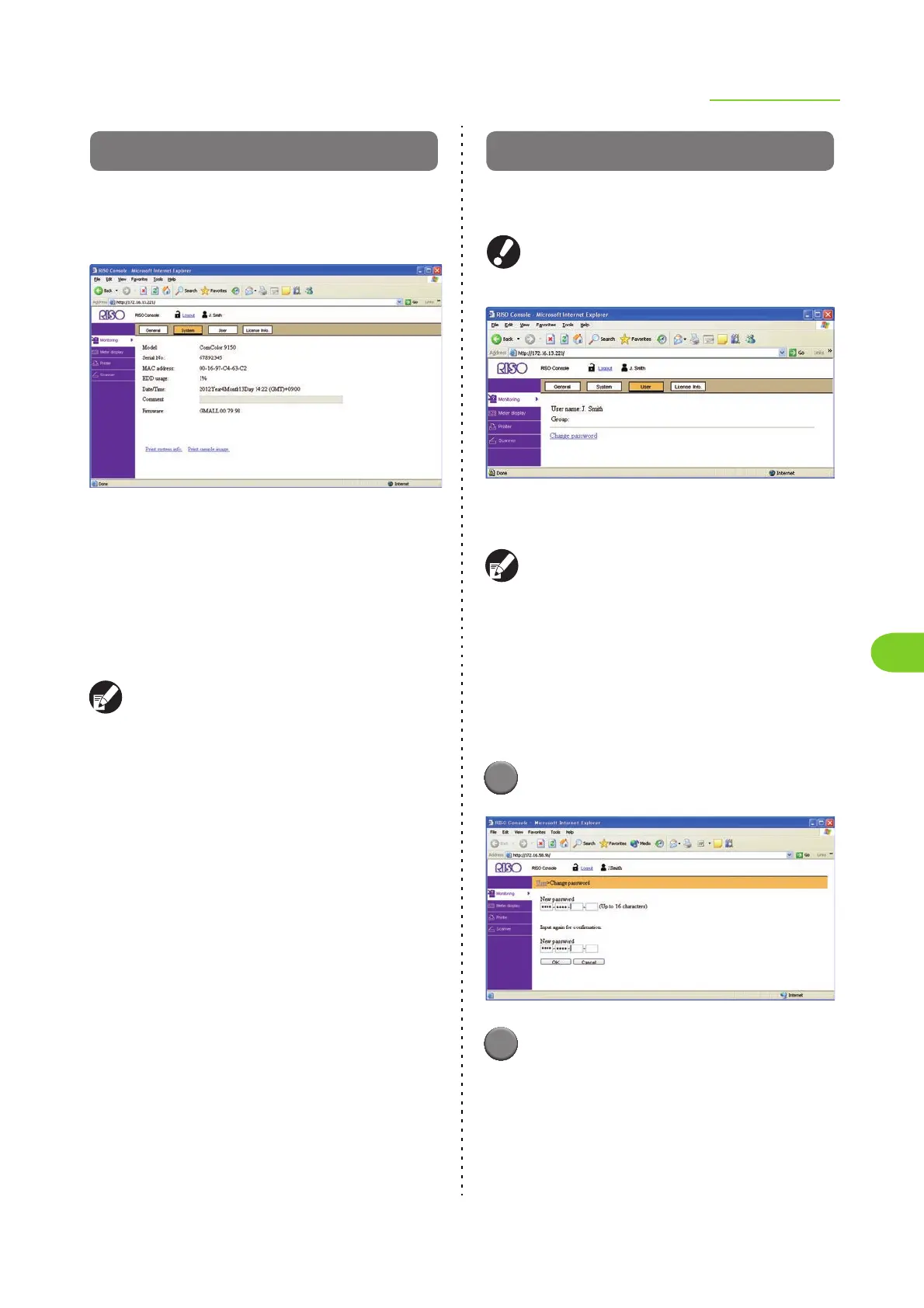
[System] Screen
The [System] screen displays the serial number,
used internal hard disk space, and other system
information.
● Model: Machine model
● Serial No.: Machine serial number
● MAC address: Machine MAC address
● HDD usage: Ratio of used internal hard disk space
● Date/Time: Date and time of the machine's internal
clock
● Comment: Comments entered by the administrator
● Firmware: Version of the firmware
Only users with administrative authority can enter
comments in the [Comment] field.
• [Print system info]
Click this to print the system information.
• [Print sample image]
Click this to print a sample page so you can check the
result of a printed image.
[User] Screen
The [User] screen displays information about the
user currently logged in.
[User] is not displayed when [Login setting] has
been set to [Not required].
● User name
● Group
The displayed information is registered by the
administrator. If the actual information is different,
ask your administrator.
● Changing the User Login
Password
The user can change the login password.
1
Click [Change password].
2
Enter the new password in [New
password].
Enter a password of between 0 and 16
alphanumeric characters long. The entered
characters are displayed with asterisks (∗).













 To Next Page