2-22
2 Copy
ComColor Series User’s Guide 09
● Deleting Settings
Users without administrative authority cannot
delete shared registered settings (buttons with the
shared mark ).
1
Display the [Save/Call setting]
screen.
Follow Steps 2 and 3 in "Saving Settings".
2
Press the button of the setting to
delete.
The [Setting call] screen is displayed.
3
Press [Delete].
The message "This setting will be deleted. Are
you sure?" appears.
4
Press [Yes].
5
Press [Close].
The previous screen is displayed.
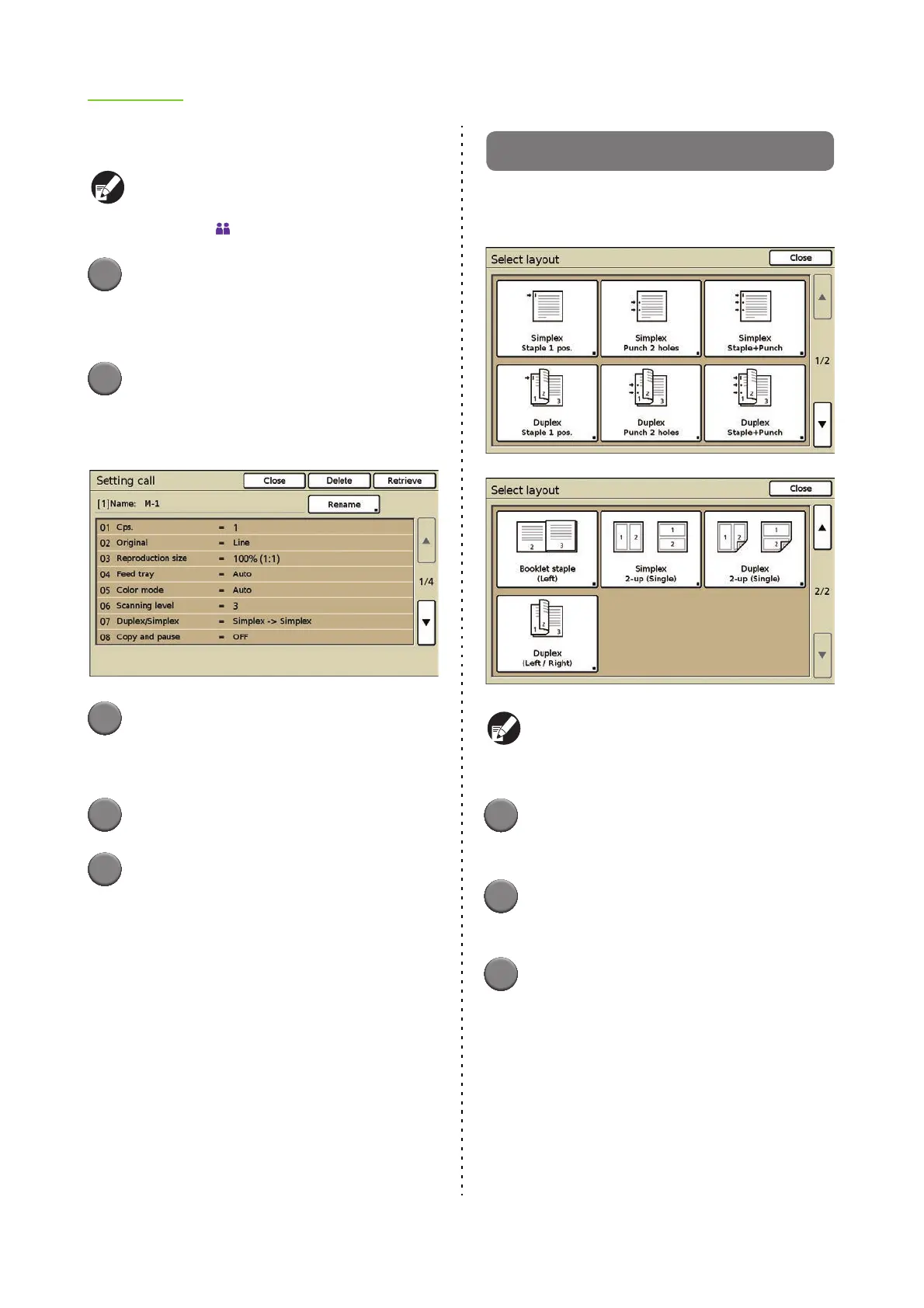
Select layout
Set various finishing settings by selecting an output
image.
The actual display may be different than the
above screenshot depending on the optional
equipment connected.
1
Press [Functions] on the copy
mode screen.
2
Press [Select layout].
The [Select layout] screen is displayed.
3
Select the output image.
The [Duplex/Simplex] screen is displayed.













 To Next Page