2-23
Copying Functions
2
ComColor Series User’s Guide 09
4
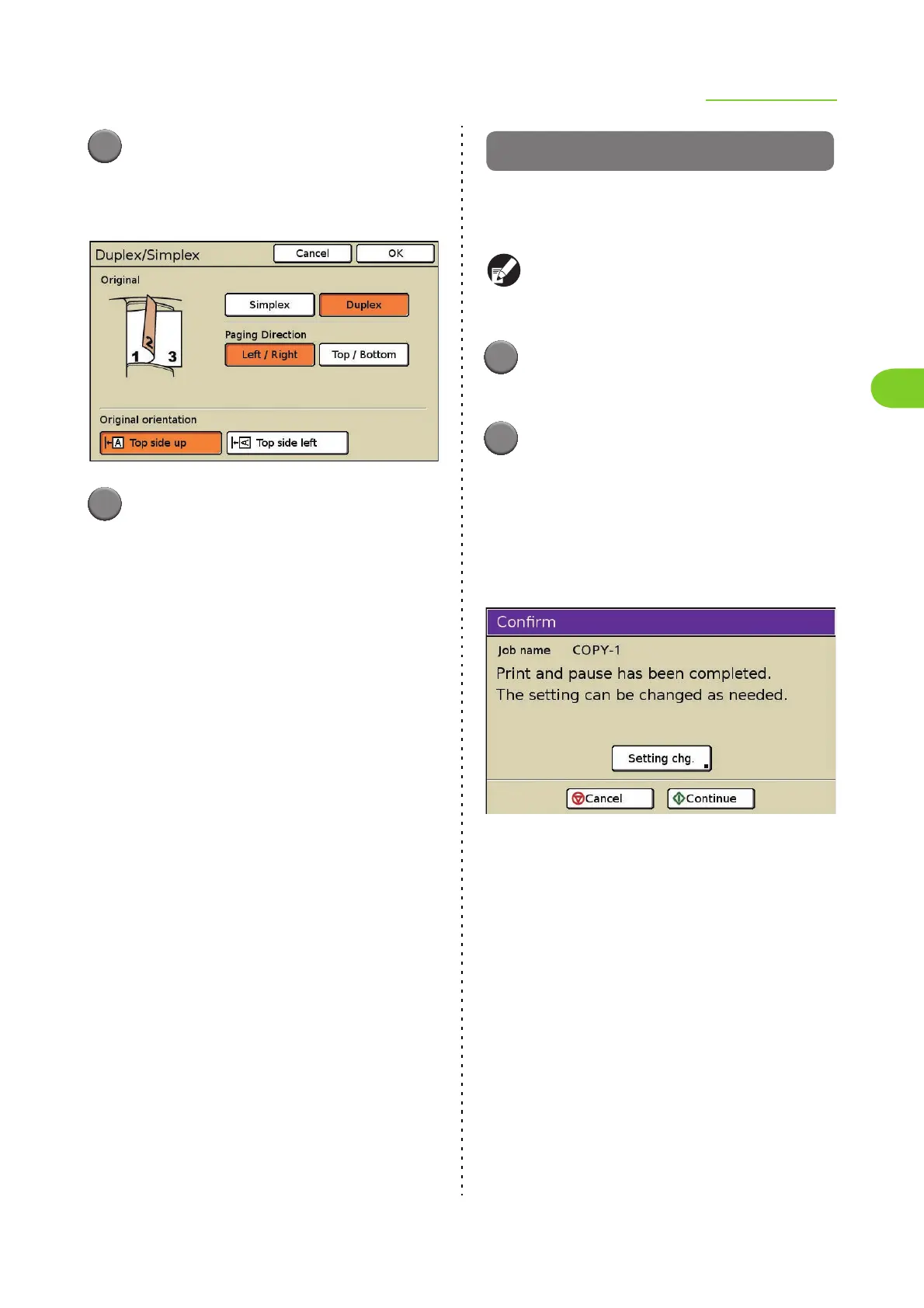
Select the [Paging Direction]
(when selecting [Duplex]) and
[Original orientation] settings.
5
Press [OK].
The output settings are completed and the copy
mode screen is displayed.
Copy and pause
This function is useful for high-volume copying.
One sheet is copied and then copying stops,
enabling you to check the result of the settings.
When [Collate] has been set to [Sort], you can use
Copy and pause to copy only one set. (p. 2-43
"Collate/slip sheet")
1
Press [Functions] on the copy
mode screen.
2
Press [Copy and pause].
Copy and pause is set.
• Press again to cancel the setting.
After the necessary settings are completed, press
the [START] key to begin scanning of the original.
One sheet (set) is printed, and then the following
screen is displayed.
• To continue copying without changing the
settings, press [Continue].
• To change the settings, press [Setting chg.],
and then change the settings. (p. 4-6
"Changing Settings During Printing" in
"Printer")
• To cancel copying, press [Cancel].













 To Next Page