Printer
1
1-2
Printer Driver
ComColor Series User’s Guide 09
Overview of Print Operations
This chapter describes how to use the machine as a printer from a computer when it has been connected to
the machine via network.
Printer Driver Screen
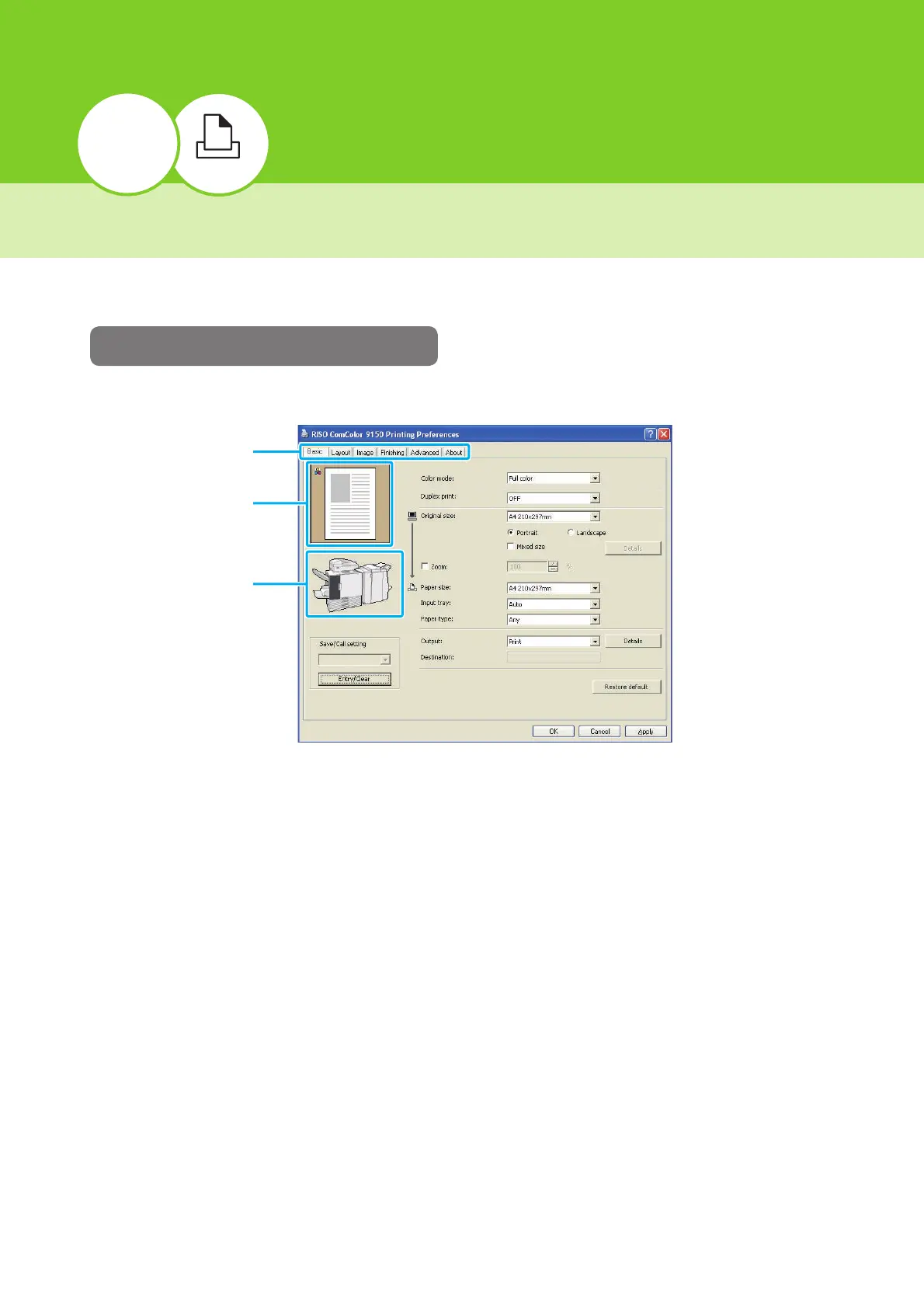
Use the printer driver screen to configure the various settings.
• Tab : Click a tab to switch the screens.
• Print image : Displays a preview image of the document to be printed. The color mode icon is
displayed at the top left of the preview image. (The icon is not displayed when [Color
mode] is set to "Auto".)
• Output trays : Displays the output trays with orange arrows.
Tabs
Print image
Output trays













 To Next Page