4-14
4 Printer
ComColor Series User’s Guide 09
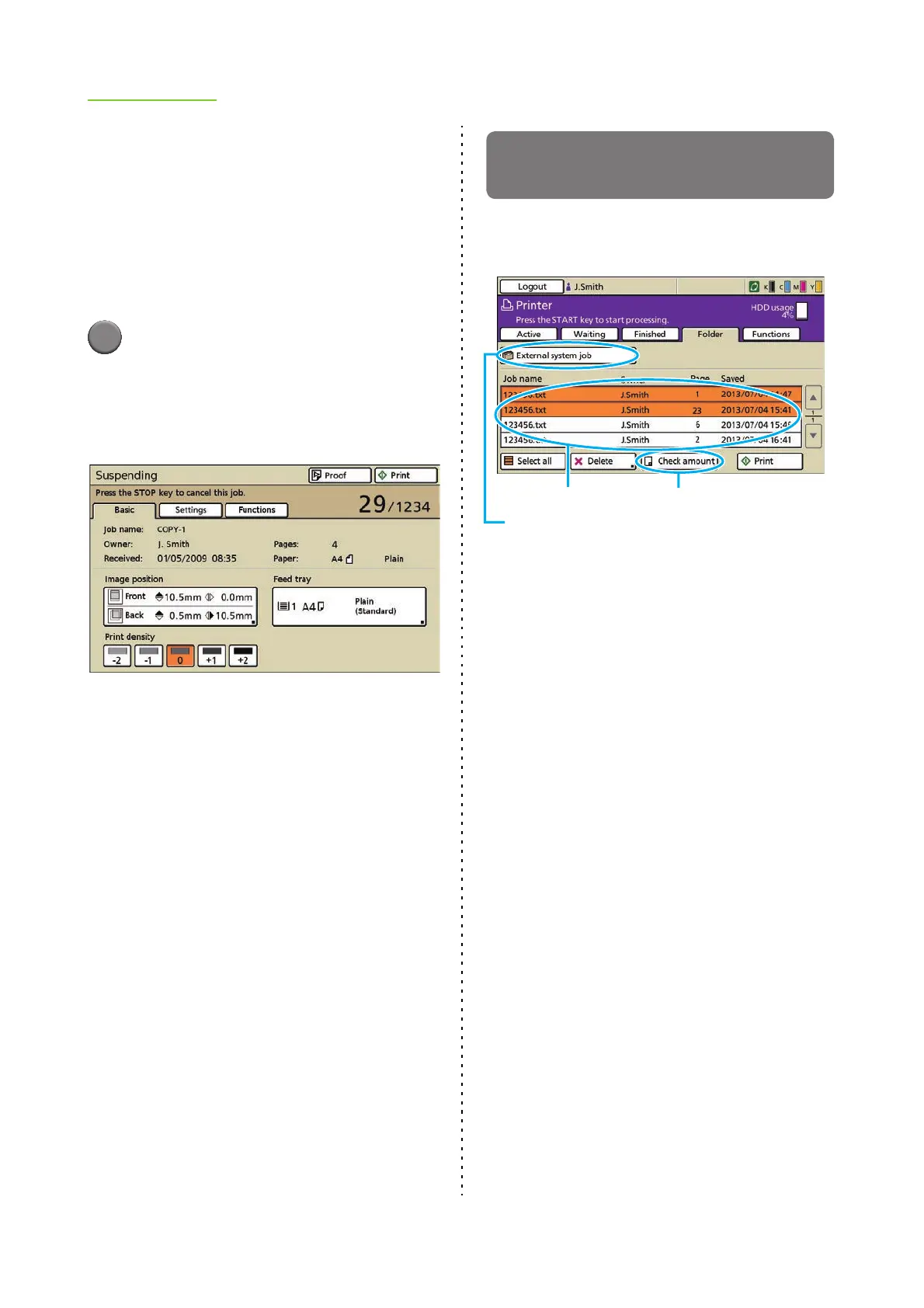
● Print density
Adjust the print density.
[-2] Light
[-1] Somewhat light
[0] Standard
[+1] Somewhat dark
[+2] Dark
1
Select [Print density] on the
[Details] (or [Suspending]) screen
for the selected job.
The lower the setting, the lighter the print density.
The higher the setting, the darker the print density.
Printing a Job Held by an External
System
Press [Folder] to display the print jobs of logged in
user (External system job).
• Press "Select folder" button to display the shared
folder jobs and USB folder jobs on the [Select
folder] screen.
• The job name, owner name, page amount and
saved date saved in the external system are
displayed in the external system job list.
Operation Buttons
[Select all]
Select all jobs displayed in the list.
[Delete]
Delete the selected jobs from the list.
[Check amount]
Displays the total price of the selected jobs and
balance of the logged in user.
[Print]
Print the selected job. The jobs with a PIN code are
listed in the waiting job list.
"Select folder" button
External system job list
[Check amount]













 To Next Page