4-15
4
ComColor Series User’s Guide 09
Printer Function Settings
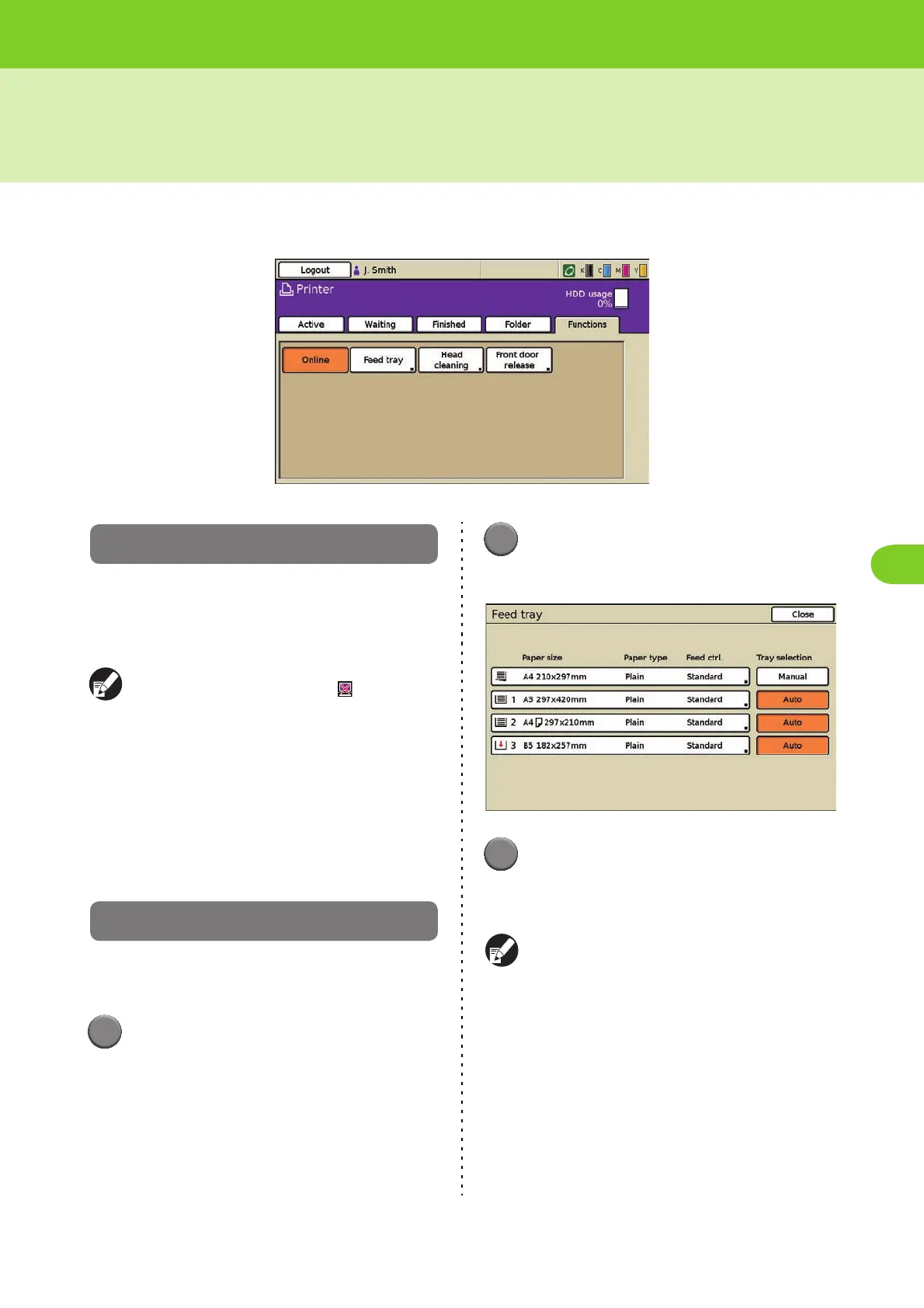
Use the [Functions] screen to configure the user-configurable functions of the main unit (system).
Online
Set the machine online or offline. When you set the
machine offline, the machine cannot receive print
commands from a computer.
Set this for exclusive use of the machine.
● When the machine is offline, [ Offline] is
displayed in the status button.
● If the machine has not been online after
printing, the machine is set online automatically
in the following cases.
• When auto reset is executed (The auto reset
timing is set by the administrator.)
• When you log out
Feed tray
Specify the paper size, paper type, paper feed, and
double feed check settings for each feed tray.
1
Press [Functions] on the printer
mode screen.
2
Press [Feed tray].
The [Feed tray] screen is displayed.
3
Select the feed tray.
The [Details] screen for the tray is displayed.
Specify the paper size and paper type.
See "Feed tray" (p. 2-10) in "Copy" for details.













 To Next Page