5-12
5 RISO Console
ComColor Series User’s Guide 09
● Details
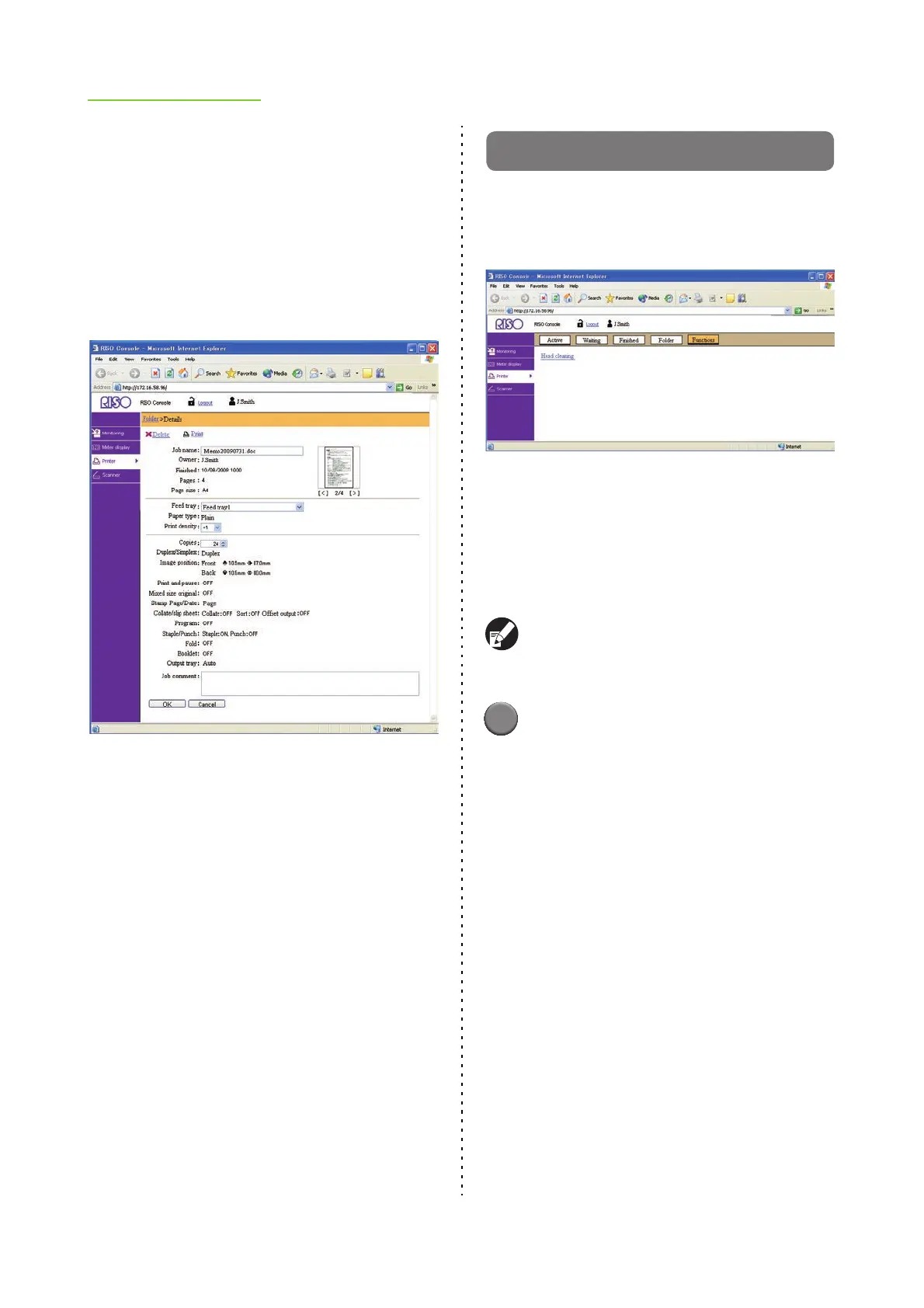
Select a job and click [Details] to display the setting
details for that job.
You can change the following settings.
• Job name
• Feed tray
• Print density
• Copies
• Job comment
● Delete
Select a job and click [Delete] to delete that job.
● Copy to
To copy a job to another folder, select the job and
then select the folder name in the [Copy to] pull-
down menu.
[Functions] Screen
Use the [Functions] screen to configure the user-
configurable functions of the printer main unit
(system).
● Head cleaning
Clean the ink head to prevent clogging. Clean the
ink head when you notice a change in image
quality, such as blurring in part of a printout, white
streaking, or faded colors.
When the printer is being used, cleaning of the ink
head is performed after the printer has finished
printing or copying.
1
Click [Head cleaning], and then
click [OK].
When cleaning has been performed normally, the
message "Settings have been sent." appears.
• To cancel cleaning, click [Cancel].













 To Next Page