2-55
Copying Functions
2
ComColor Series User’s Guide 09
10
Check the "print result(s) image"
in the overlay result image.
11
Press [OK].
Interrupt copy
Pause the job being printed to copy another job.
1
Press the [Interrupt] key.
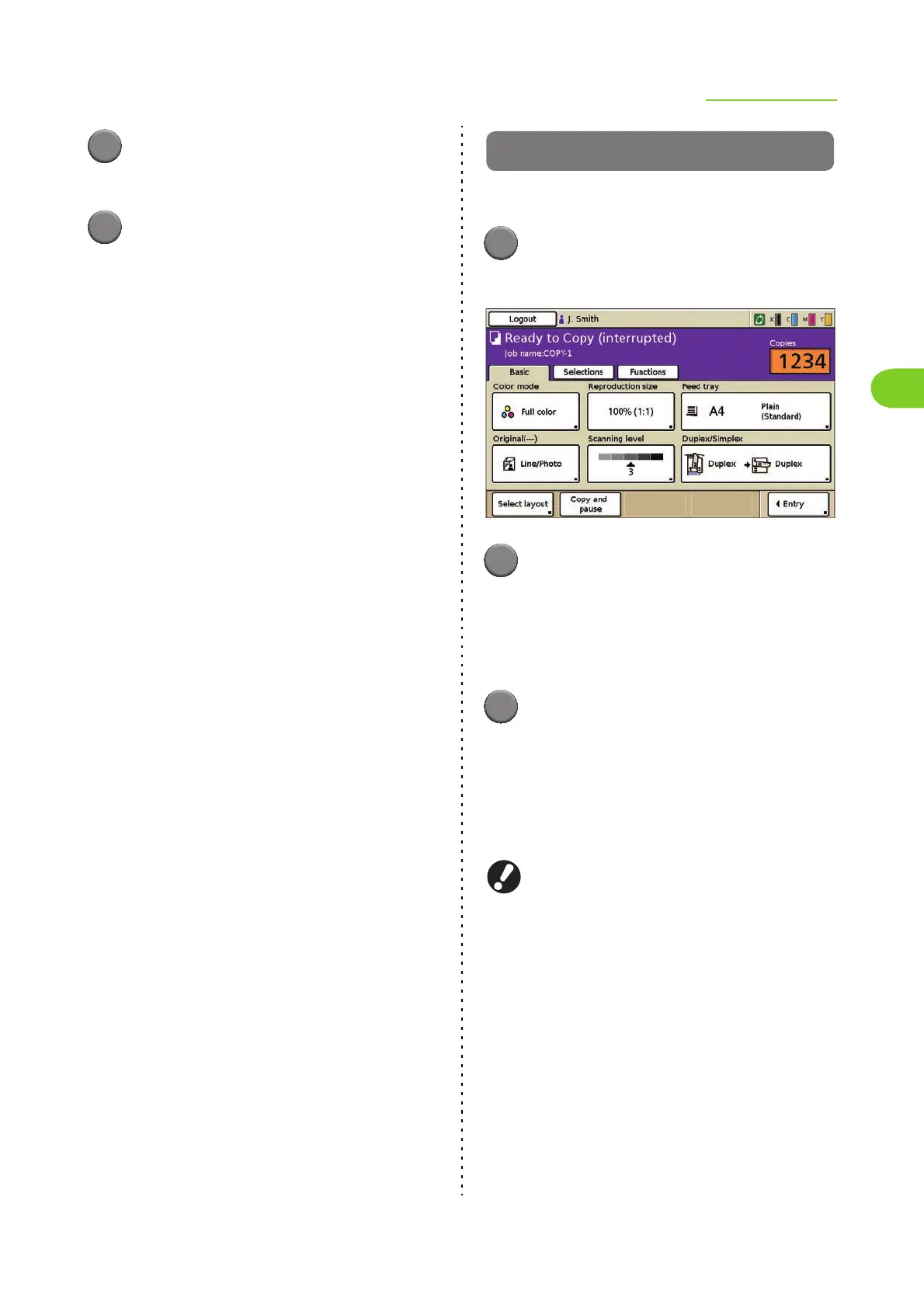
The interrupting screen is displayed.
2
Load the original and press the
[START] key.
• You can make copies continuously while
"Ready to Copy (Interrupting)" is displayed in
the message area.
3
After the interrupt copy has been
completed, press the [Interrupt]
key to cancel interrupt copy.
Printing of the paused job resumes.
• When the machine has not been operated for
60 seconds, interrupt copy is canceled.
● The following functions are not available for
interrupt copy.
[Program], [Slip sheet], [Add cover], [ADF scan
& pause], [Save to folder], [Save to archive],
[PIN code]
● The following functions are not available when
using interrupt copy to interrupt jobs being
output to the multifunction finisher.
[Staple], [Punch], [Fold], [Booklet], [Add cover],
[Separate books], [Binding margin]













 To Next Page