19
Touch Panel Operations
ComColor Series User’s Guide 09
3
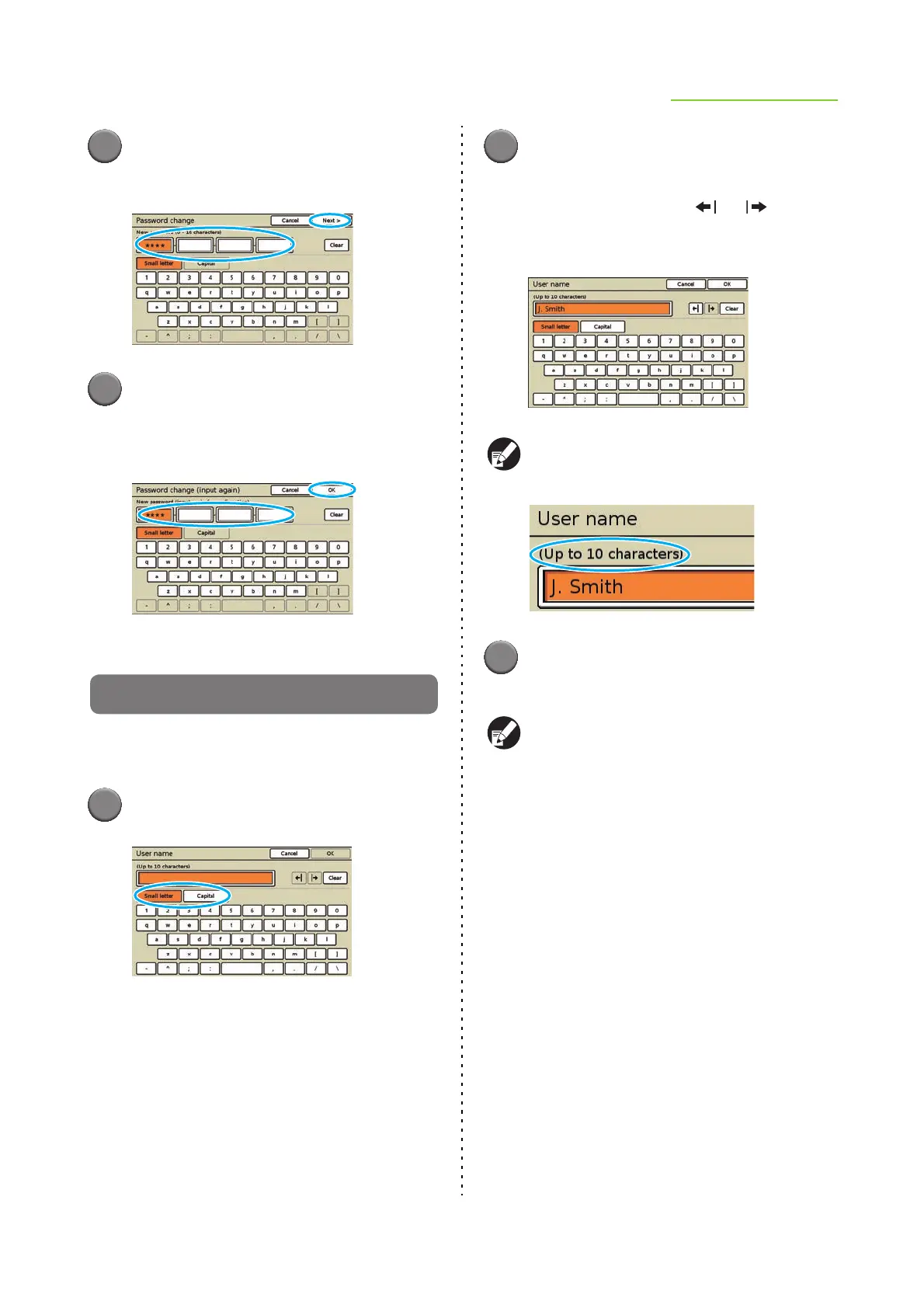
Enter the new password and press
[Next].
4
On the [Password change (input
again)] screen, enter the new
password again and press [OK].
Entering Text
When entering user names or passwords, enter the
required information on the text input screen.
1
Select the type of text to enter.
2
Press each character you want to
enter.
To move the cursor, press [ ] or [ ]. To erase
the character to the left of the cursor, press
[Clear].
The maximum number of characters to be entered
is displayed above the text input field.
3
Press [OK] when input is
complete.
To cancel information you have entered, press
[Cancel].













 To Next Page