1-15
Basic Settings
1
ComColor Series User’s Guide 09
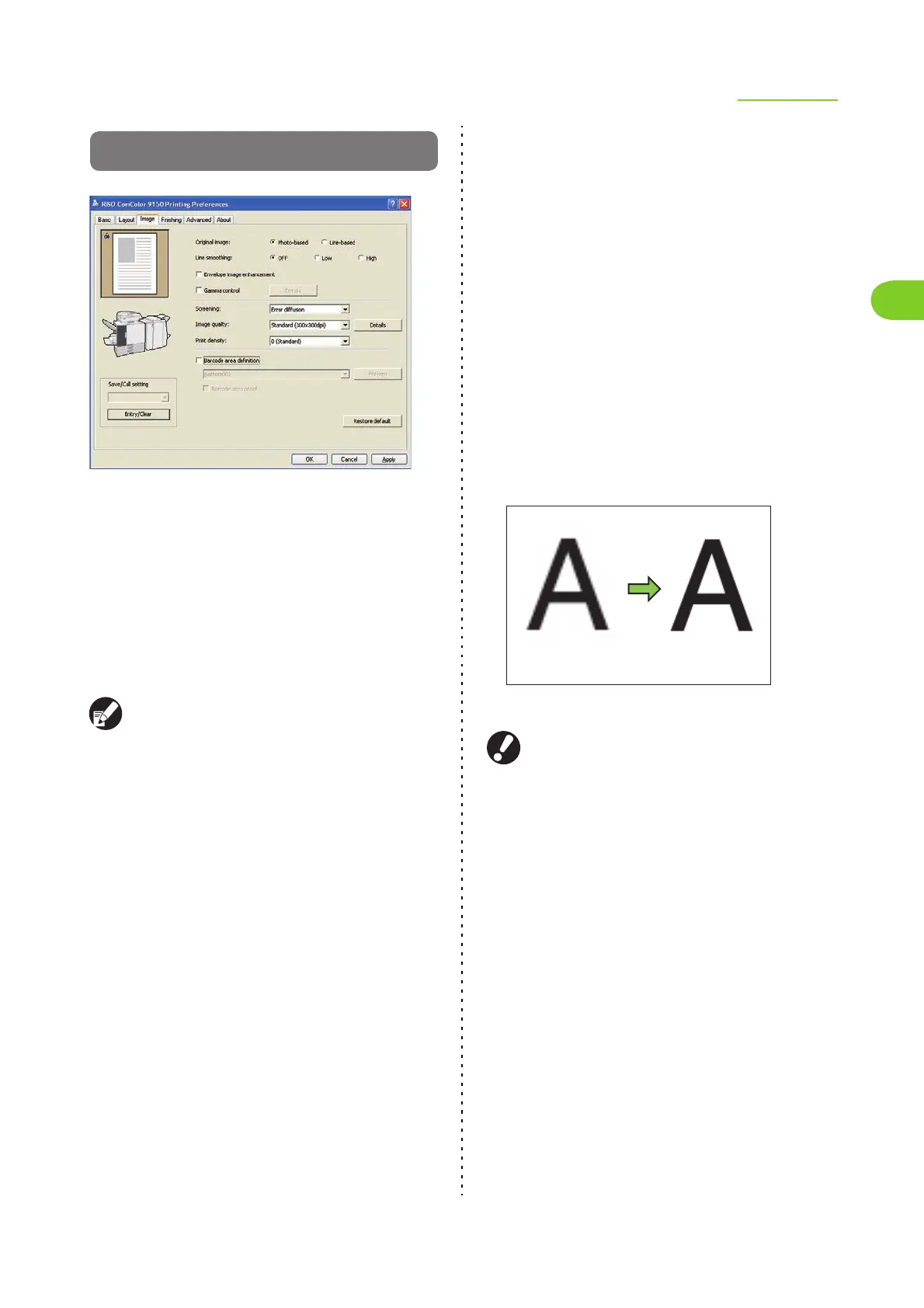
[Image] Tab
● Original image
Select whether to give priority to the image quality
of photos or text in originals.
[Photo-based]
Process image data with more natural colors.
[Line-based]
Process text and illustrations with sharp rendering.
For ComColor 2150, [Original image] cannot be
selected.
● Line smoothing
Supplement the intermediate colors of drawing and
background colors in outline sections of text or
illustrations (line drawing) to make the outlines
smoother.
You can select either of two different image
processing types.
[OFF]
Select this if you do not want to perform line
smoothing.
[Low]
Select this to make outlines smoother.
This is appropriate for originals with slants lines that
do not need fine processing.
[High]
Select this to make outlines smoother and make fine
characters and lines clearer.
● Line smoothing's image processing is inversely
proportional to processing speed (print speed).
The higher the image quality, the lower the
print speed.
● If you set [Image quality] to [Fine], you cannot
select [Low].
● Envelope image enhancement
Prevent blur and small stains during envelope
printing. Select the [Envelope image enhancement]
check box.
Image













 To Next Page