5-7
5
ComColor Series User’s Guide 09
[Meter display] Menu
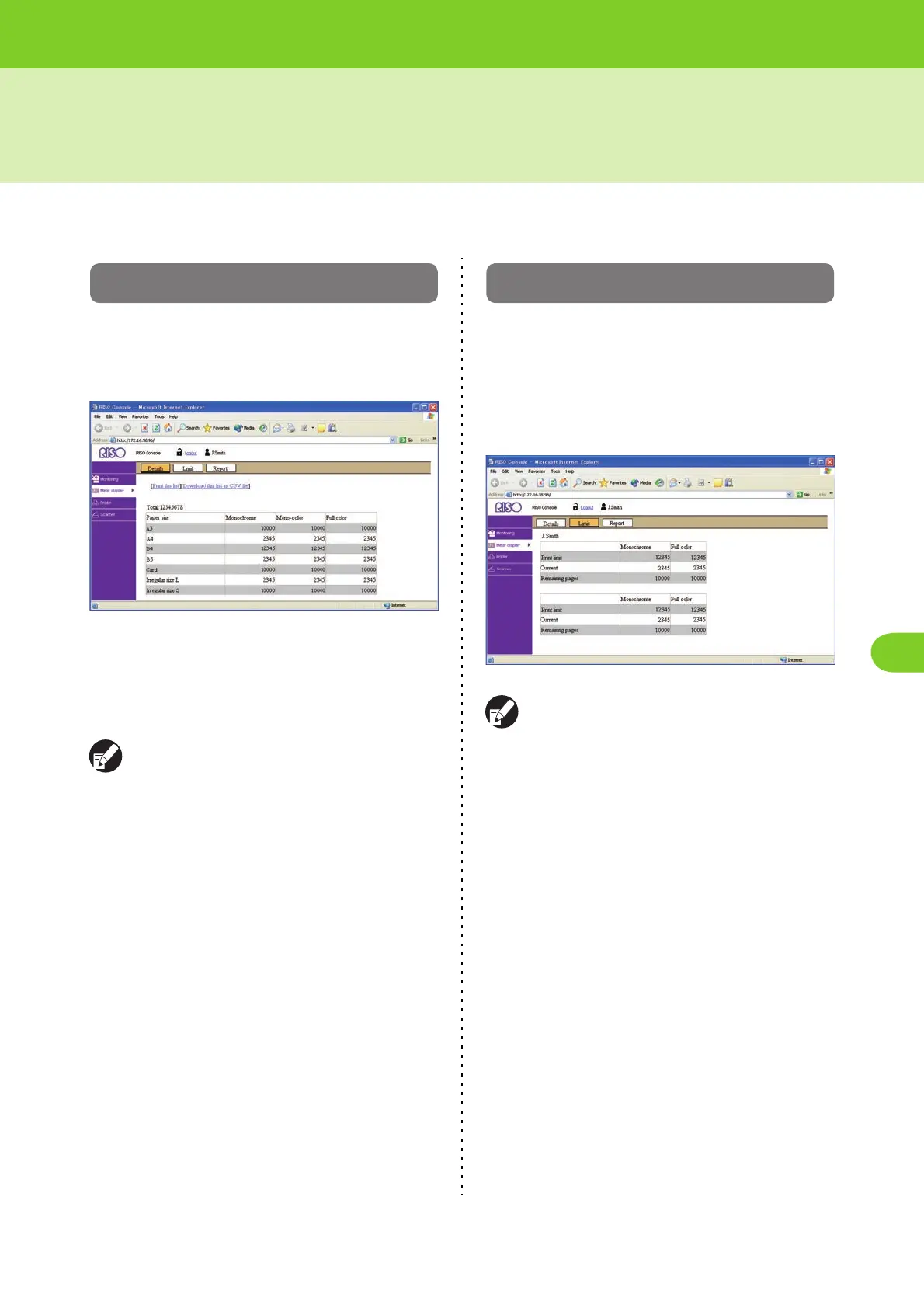
Click [Meter display] on the side menu to display the number of printouts on this machine.
[Details] Screen
The [Details] screen displays the total number of
printouts and copies and the number of printouts by
paper size.
• [Print this list]
Click this to print the latest information.
• [Download this list as CSV file]
Click this to save the latest information to a computer
as a CSV file.
When you click [Print this list] or [Download this
list as CSV file], the latest information is obtained
and may be different from the information
displayed on the screen.
[Limit] Screen
The [Limit] screen (button) is displayed when a
quantity limit has been specified for the user logged
in.
You can use this screen to check the quantity limit
specified by the administrator and the current print/
copy count.
The information displayed on the screen varies
depending on the "Admin. Settings".













 To Next Page