2-14
2 Copy
ComColor Series User’s Guide 09
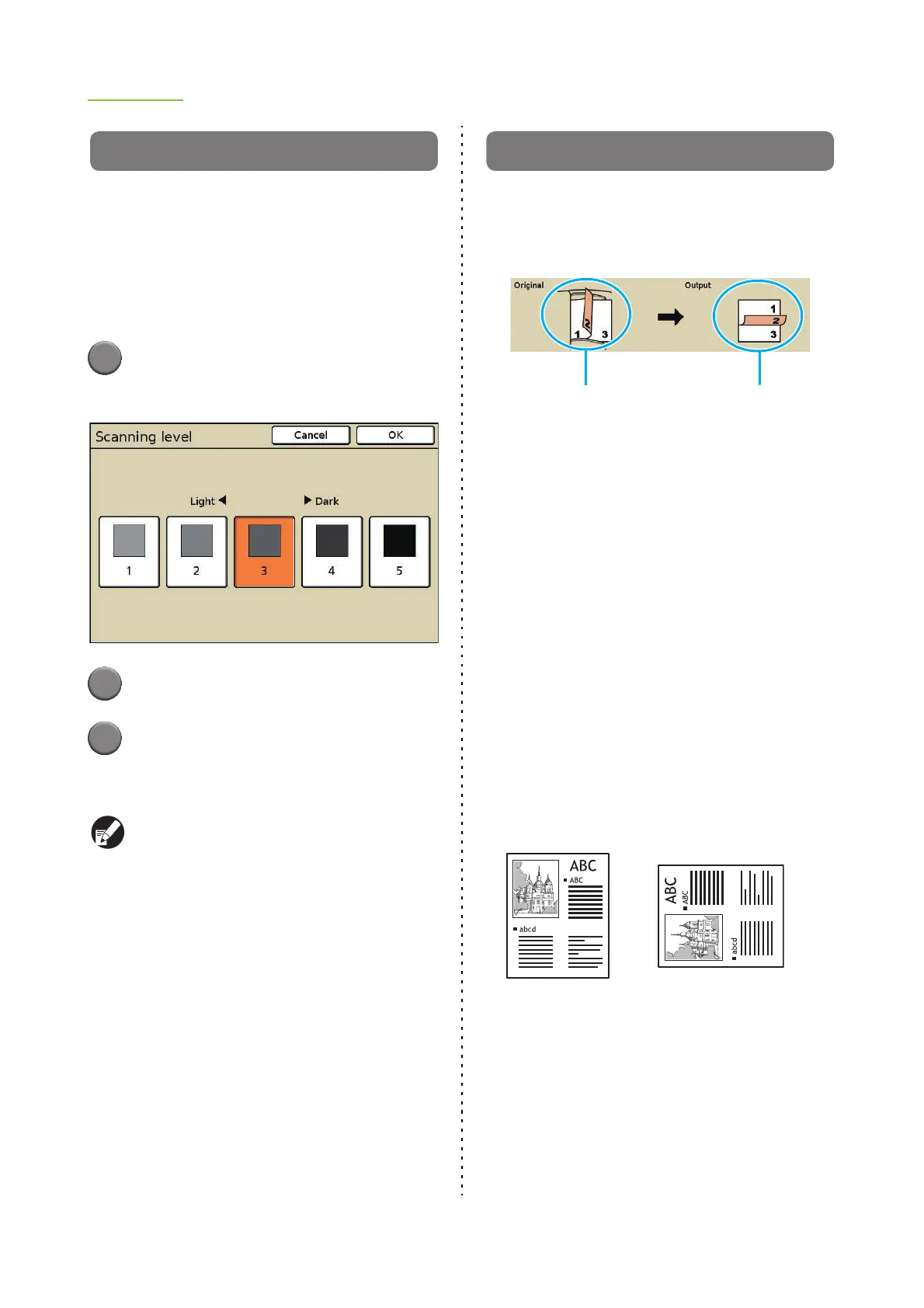
Scanning level
You can adjust the scanning density of originals.
Select from the following.
[1] - [5]
The lower the setting (toward [1]), the lighter the
density. The higher the setting (toward [5]), the darker
the density.
1
Press [Scanning level].
The [Scanning level] screen is displayed.
2
Select the scanning level.
3
Press [OK].
The settings are confirmed and the previous
screen is displayed.
You can make the background color (base color)
lighter so that the text is easier to read when
copying text originals with a background color or
colored paper. (p. 2-36 "Base color level")
Duplex/Simplex
Specify the sides of the original to be read and the
sides of the paper to be printed on.
The current settings (the original scanning side and
output) are displayed on the screen.
■ Original Scanning Side
[Simplex], [Duplex]
■ Original Paging Direction
When the original is two-sided, select how pages of
the original are turned.
[Left / Right], [Top / Bottom]
■ Original orientation
[Top side up]
Select this when loading the original with the top of
the original facing toward the back of the platen glass
or the ADF.
[Top side left]
Select this when loading the original with the top of
the original facing toward the left of the platen glass
or the ADF.
■ Output
Select the layout of the printout.
[Simplex], [Duplex]
Original scanning side Output
Top side up Top side left













 To Next Page