2-29
Copying Functions
2
ComColor Series User’s Guide 09
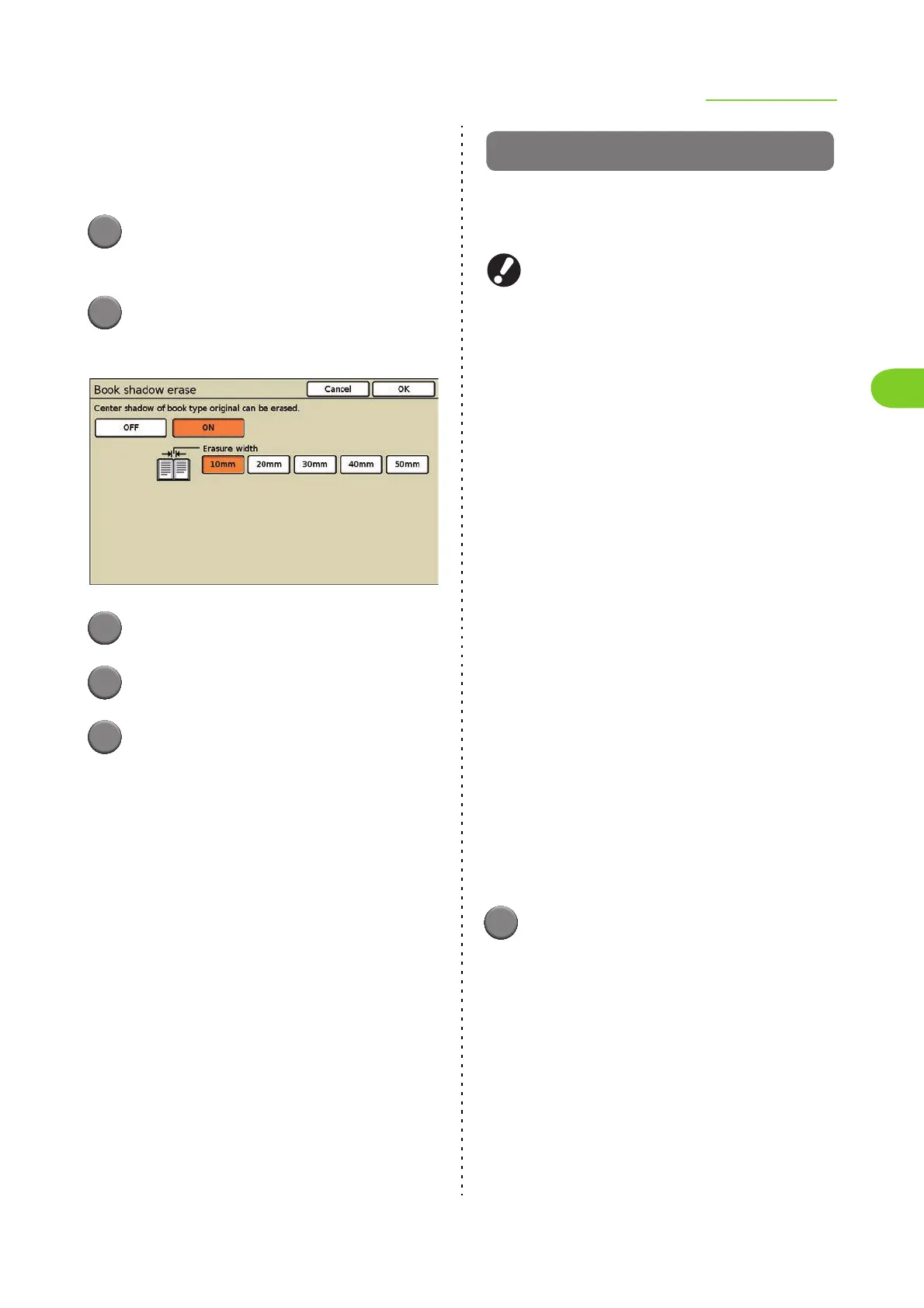
■ Erasure width
[10mm](3/8"), [20mm](13/16"), [30mm](1 3/16"),
[40mm](1 9/16"), [50mm](1 15/16")
1
Press [Functions] on the copy
mode screen.
2
Press [Book shadow erase].
The [Book shadow erase] screen is displayed.
3
Press [ON].
4
Select the erasure width.
5
Press [OK].
The settings are confirmed and the previous
screen is displayed.
Multi-up
Impose several pages of an original onto one
sheet.
You can select [Plural] or [Single]
You cannot use "Multi-up" and "Mixed size
original" or "Overlay" at the same time. (p. 2-28
"Mixed size original", p. 2-53 "Overlay")
● Setting Multi-up (Plural)
Impose continuous pages onto one sheet.
■ Original orientation
[Top side up]
Select this when loading originals in an orientation
from which they can be read normally.
[Top side left]
Select this when loading originals so that the top of
the original is aligned with the left edge.
■ Pages/sheet
Select the number of pages per sheet.
[2], [4], [8]
■ Layout order
When you have selected [2]
[Left to right (T to B)], [Right to left (B to T)]
When you have selected [4] or [8]
[Left top to right], [Left top to bottom], [Right top
to left], [Right top to bottom]
1
Press [Functions] on the copy
mode screen.













 To Next Page