3-3
Overview of Scan Operations
3
ComColor Series User’s Guide 09
● 1 Loading Originals
For information on the types of originals that can be
used, see "Originals" in the "Safety Information".
The machine cannot scan the area within 1 mm
(0.04") of the edge of the paper.
(Any part of the image within this area will be lost.)
■ In the ADF
1
Load the original in the ADF.
Align the originals and place them face up.
2
Slide the original guides to match
the width of the originals.
■ On the Platen Glass
Open the original cover and load the original on the
glass surface.
1
Open the original cover.
2
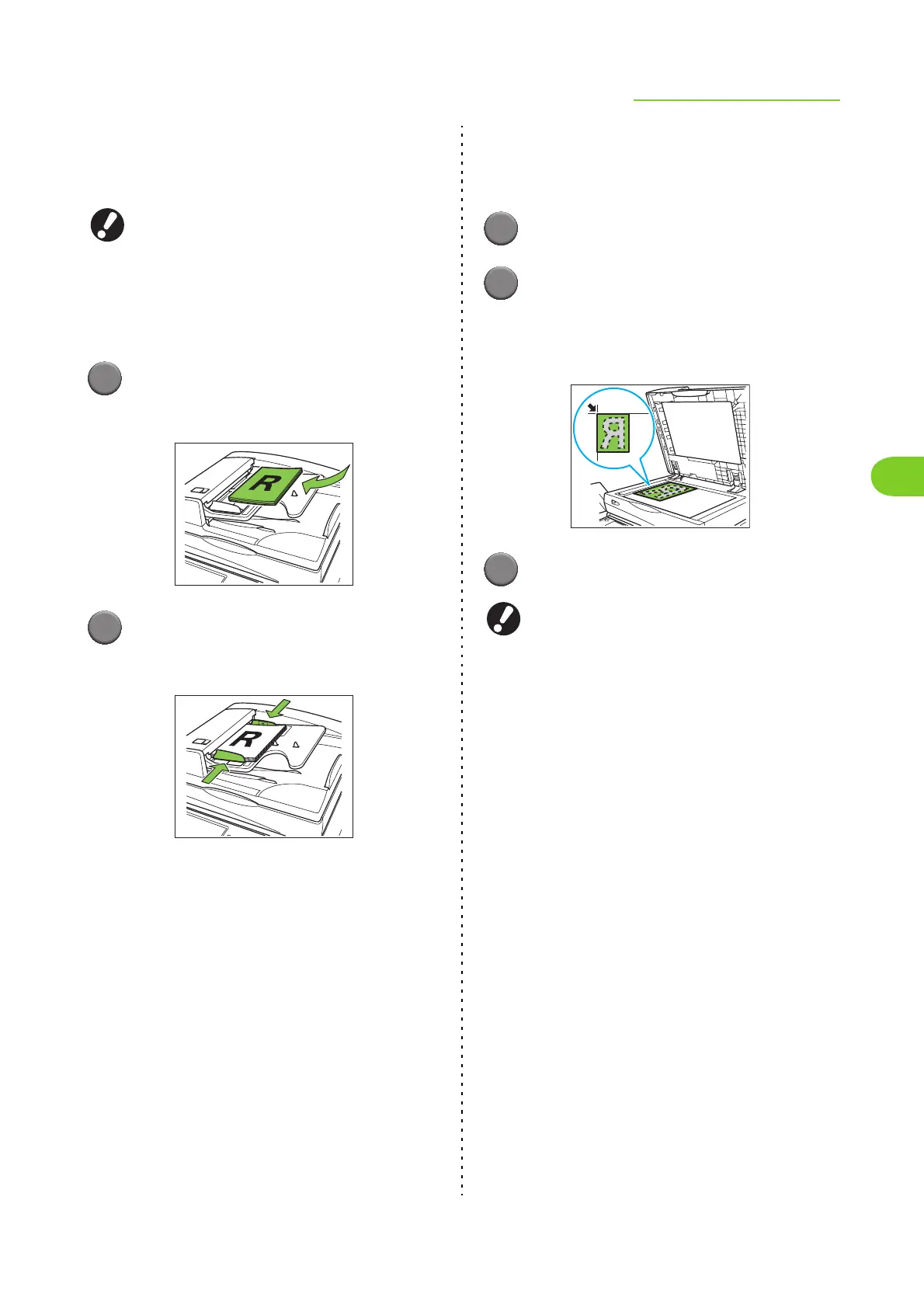
Load the original.
Load the original face down on the glass. Align
the corner of the original with the upper-left corner
of the glass.
3
Close the original cover.
Open and close the original cover gently.













 To Next Page