16
ComColor Series User’s Guide 09
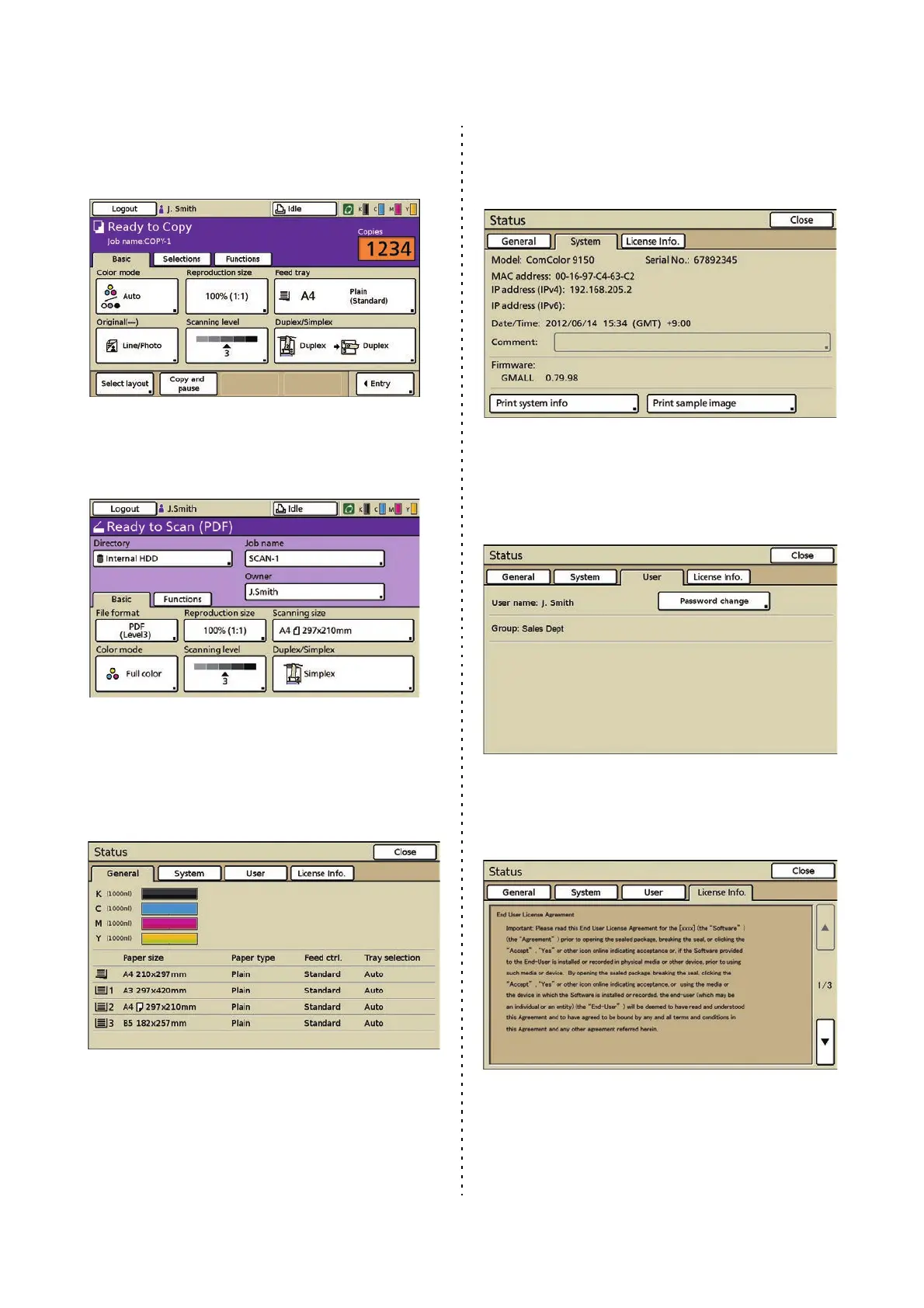
■ Copy Mode Screen (Optional)
Control copying on this screen.
■ Scanner Mode Screen (Optional)
Control scanning on this screen.
■ Status Screen
● General Screen
Enables you to check the status of the consumables,
such as paper or ink.
● System Screen
Enables you to check the model of the machine, MAC
and IP addresses and other information.
● User Screen
Enables you to check the logged in user name and
group. This screen is displayed only when a user is
logged in.
● License Info. Screen
Enables you to view information about the license of
the system in the machine.













 To Next Page