24
ComColor Series User’s Guide 09
● Scanner Mode
*
Depending on the "Admin. Settings", this button may not be displayed.
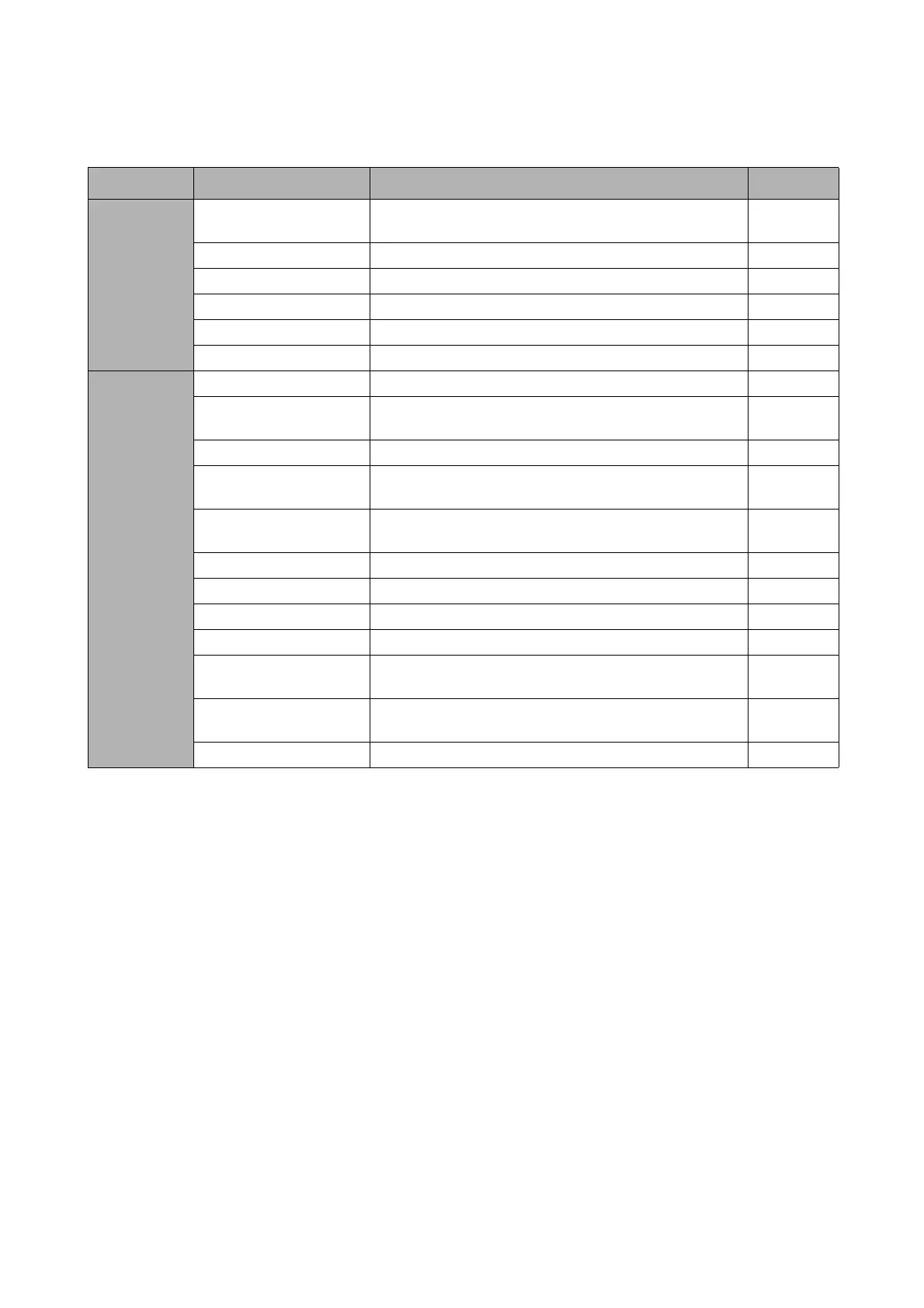
Setting Description See
[Basic]
File format Specify the file format, compression level and resolution
for saving the scanned data.
p. 3-9
Reproduction size Enlarge or reduce the scanned data. p. 3-10
Scanning size Specify the scanning size for originals to be scanned. p. 3-10
Color mode Specify the color mode of the data to be scanned. p. 3-10
Scanning level Adjust the scanning density for originals. p. 3-11
Duplex/Simplex Specify sides of the original to be scanned. p. 3-11
[Functions]
Save as default* Register the current settings as the default values. p. 3-12
Check setting Confirm and register the current settings and print the
settings information.
p. 3-12
Save/Call setting Up to 10 frequently used settings can be registered. p. 3-12
Original Select the original type to perform the appropriate
image processing and save the scanned data.
p. 3-12
Book shadow erase Remove shadows that appear in the center of copies
when an open book is copied.
p. 3-13
Image size Specify the page size for saving scanned data. p. 3-13
Mixed size original Specify this when the original has multiple sizes. p. 3-13
Gamma control Adjust the color balance (CMYK) of originals. p. 3-14
Image control Specify the image processing of the original. p. 3-14
Base color level Make the background color (base color) lighter so that
the text is easier to read.
p. 3-14
PIN code Assign PIN codes when saving scanned jobs on the
internal hard disk.
p. 3-14
Front door release Release the front door lock. p. 3-15













 To Next Page