30
ComColor Series User’s Guide 09
● Adding or Switching Paper in
the Standard Tray
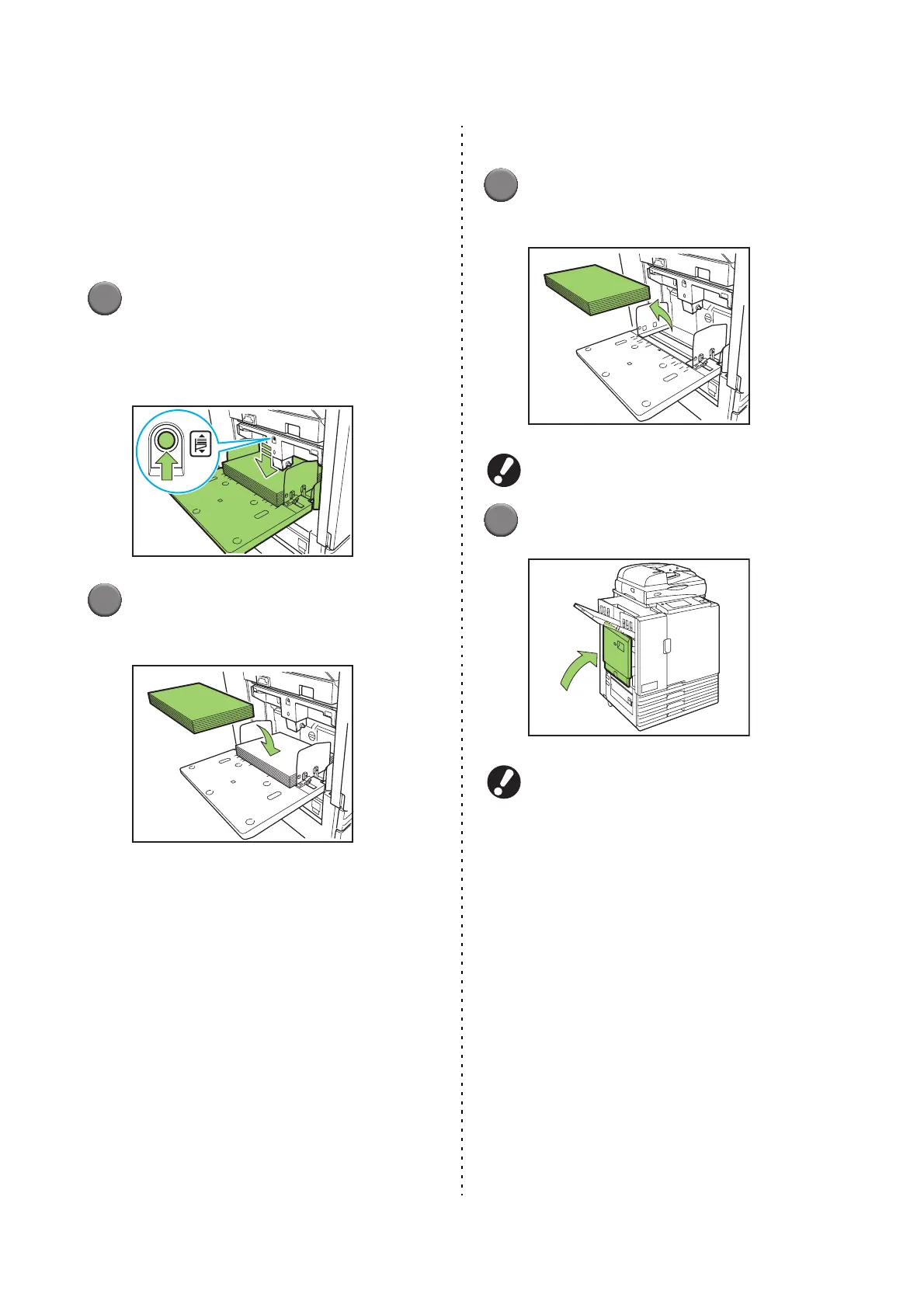
Press the standard tray descent button when
loading additional sheets or when switching paper.
Note that the standard tray is automatically lowered
when all paper is removed.
1
Press the standard tray descent
button to lower the standard tray.
Hold the button down until the tray reaches the
desired position.
2
Load additional paper, or switch
the loaded paper.
● Closing the Standard Tray
1
Remove the loaded paper.
The standard tray starts lowering.
Make sure the machine is on.
2
Close the standard tray.
Make sure the standard tray is all the way down
before closing it.













 To Next Page