1-37
Environment Settings
1
ComColor Series User’s Guide 09
● Barcode area file entry
Register a barcode area definition file to the
printer driver. A barcode area definition file that
you register here is displayed in the [Barcode area
definition] pull-down menu in the [Image] tab. For
details, see "Using the Barcode Area Definition
Application" in the "Basic Guide".
1
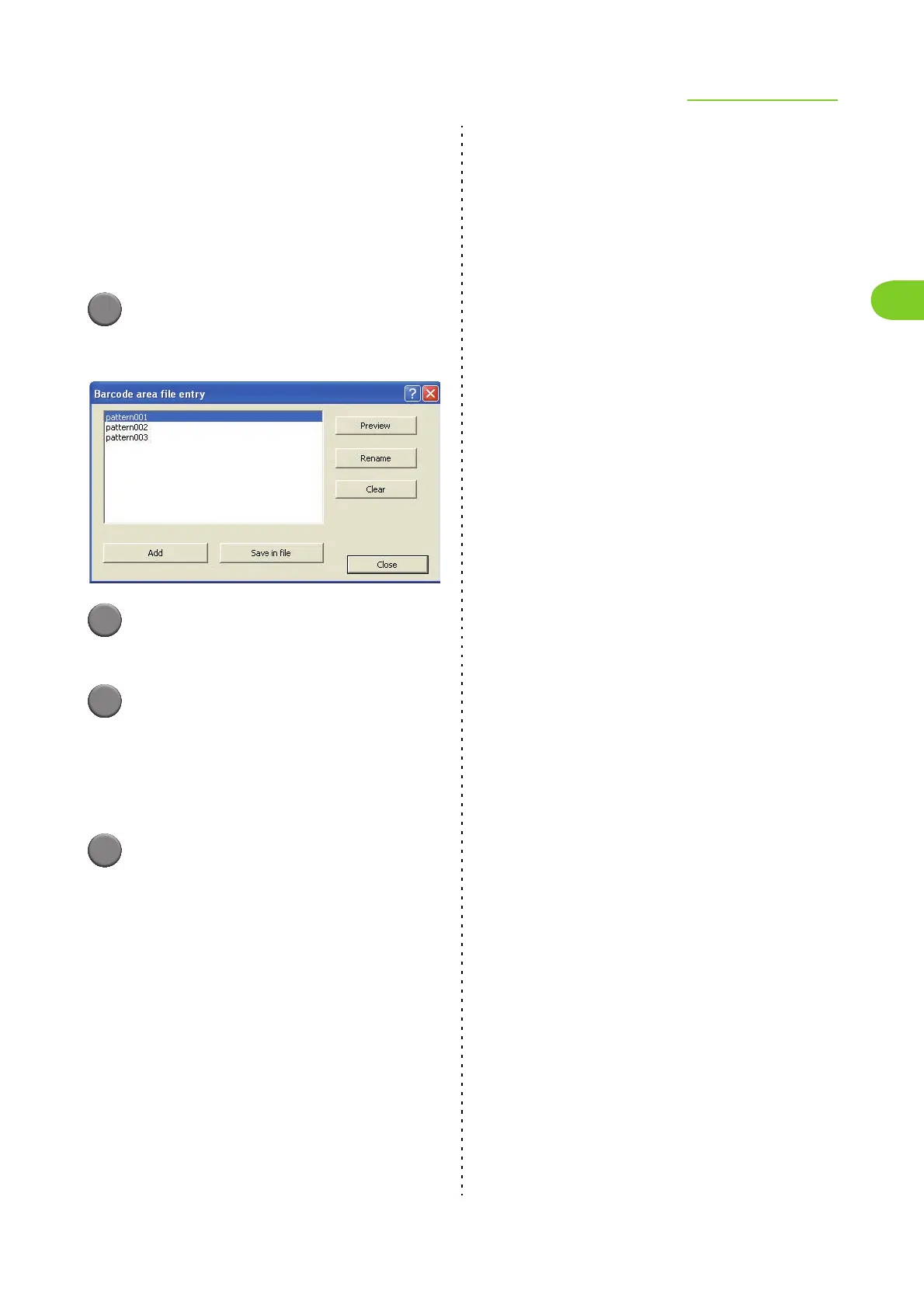
Click [Barcode area file entry].
The [Barcode area file entry] dialog box is
displayed.
2
Click [Add] on the [Barcode area file
entry] screen.
3
Specify a barcode area definition file
that you have created using the
barcode area definition application.
You can change the file name, and also preview
the content.
4
Click [Close].
The barcode area definition file you have created
using the application is registered to the printer
driver.













 To Next Page