7 | Display and operating elements
Page 30 of 104 CIRUS
®
UPT-6400 VERSION 1 | EN-US
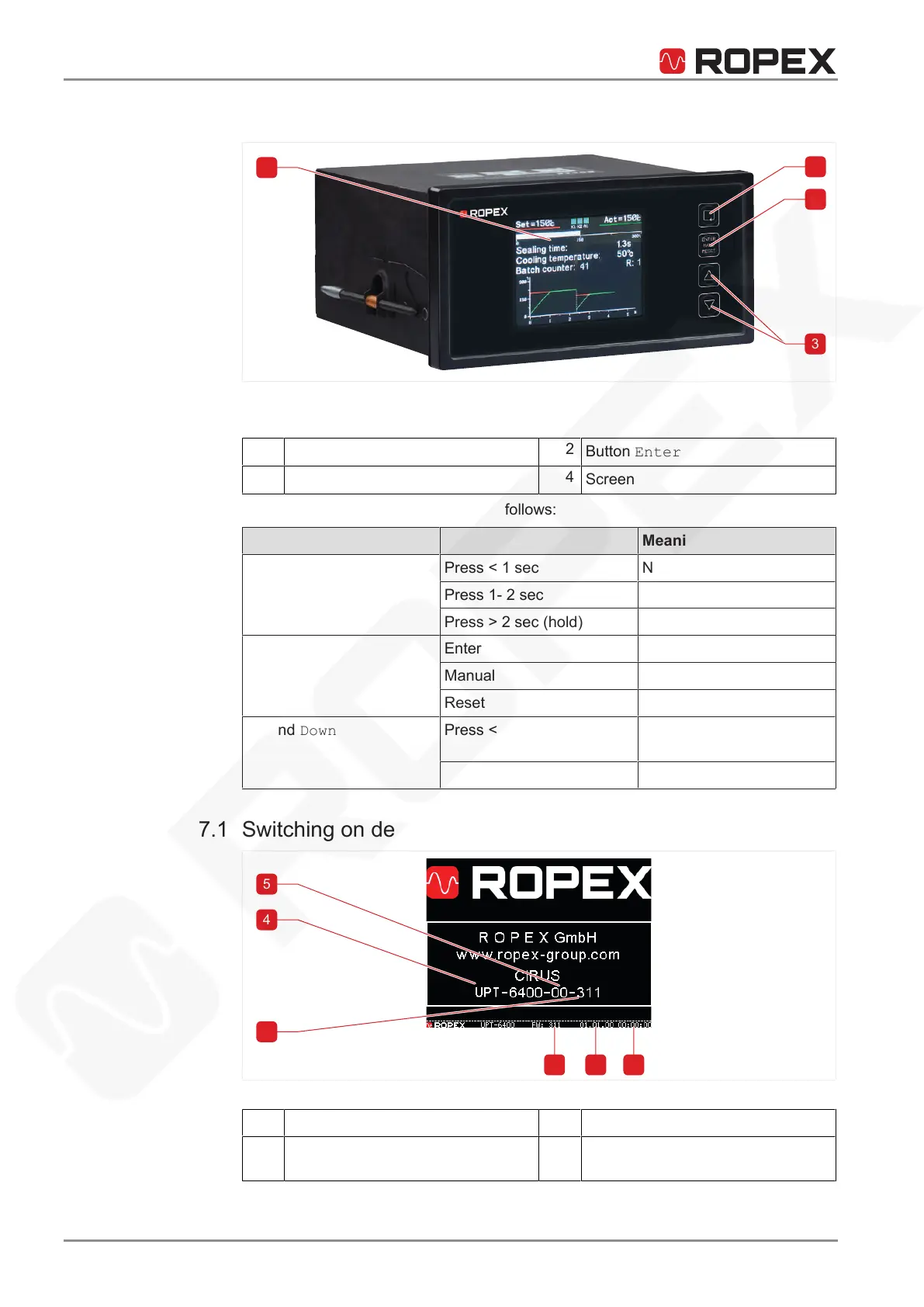
7 Display and operating elements
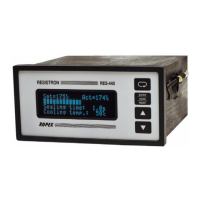
Illustration7: Display and operating elements
1
Button Menu
2
Button Enter
3
Buttons Up and Down
4
Screen
Operation via screen
Operate the temperature controller as follows:
Button Meaning
Menu Press < 1 sec Next menu item
Press 1- 2 sec Previous menu item
Press> 2 sec (hold) Return to standard screen
Enter Enter Save values
Manual Manual mode
Reset Reset after alarm
Up and Down Press < 2 sec Change values step-by-
step
Press> 2 sec (hold) Change values quickly
7.1 Switching on device
Illustration8: Switchon message
1
Time
2
Date
3
Firmware version
4
Temperature controller type
UPT-6400






 To Next Page