Display and operating elements | 7
VERSION 1 | EN-US CIRUS
®
UPT-6400 Page 31 of 104
5
Software ID number
The switchon message is displayed for approx. 2sec after the temperature controller
is switched on. The screen also provides information on the software version.
7.2 Screen view
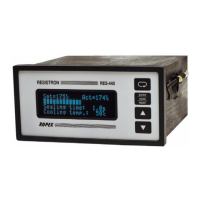
7.2.1 Standard screen
If no settings are made to the temperature controller and there are no error messages,
the screen remains in the standard view.
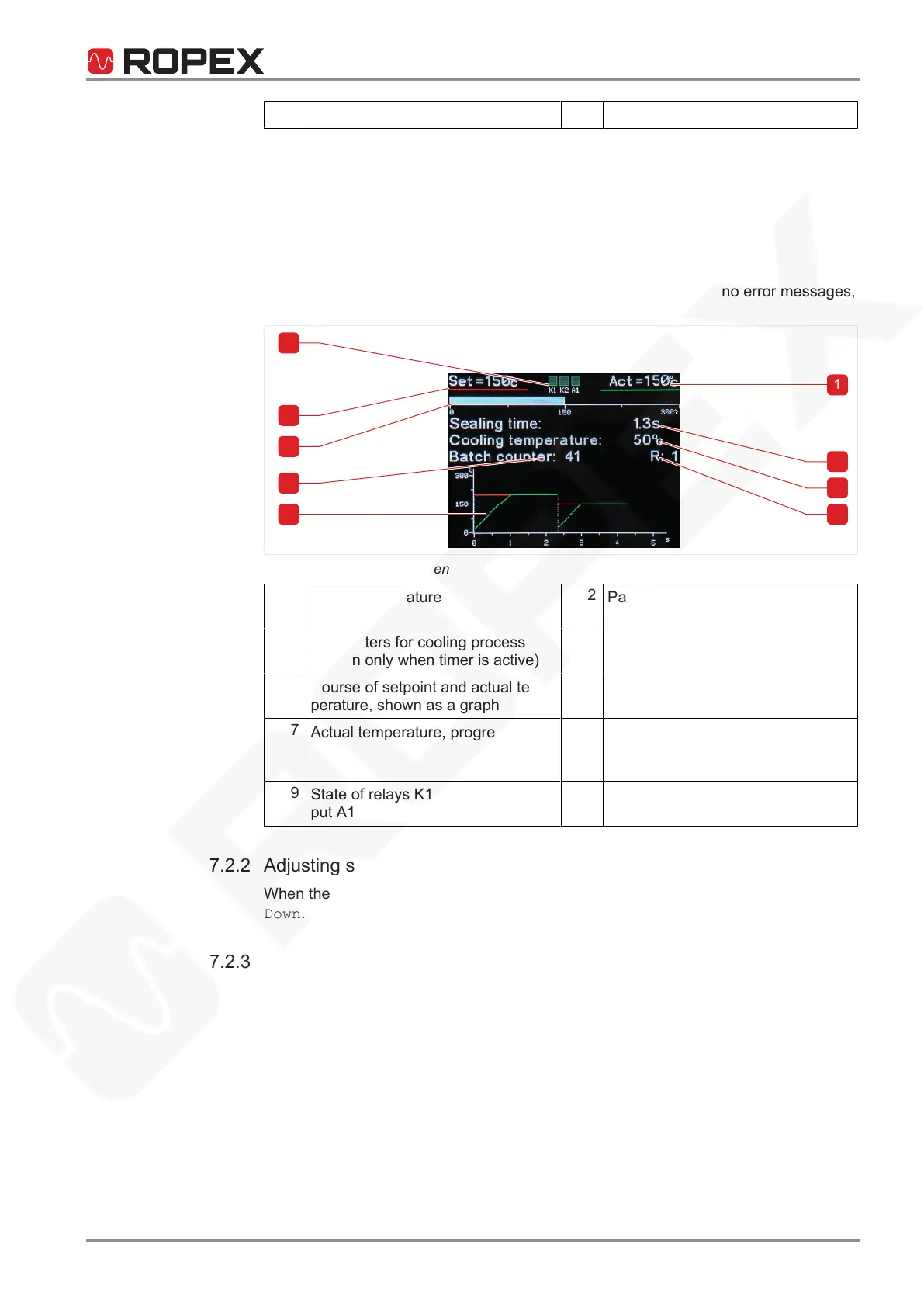
Illustration9: Standard screen
1
Actual temperature
2
Parameters for sealing process
(shown only when timer is active)
3
Parameters for cooling process
(shown only when timer is active)
4
Active reset
5
Course of setpoint and actual tem-
perature, shown as a graph
6
Number of resettable counters
7
Actual temperature, progress bar
8
Setpoint temperature (specified
heating temperature), numerical
display
9
State of relays K1 and K2, and out-
putA1
7.2.2 Adjusting screen brightness
When the standard screen is displayed, the brightness can be adjusted with Up and
Down.
7.2.3 Error message
Error diagnosis of the temperature controller is always active. When an error is de-
tected, it immediately appears in the screen as an error message. For more informa-
tion on error messages, refer to System monitoring and alarm output.






 To Next Page