Functions and settings | 8
VERSION 1 | EN-US CIRUS
®
UPT-6400 Page 33 of 104
8 Functions and settings
8.1 Settings
8.1.1 Settings menu / configuration menu
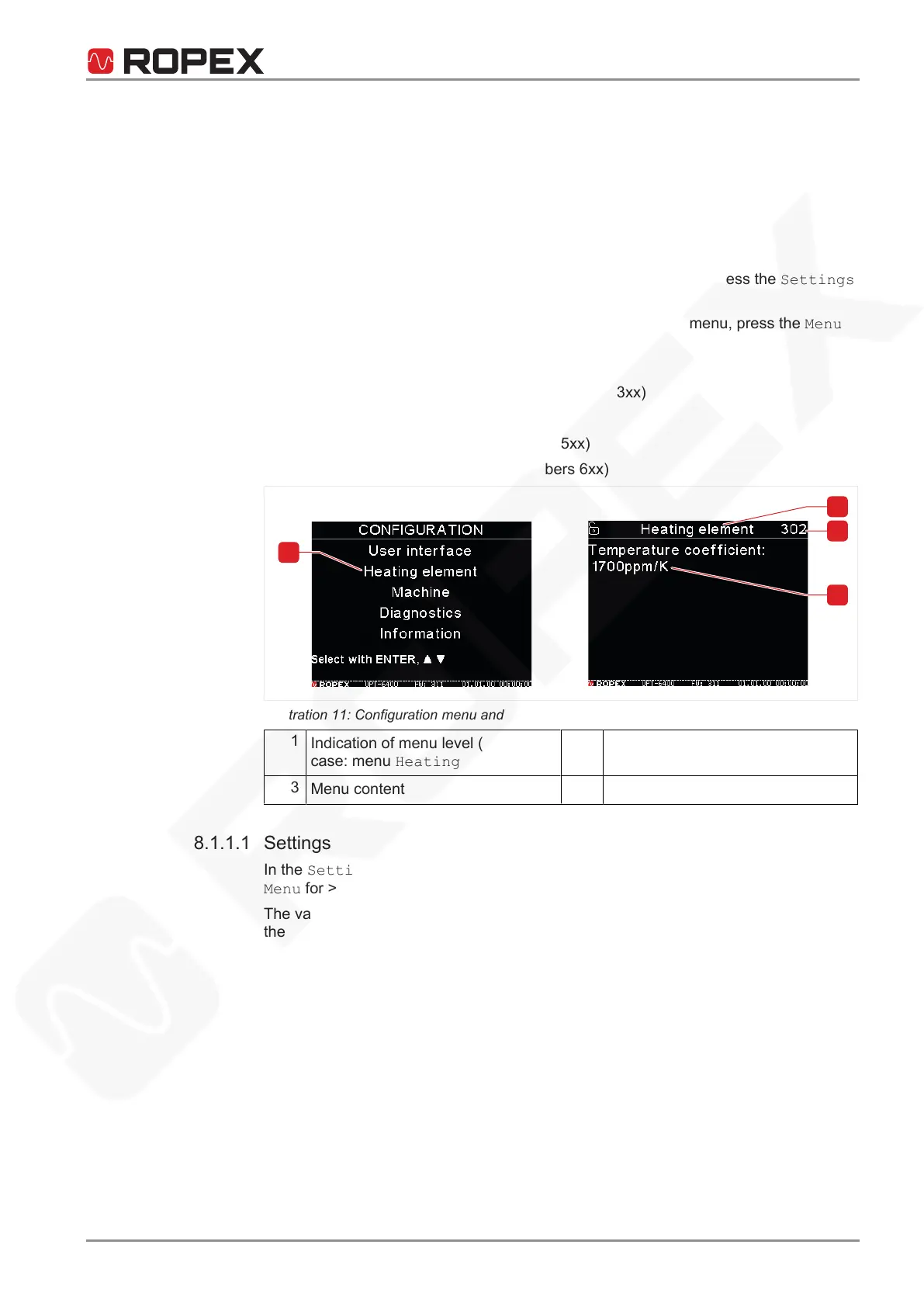
Parameters are set at multiple menu levels:
• Settings menu (operating menu; menu numbers 1xx): To access the Settings
menu, press the Menu button for <1 sec.
• Configuration menu: To access the Configuration menu, press the Menu
button for >2sec.
• Operation menu (menu numbers 2xx)
• Heating element menu (menu numbers 3xx)
• Machine menu (menu numbers 4xx)
• Diagnosis menu (menu numbers 5xx)
• Information menu (menu numbers 6xx)
Illustration11: Configuration menu and heating element menu
1
Indication of menu level (in this
case: menu Heating element)
2
Indication of position in the menu
(menu step)
3
Menu content
4
Configuration menu
8.1.1.1 Settings
In the Setting menu, briefly press Menu to advance to the next menu item. Press
Menu for > 2 sec to access the Configuration menu.
The various functions that are available is a factor of whether the timer is activated on
the CIRUS
®
UPT-6400.






 To Next Page