30 Operating Instructions Cubis
®
MCE
Operating Concept
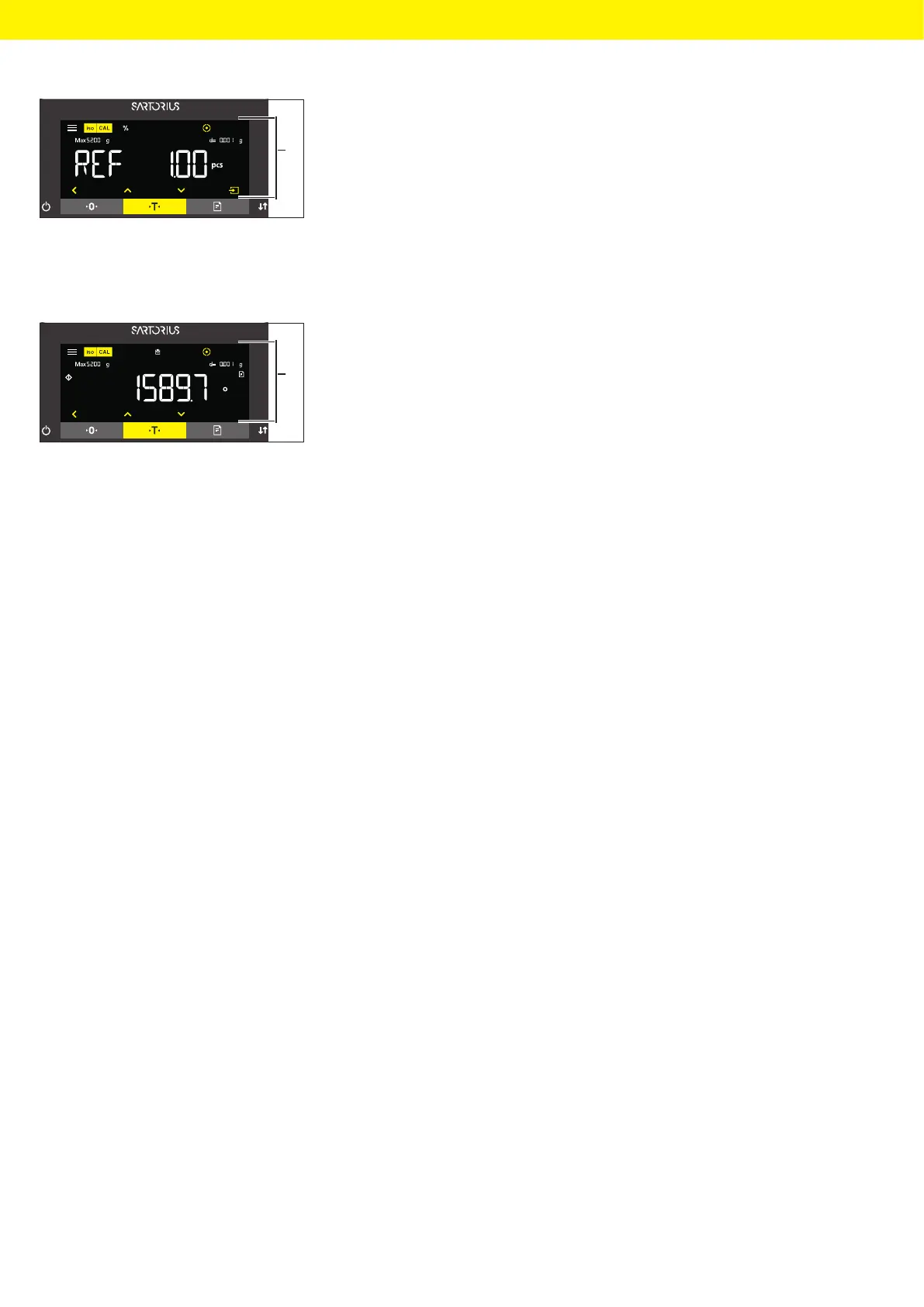
t If an integer reference value needs to be selected in the reference value
display (1) of a selected application, e.g. “Weighing in percent” or “Animal
weighing” applications:
t Press the [Up] or [Down] button. This increases or decreases the
reference value by 1.
t Hold down the [Up] or [Down] button. This increases or decreases
the reference value by 10.
t To start the application: Press the [Confirm] button on the keypad.
t To delete the displayed reference value and return to the
application’s status display: Press the [Back] button.
t If the results display (1) of a selected application is displayed:
t To switch between the application results display and the set
reference value display: Press the [Up] or [Down] button.
t To exit the results, display and delete the set reference value and the
result of the application: Press the [Back] button.
1
1








 To Next Page