Operating Instructions Cubis
®
MCE 41
Getting Started
6 Getting Started
6.1 Connecting Electronic Components
Procedure
t
CAUTION Improper connection may damage the device! If the
device is connected using electronic components, e.g. printer, PC: The
device must be disconnected from the power supply. Ensure that the
device is disconnected from the power supply.
t Connect the device using electronic components (see electronic
components instructions).
6.2 Installing the AC Adapter
Procedure
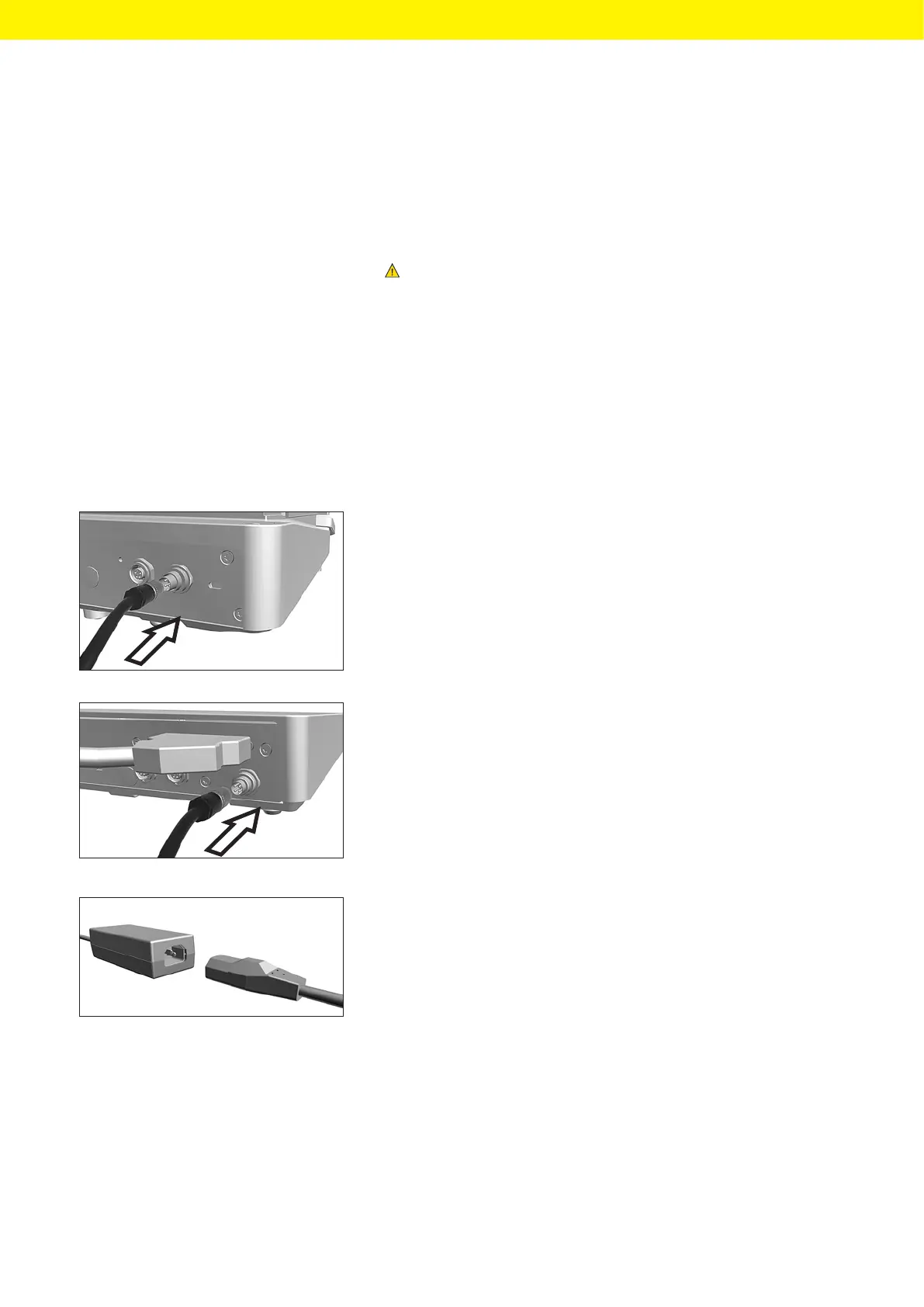
t If this relates to a device without an electronics module: Plug the DC
supply cable of the AC adapter into the device’s “power supply”
connection socket and tighten the threaded fitting.
t If this relates to a device with an electronics module: Plug the DC supply
cable of the AC adapter into the electronics module’s “power supply”
connection socket and tighten the threaded fitting.
t Connect the power supply cable to the AC adapter connection.








 To Next Page