Date Code 20010731 Serial Port Communications and Commands 8-15
SEL-352-1, -2 Instruction Manual
BRE C (Clear Breaker Report)
Access Level 2
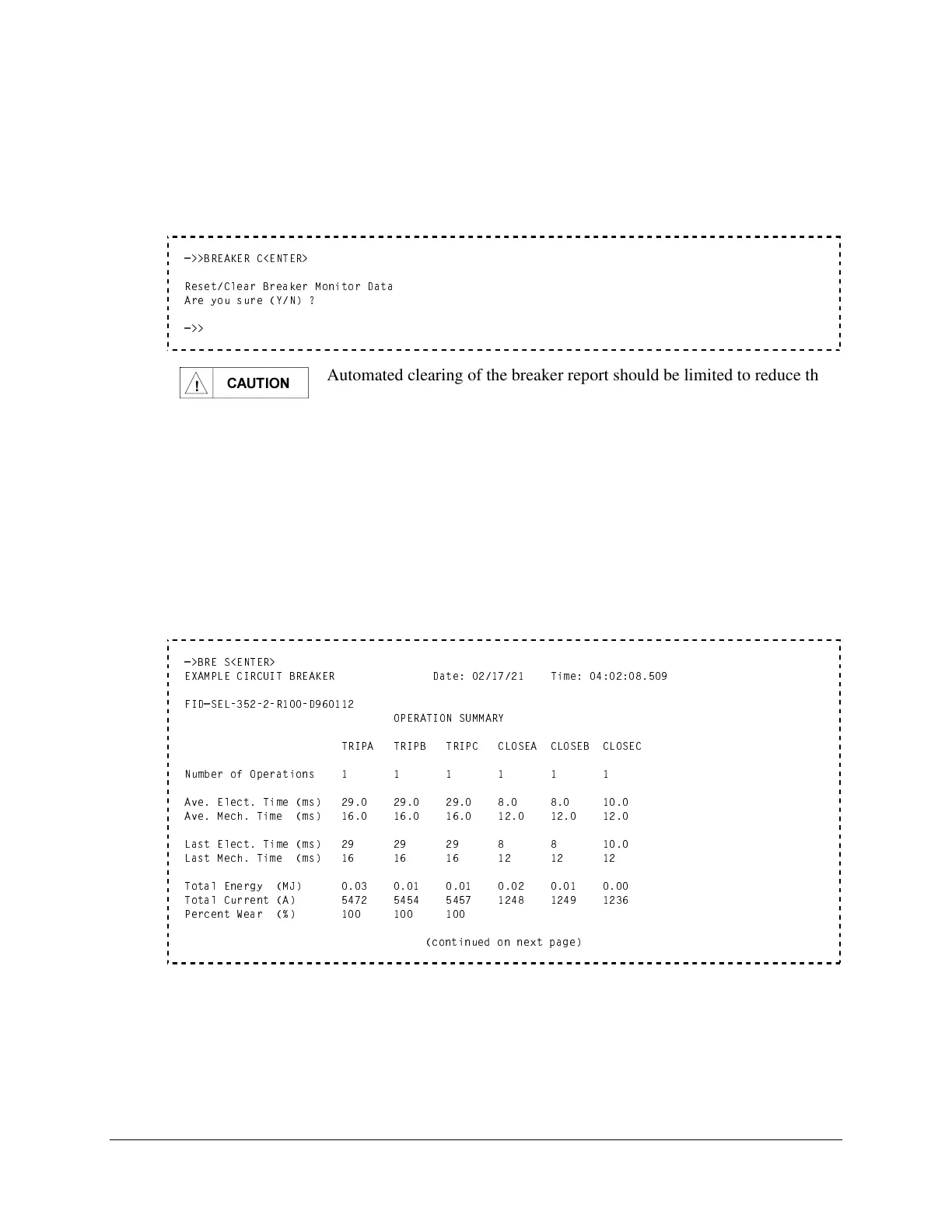
Reset the breaker operations, operation summary, and breaker alarm counters by clearing the
report with the BRE C or BRE R command. BRE R is only available in the SEL-352-2 Relay.
=>>BREAKER C<ENTER>
Reset/Clear Breaker Monitor Data
Are you sure (Y/N) ?
=>>
&$87,21
Automated clearing of the breaker report should be limited to reduce the
possibility of wearing out the nonvolatile memory. Limit automated
BRE C commands to once per week or less.
BRE S (Breaker Report Summary)
Access Level 1
Use the BREAKER S command to view only the breaker operation summary and the breaker
alarms. This provides the average breaker operation times and the time for the last operation.
Compare these two values to determine if the breaker is slowing down and requires maintenance.
Refer to Section 6: Metering and Monitoring, Breaker Monitor for more information and a
complete description of the report. Percent wear is only available in the SEL-352-2 Relay.
=>BRE S<ENTER>
EXAMPLE CIRCUIT BREAKER Date: 02/17/21 Time: 04:02:08.509
FID=SEL-352-2-R100-D960112
OPERATION SUMMARY
TRIPA TRIPB TRIPC CLOSEA CLOSEB CLOSEC
Number of Operations 1 1 1 1 1 1
Ave. Elect. Time (ms) 29.0 29.0 29.0 8.0 8.0 10.0
Ave. Mech. Time (ms) 16.0 16.0 16.0 12.0 12.0 12.0
Last Elect. Time (ms) 29 29 29 8 8 10.0
Last Mech. Time (ms) 16 16 16 12 12 12
Total Energy (MJ) 0.03 0.01 0.01 0.02 0.01 0.00
Total Current (A) 5472 5454 5457 1248 1249 1236
Percent Wear (%) 100 100 100
(continued on next page)



 To Next Page