Date Code 20010731 Serial Port Communications and Commands 8-41
SEL-352-1, -2 Instruction Manual
The default row number returns to 0 when the serial port times out, the QUIT command is
executed, the TAR 0 command is executed, or the TAR R command is executed.
The front-panel LEDs remain remapped until the front panel times out, the TAR R command is
executed, or the <TARGET RESET> button is pushed.
Refer to Appendix F: Relay Word for a list of the Relay Word and the corresponding rows.
TAR R (Reset Targets)
Access Level 1
The TARGET R command resets the default row for the TAR and TAR F commands to 0, and
remaps the second row of front-panel LEDs to display Row 1, which is the standard target
display.
Use the TAR R command to return the front-panel LEDs to the standard targets when you are
done using the TAR or TAR F command for testing.
TIM (Time)
Access Level 1
The TIME command displays or sets the time stored by the internal clock. View the current
time with TIM<ENTER>. To set the clock, type TIM t1<ENTER> where t1 is the new time in
h:m:s and the seconds are optional. Separate the hours, minutes, and seconds with colons,
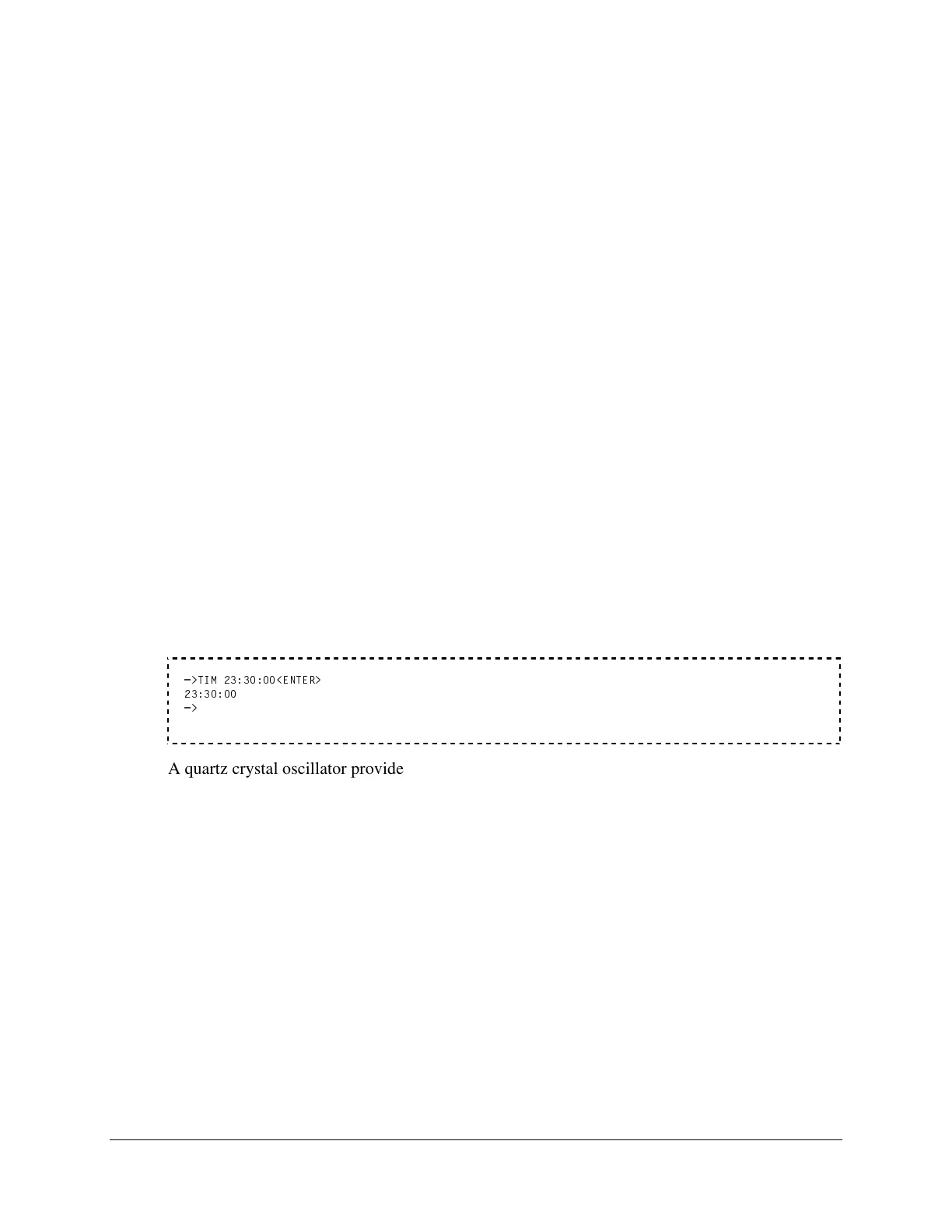
semicolons, spaces, commas, or slashes. The following example sets the clock to 23:30:00:
=>TIM 23:30:00<ENTER>
23:30:00
=>
A quartz crystal oscillator provides the time base for the internal clock. You can also set the
time clock automatically through the relay time-code input using a source of demodulated IRIG-
B time-code.
Note: After setting the time, allow at least 60 seconds before powering down the relay or the
new setting may be lost.
TRI (Trigger An Event)
Access Level 1
The TRIGGER command generates an event record. The command is a convenient way to
record all inputs and outputs from the relay at any time you desire (e.g., testing or
commissioning). The event type is recorded as INT for internal triggering any time the relay is
triggered.



 To Next Page