Date Code 20010731 Serial Port Communications and Commands 8-19
SEL-352-1, -2 Instruction Manual
DAT (Date)
Access Level 1
The DATE command displays or sets the date stored by the internal calendar/clock. Simply
typing DAT<ENTER> displays the date. Set the date by typing DATE d1<ENTER> where d1
is either mm/dd/yy or yy/mm/dd depending on the SET G date format setting DATE_F. View
the date from Access Level 1, but the date can only be changed from Access Level 2. The
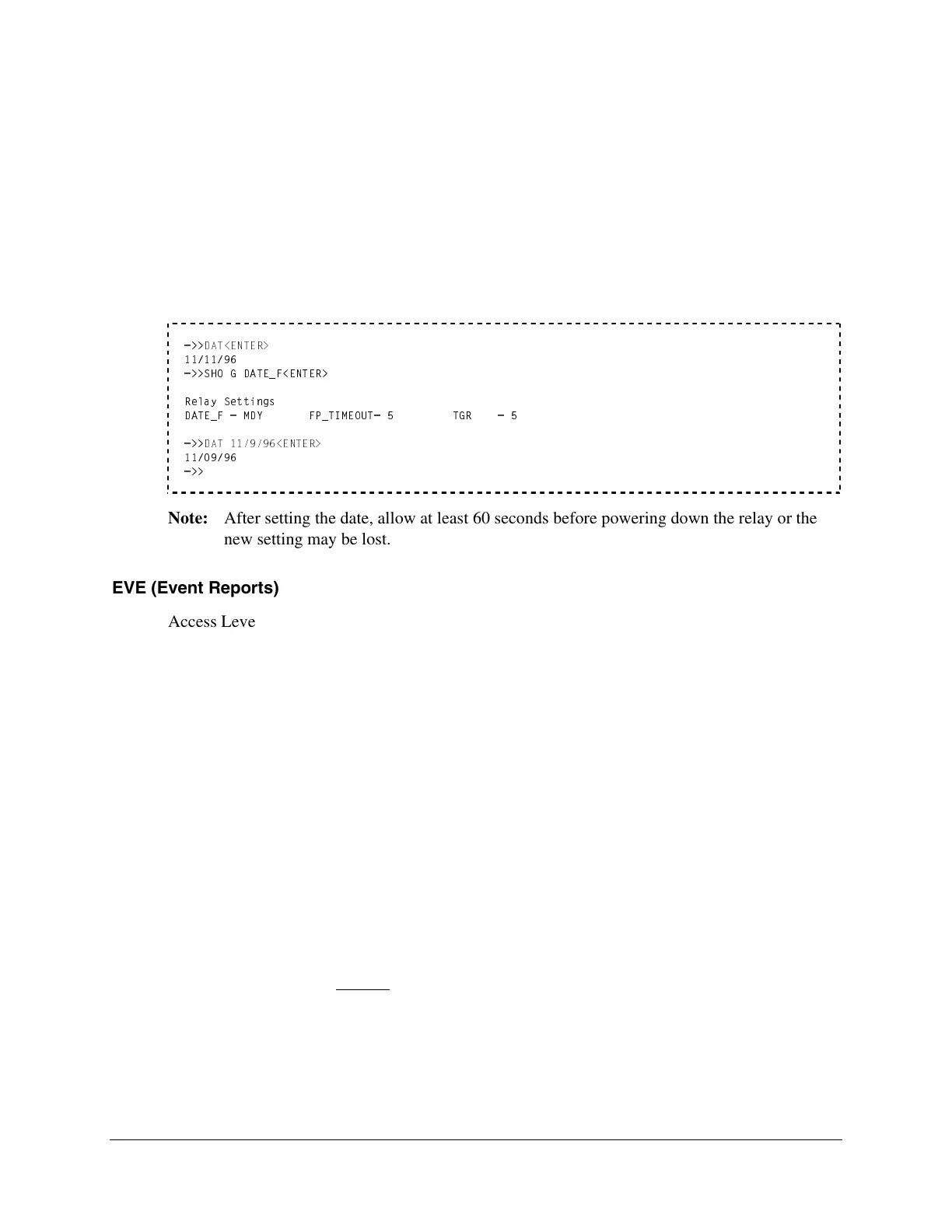
following example views the current date, verifies the DATE_F setting, and changes the date.
Note that single digit numbers may be entered without leading zeros like the 9 in 11/9/96.
=>>
DAT<ENTER>
11/11/96
=>>SHO G DATE_F<ENTER>
Relay Settings
DATE_F = MDY FP_TIMEOUT= 5 TGR = 5
=>>
DAT 11/9/96<ENTER>
11/09/96
=>>
Note: After setting the date, allow at least 60 seconds before powering down the relay or the
new setting may be lost.
EVE (Event Reports)
Access Level 1
The EVENT command displays an event report. Optional parameters are specified to determine
the event displayed and its format. Refer to Event Reports in Section 10: Event Reports and
SER for a complete description of the event reports.
The entire syntax of the EVENT command is as follows:
EVE n A Ss Lc
The parameters may be entered in any order following the three-letter command EVE, but must
be separated by spaces or commas. The following is a summary of the parameters followed by
some examples:
n n specifies event number according to the HIS command.
A A specifies the alternate report showing VY (not VX and I).
Ss Ss specifies the samples per cycle (s = 4, 8, 16, 64).
Lc Lc specifies the length in cycles (c = 1 to LER setting).
EVE (Defaults) Display
Most recent event (EVE 1)
VX and I analogs, standard digitals
4 samples per cycle
All available cycles



 To Next Page