Date Code 20010731 Testing and Troubleshooting 11-5
SEL-352-1, -2 Instruction Manual
to get the Access Level 0 response from the relay. The = prompt should
appear, indicating that you have established communications at Access
Level 0.
The ALARM relay should pull in, holding its “b” contacts open.
If the relays pull in, but your terminal does not respond with the equals
sign, check the terminal configuration. If neither occurs, turn off the
power, and refer to the Troubleshooting Guide later in this section.
The = prompt indicates that communications with the relay are at Access
Level 0, the first of four possible levels. The only command accepted at
this level is ACC <ENTER>, which opens communications on Access
Level 1.
Note: If you are using a battery simulator, be sure the simulator voltage level is
stabilized before turning the relay on.
Step 6.
Purpose: Establish Access Level 1 communications.
Method: Type ACC <ENTER>. At the prompt, enter the Access Level 1
password and press <ENTER>. (See PAS (Passwords) in Section 8:
Serial Port Communications and Commands for factory default
passwords.) The => prompt should appear, indicating that you have
established communications at Access Level 1.
Step 7.
Purpose: Verify relay self-test status.
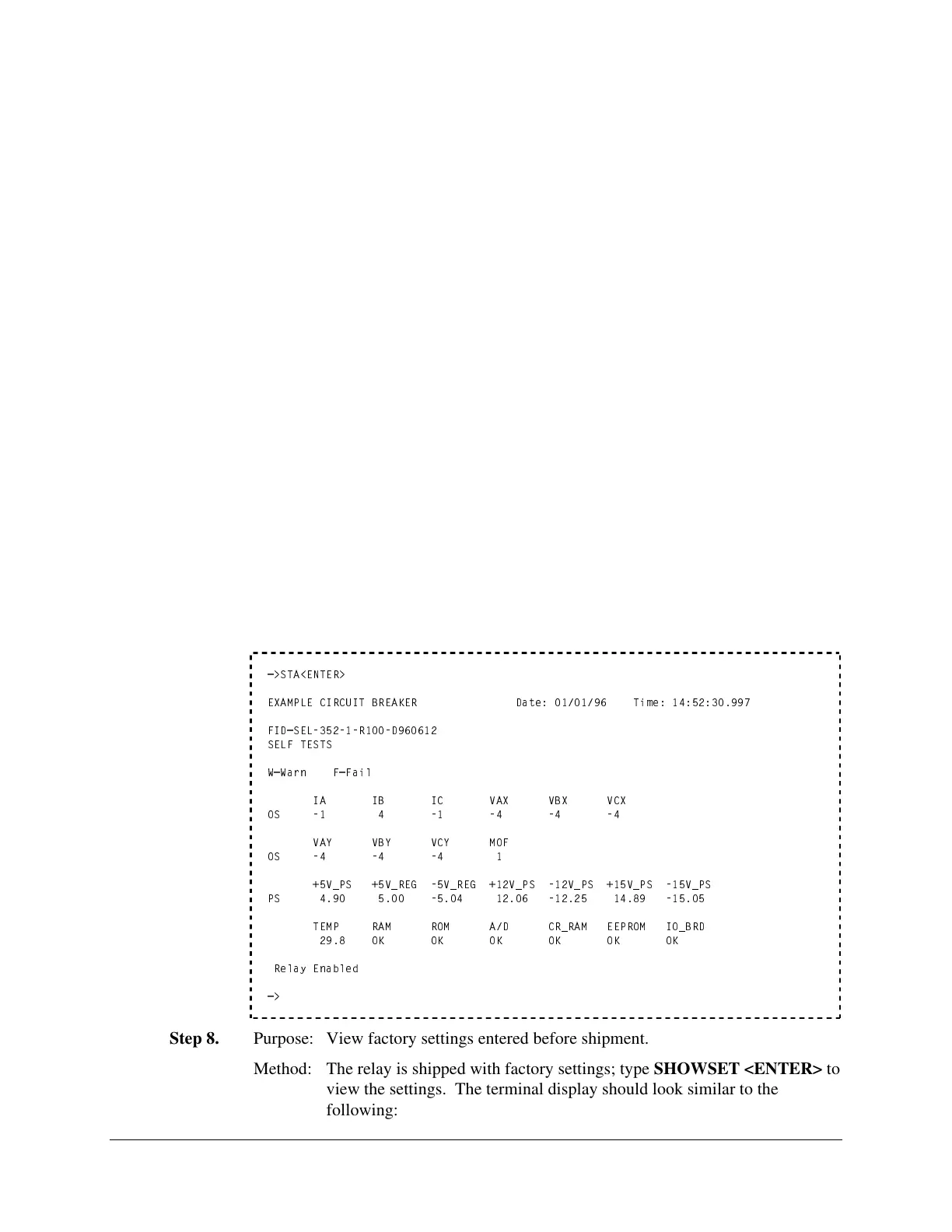
Method: Type STA <ENTER>. The following display should appear on the
terminal:
=>STA<ENTER>
EXAMPLE CIRCUIT BREAKER Date: 01/01/96 Time: 14:52:30.997
FID=SEL-352-1-R100-D960612
SELF TESTS
W=Warn F=Fail
IA IB IC VAX VBX VCX
OS -1 4 -1 -4 -4 -4
VAY VBY VCY MOF
OS -4 -4 -4 1
+5V_PS +5V_REG -5V_REG +12V_PS -12V_PS +15V_PS -15V_PS
PS 4.90 5.00 -5.04 12.06 -12.25 14.89 -15.05
TEMP RAM ROM A/D CR_RAM EEPROM IO_BRD
29.8 OK OK OK OK OK OK
Relay Enabled
=>
Step 8.
Purpose: View factory settings entered before shipment.
Method: The relay is shipped with factory settings; type SHOWSET <ENTER> to
view the settings. The terminal display should look similar to the
following:


 To Next Page