Date Code 20080110 Front-Panel Operation 8-1
SEL-387E Instruction Manual
SECTION 8: FRONT-PANEL OPERATION
F
RONT
-P
ANEL
O
PERATION
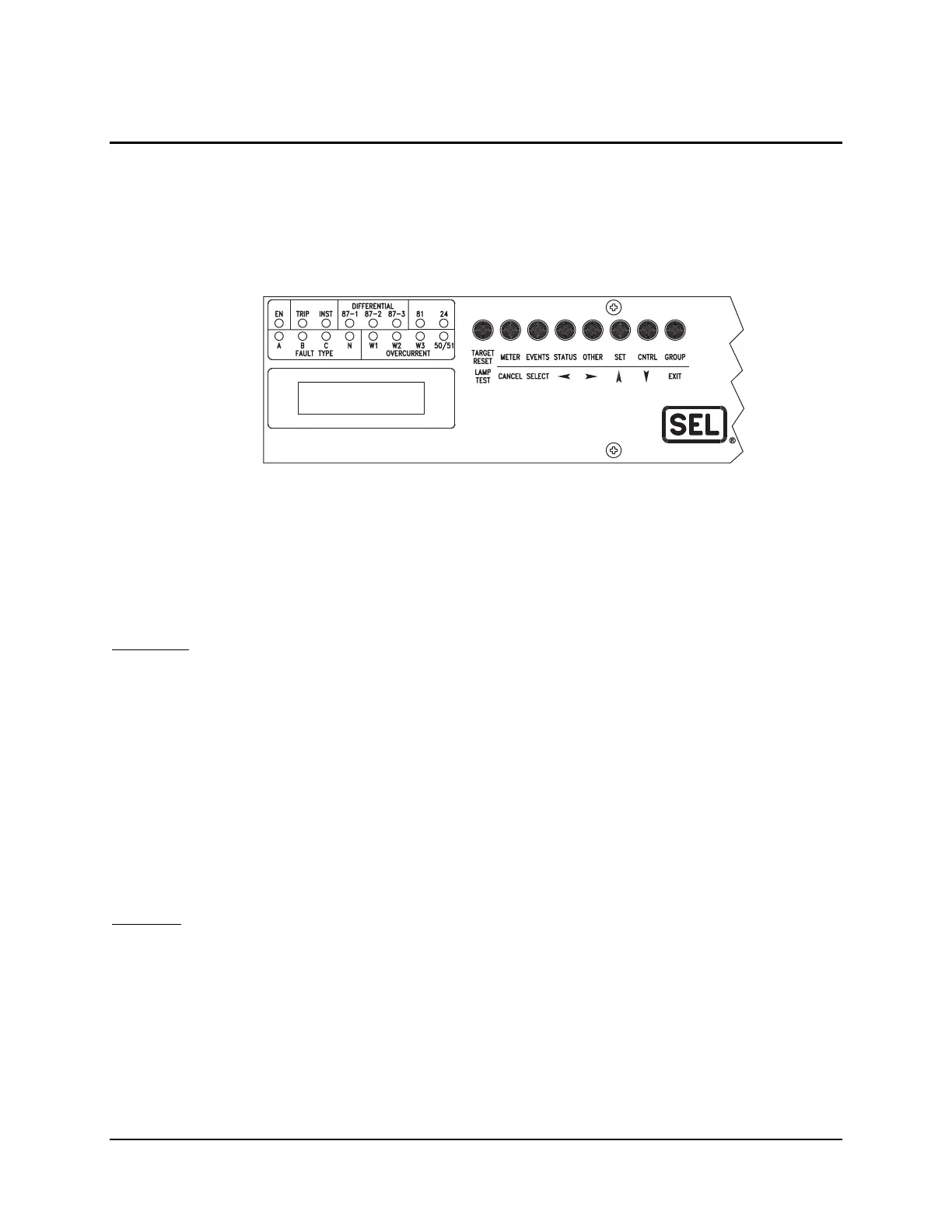
A close-up view of the user interface portion of the SEL-387E Relay front panel is shown in
Figure 8.1. It includes a two-line, 16-character LCD; 16 LED target indicators; and eight
pushbuttons for local communication.
W1 W2 W3 V CMBO
DIF DC F PWR ENG
Figure 8.1: SEL-387E Relay Front-Panel User Interface
The LCD shows event, metering, setting, and relay self-test status information. The display is
controlled with the eight multifunction pushbuttons. The target LEDs display relay target
information as described by the legend. The bottom row can be remapped to display a Relay
Word row of bits, in response to the TAR F serial port command.
Time-Out
If no buttons are pressed on the front panel, the relay waits for a period specified in the SET G
setting FP_TO (Front-Panel Time-Out) and then takes the following actions:
• The front-panel LCD resets to the default display.
• The front-panel access level reverts to Access Level 1.
• The LCD backlighting is turned off.
• Any routine being executed via a front-panel command is interrupted.
• The target LEDs (lower row) revert to the default targets.
FP_TO is factory set to 15 minutes and can be set from 1 to 99 minutes.
Displays
The LCD is controlled by the pushbuttons, automatic messages the relay generates, and user-
programmed Display Points. These Display Points are discussed at the end of this section in
more detail. The default display is a scroll through any active, nonblank Display Points. If none
are active, the relay scrolls through four two-line displays of the A-, B-, and C-phase currents
and voltages in primary quantities. If the Analog Input Label settings (IAW1, etc.) have been
renamed, these will appear in the display as set. Each display remains for two seconds, before
scrolling continues. Any message generated by the relay due to an alarm condition takes



 To Next Page