8-14 Front-Panel Operation Date Code 20080110
SEL-387E Instruction Manual
MANUAL TRIP 1←→
Position: RETURN
Lo
ical
LB3
Relay
Word
Bit
RETURN
(logical 0)
MANUAL TRIP
TRIP
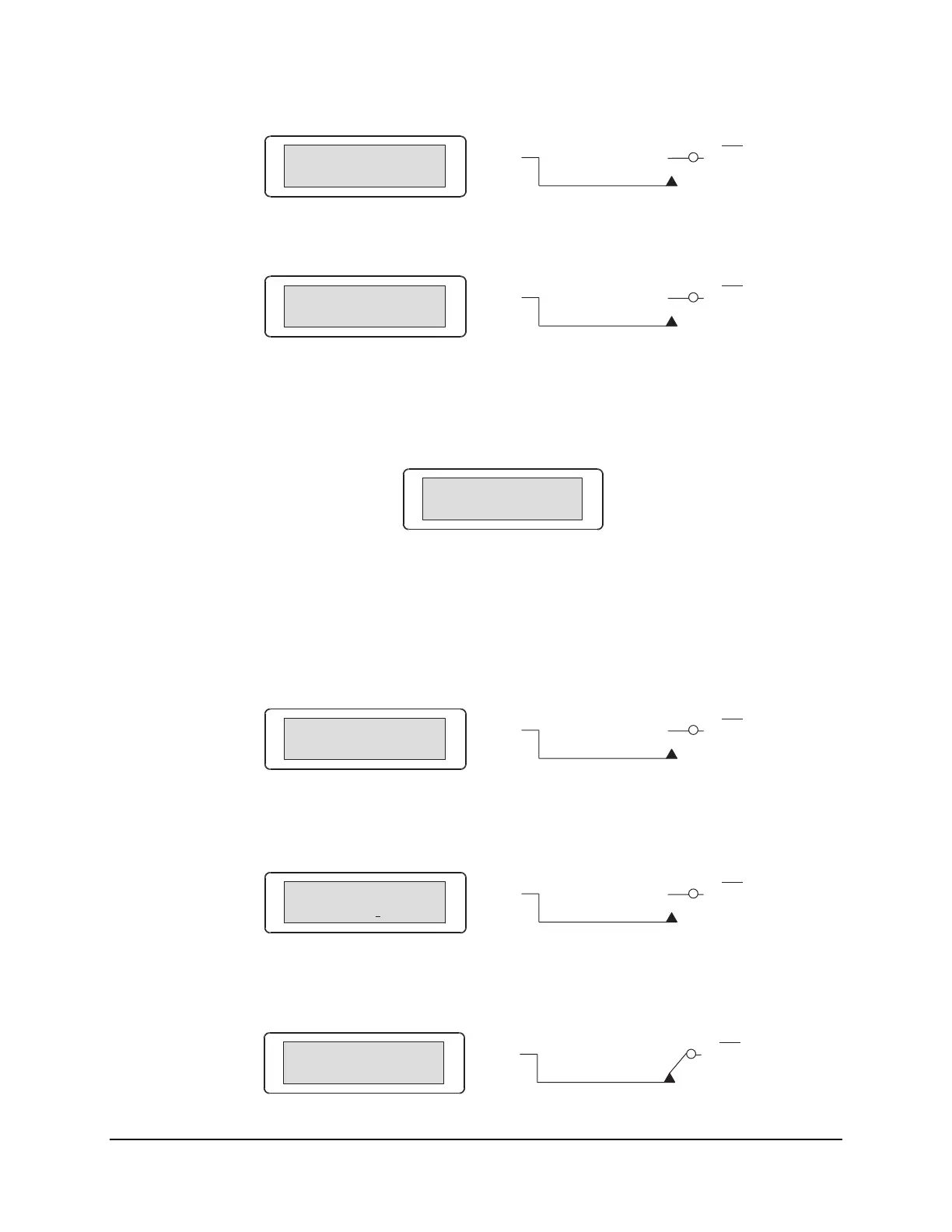
Press the right arrow pushbutton and scroll to the next set local control switch.
MANUAL CLOSE 1←→
Position: RETURN
Lo
ical
LB4
Relay
Word
Bit
RETURN
(logical 0)
MANUAL CLOSE
CLOSE
The MANUAL TRIP 1: RETURN/TRIP and MANUAL CLOSE 1: RETURN/CLOSE switches
are both OFF/MOMENTARY switches (see
Figure 8.4).
There are no more local control switches in the factory default settings. Press the right arrow
pushbutton and scroll to the "output contact testing" function.
Output Contact ←→
Testing
This front-panel function provides the same function as the serial port PUL command.
Operate Local Control (With Factory Settings)
Press the right arrow pushbutton, and scroll back to the first set local control switch in the
factory default settings.
MANUAL TRIP 1←→
Position: RETURN
Lo
ical
LB3
Relay
Word
Bit
RETURN
(logical 0)
MANUAL TRIP
TRIP
Press the SELECT pushbutton, and the operate option for the displayed local control switch
displays.
MANUAL TRIP 1
Trip? Yes No ←→
Lo
ical
LB3
Relay
Word
Bit
RETURN
(logical 0)
MANUAL TRIP
TRIP
Scroll left with the left arrow button and then select “Yes.” The display then shows the new
local control switch position.
MANUAL TRIP 1
Position: TRIP
Lo
ical
LB3
Relay
Word
Bit
RETURN
(logical 0)
MANUAL TRIP
TRIP



 To Next Page