Date Code 20080110 SEL-300 Series Relays Firmware Upgrade Instructions B-9
SEL-387E Instruction Manual
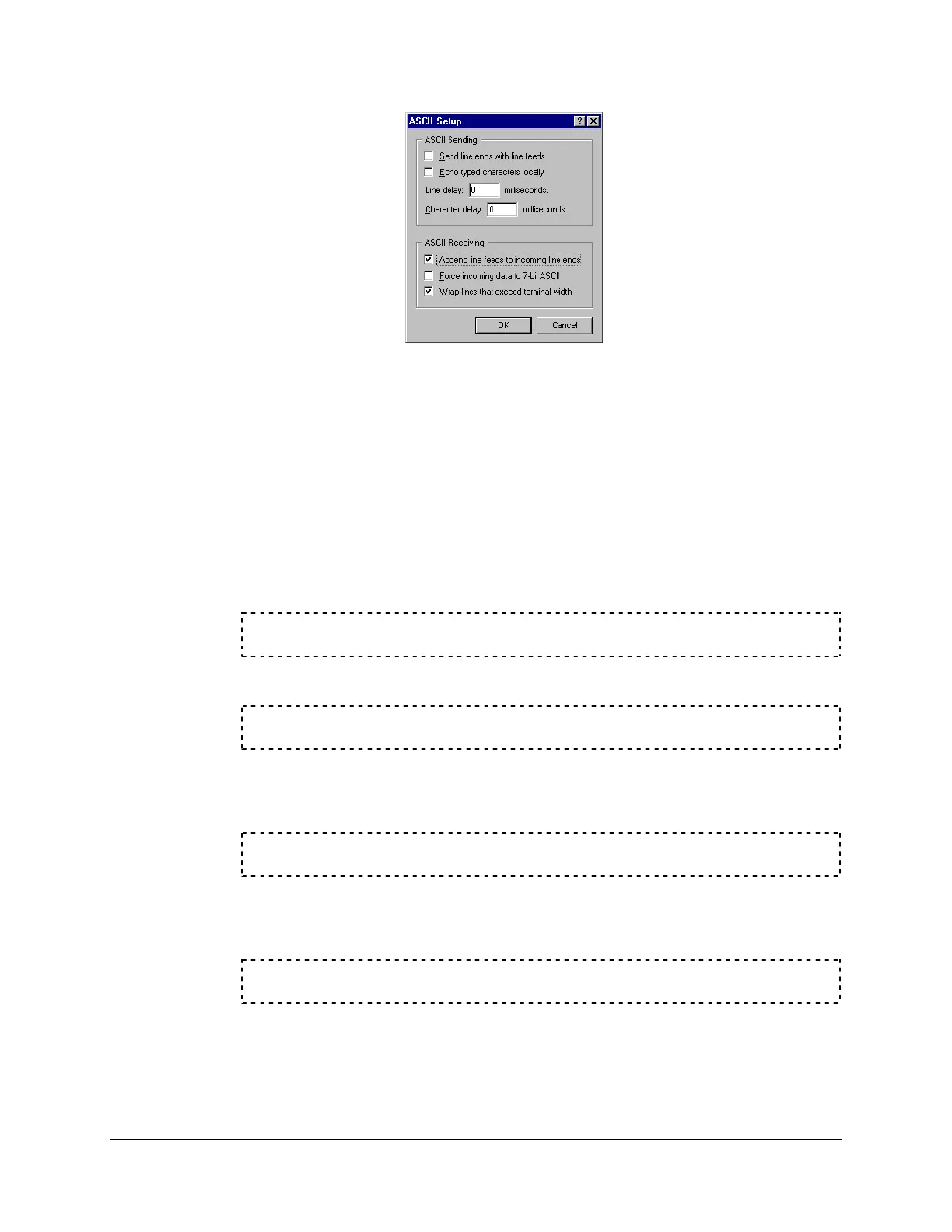
Figure B.8: Preparing HyperTerminal for ID Command Display
e. Click OK twice to go back to the terminal emulation window.
f. Type ID <Enter> and record the FID number the relay displays.
g. Repeat Step a through Step c, then uncheck the Append line feeds to incoming
line ends check box. (This feature can cause problems when uploading
firmware to the relay.)
Step 2. From the computer, start the SEL
BOOT
program.
a. From the Access Level 2 =>> prompt, type the following:
L_D <Enter>
The relay responds with the following:
Disable relay to send or receive firmware (Y/N)?
b. Type Y <Enter>.
The relay responds with the following:
Are you sure (Y/N)?
c. Type Y <Enter>.
The relay responds with the following:
Relay Disabled.



 To Next Page