20
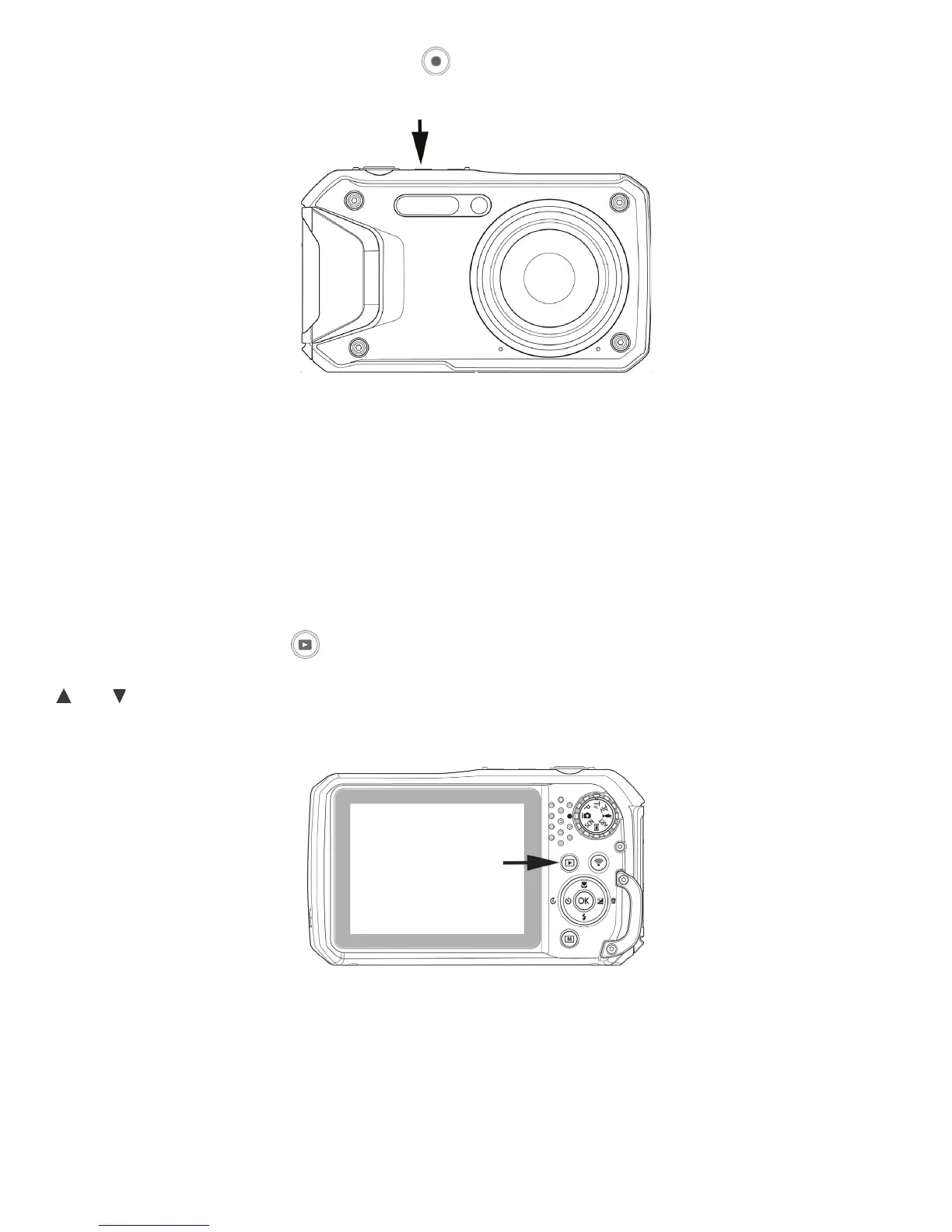
3) Record a video: Pushthevideobutton downtostartrecording.Pushvideobuttonagainto
stoprecording.
Note:Pushingandholdingtheshutterbuttonhalfwaywillfocusthecameraonthesubject.Agreen
focusboxindicatesthecamerahasaccuratelyfocusedonasubject.Aredfocusboxindicatesthe
camerahasNOTaccuratelyfocusedonasubject.Thisfunctionisusefulforcheckingthatthecamera
hasfocusedonasubjectbeforeshooting.
Playback pictures and video clips
PushthePlayback button afterthecameraisturnedontoviewandeditcapturedimagesor
playbackvideos.Therecordingofvoicememoattachedtoimagesisavailableinthismode.Usethe
and keystoscrollthoughimages.Pleaseseepage62formoredetailsaboutPlaybackmode.



 To Next Page